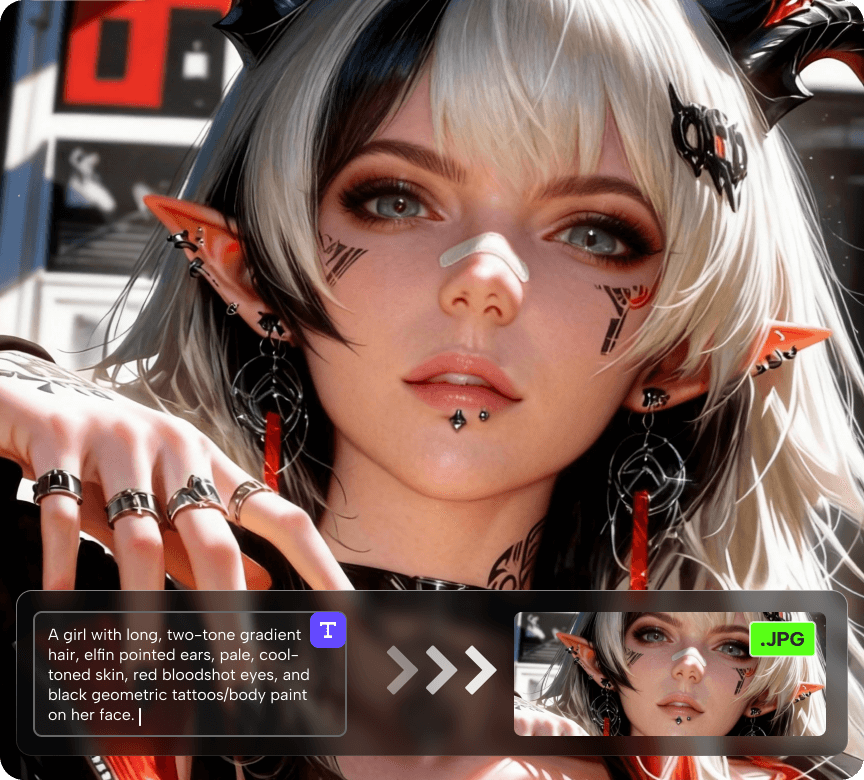
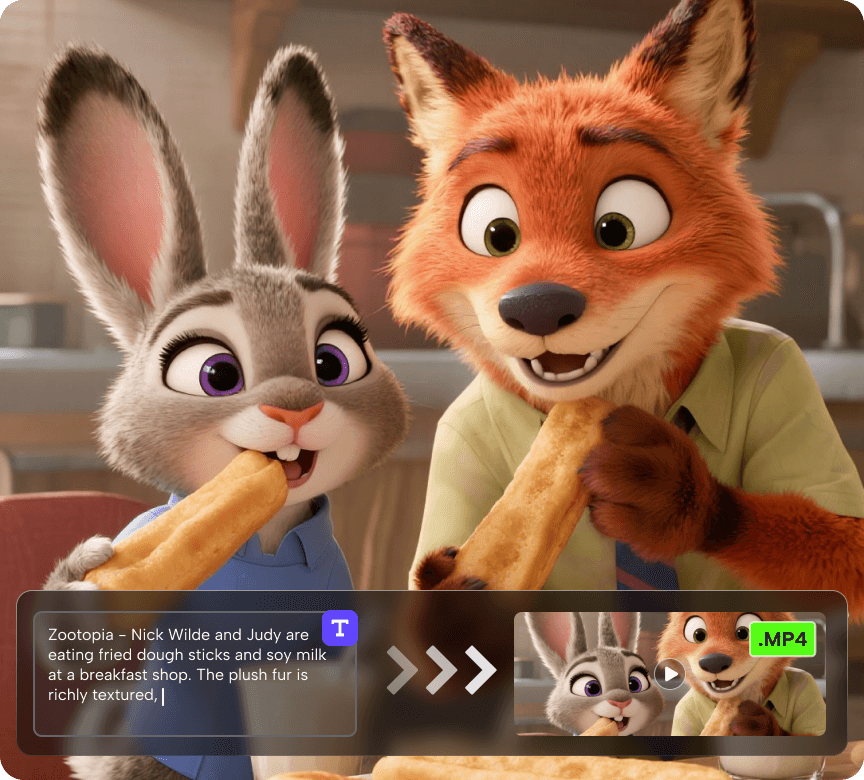
Resources


 Trending Articles

AI Animation Video Generator & Image Animator – Turn Images & Text Into Animated Videos
Generate AI animation videos in one click. Convert text prompts or images into animated videos for YouTube, TikTok, or presentations - free and easy to use.

 Click to upload an image
Supported formats: JPG/PNG
Max file size: 10MB
Click to upload an image
Supported formats: JPG/PNG
Max file size: 10MB
120+
Countries Worldwide
2M+
Satisfied Customers
15M+
Active Users
10Y+
Experience in Software
Trusted by Top-Tier Media Wordwide






 Ethan Miller
 Noah Garcia
 Olivia Bennett
 Isabella Parker
 Liam Anderson
 Sophia Carter
 Amelia Brooks
 Chloe Rivera
Ethan Miller
Noah Garcia
Olivia Bennett
Isabella Parker
Liam Anderson
Sophia Carter
Amelia Brooks
Chloe Rivera
Chloe Rivera
Ethan Miller
Noah Garcia
Olivia Bennett
Isabella Parker
Liam Anderson
Sophia Carter
Amelia Brooks
Chloe Rivera
How to Create an AI Animated Video From Text or Image
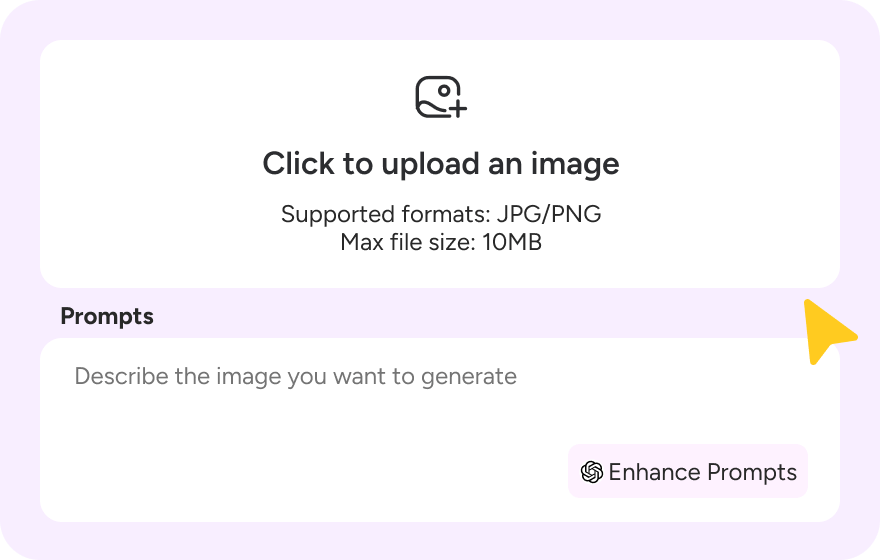
Step 1: Enter Your Idea
Type a text prompt or upload an image to describe the animation you want to create.
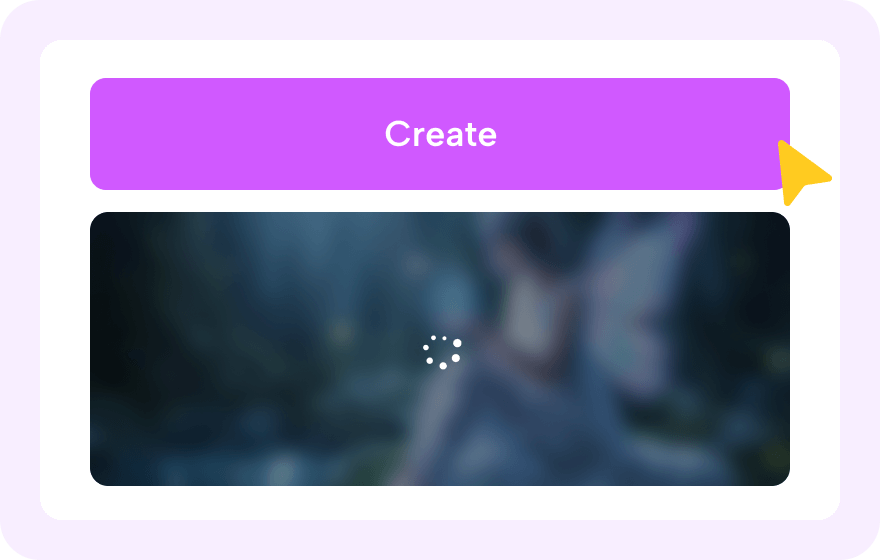
Step 2: Choose Style & Settings
Select animation style, duration, and aspect ratio to match your content purpose.
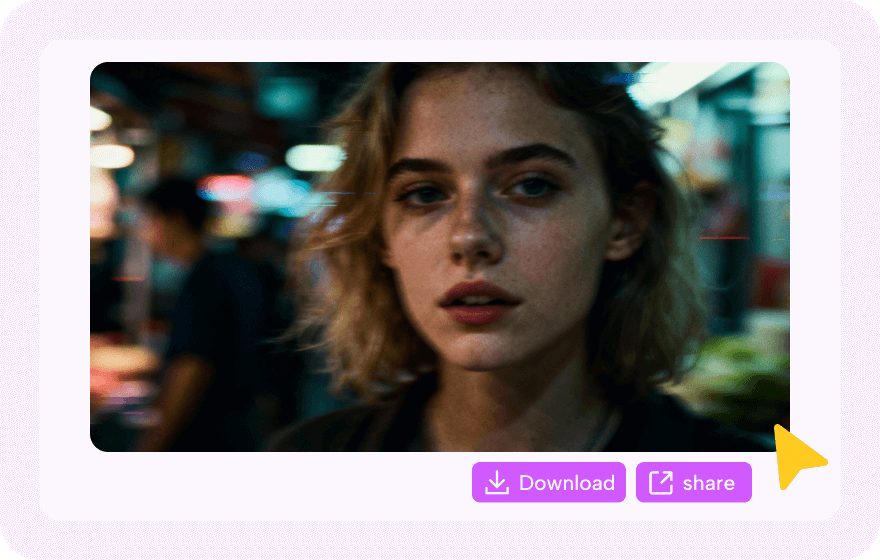
Step 3: Generate & Download
Click "Create" and export your animation video instantly, ready to share anywhere.
Trending Anime Prompts for AI Animation Video Generator
Best AI Animation Video Generator Use Cases
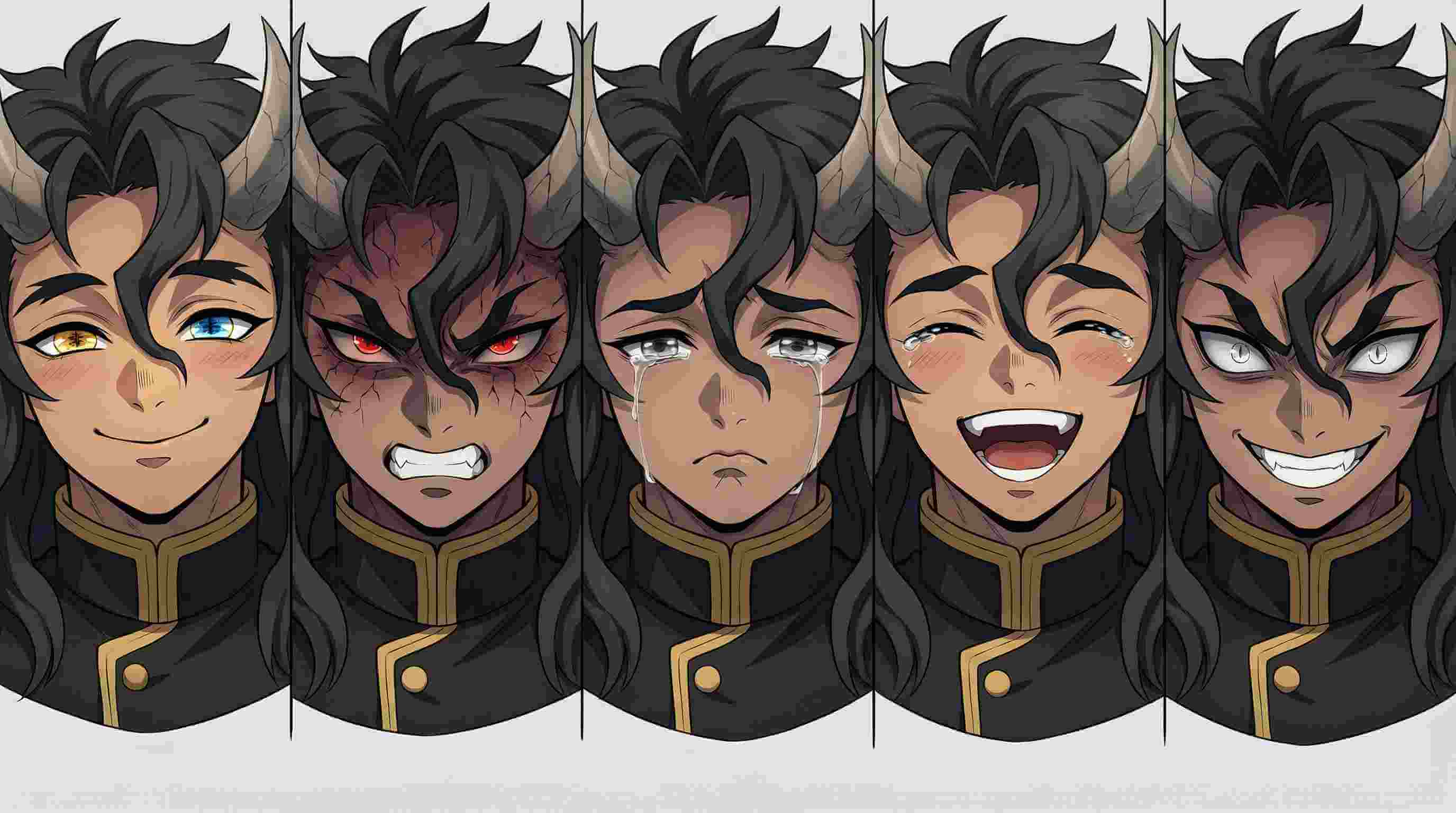
Convey Emotions Visually
Anime video scenes can communicate moods such as affection, apology, or nostalgia in a clear and immediate way, making them suitable for messages where plain text feels limited.
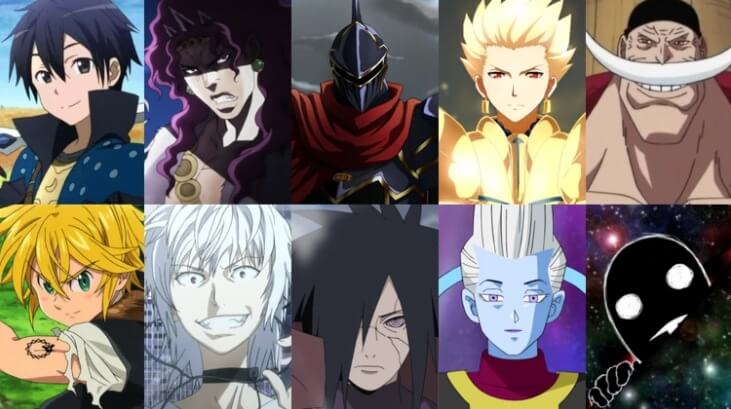
Create Fan-Style Edits
Users can generate alternate story moments, character pairings, or reaction clips to recreate fandom-style edits without manual animation skills.
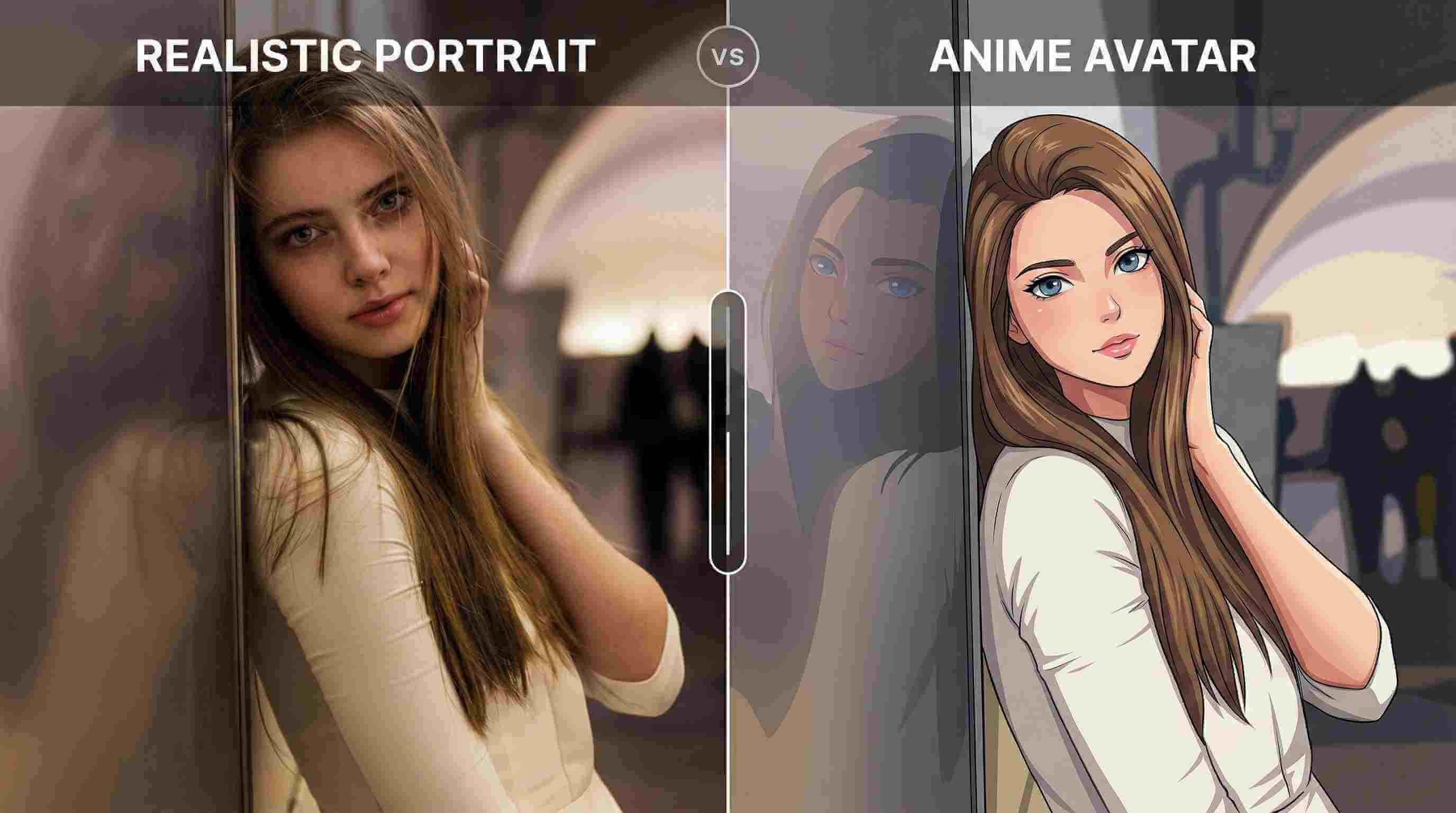
Personalize Online Profiles
Short animated loops work well as avatars, banners, and background visuals across social and community platforms, helping profiles appear more dynamic and recognizable.
About AI Animation Video Generator

The generator is built for simplicity and speed - enter a description, choose a style such as anime or cinematic motion, and the AI produces a ready-to-share video in minutes. It works well for social media posts, storytelling clips, wallpapers, and creative projects.


Discover More AI Animated Video Generator
FAQs About AI Animated Video Maker
1. What is an AI animation video generator?
An AI animation video generator is a tool that creates animated videos automatically from a short text description or an uploaded image. Instead of manually drawing frames, you simply describe the scene, and the system generates motion, camera movement, and visual style for you.
2. Can I animate an image into a video?
Yes. An AI image animator can turn a still picture into a short video by adding motion such as camera panning, character movement, lighting changes, or background effects.
3. Is there a free AI image animator online?
Yes. Many platforms offer a free AI image animator with limited credits so you can test the results before exporting longer or higher-resolution videos. This is useful for checking animation quality without committing to a paid plan.
4. What is the best AI animation video generator for beginners?
For beginners, the best choice is usually a browser-based AI animation video generator that works from both text and images. A simple workflow - enter a prompt, upload an image, and generate - removes the need for editing software or animation experience.
5. Which AI can make animation videos?
Modern generative AI tools trained on video and motion data can create animation videos from prompts or images. Most online generators combine text-to-video and image-to-animation features in one interface.
6. How do I animate a photo with AI?
Upload a photo to an AI image animator, describe the motion you want (for example camera movement, expression change, or environmental effects), and generate the animation. The system automatically produces the video clip.
7. What is the difference between an AI image animator and an AI animation video generator?
An AI image animator starts with an existing picture and adds motion to it. An AI animation video generator is broader - it can animate images but also create videos directly from text prompts without needing a source image.
More Styles, More AI
Take Your Creativity Further with Our Other AI Video Generators
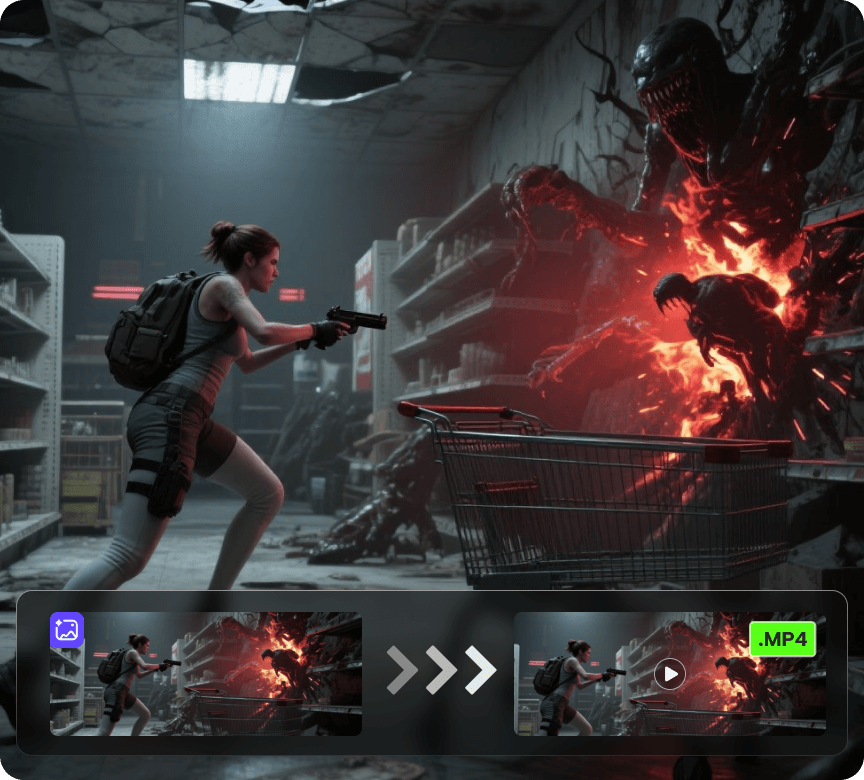
AI Video Generator
Create videos from a photo or a prompt. Add smooth motion, camera moves, and cinematic effects for social clips, product shots, and story scenes.