

 Resources


 Trending Articles


AI Short Drama Generator – Convert Script into Mini Series
Turn story ideas into complete short dramas instantly. AI creates consistent characters, natural dialogue, and cinematic flow—no filming or editing needed.
120+
Countries Worldwide
2M+
Satisfied Customers
15M+
Active Users
10Y+
Experience in Software
Trusted by Top-Tier Media Wordwide






 Ethan Miller
 Noah Garcia
 Olivia Bennett
 Isabella Parker
 Liam Anderson
 Sophia Carter
 Amelia Brooks
 Chloe Rivera
Ethan Miller
Noah Garcia
Olivia Bennett
Isabella Parker
Liam Anderson
Sophia Carter
Amelia Brooks
Chloe Rivera
Chloe Rivera
Ethan Miller
Noah Garcia
Olivia Bennett
Isabella Parker
Liam Anderson
Sophia Carter
Amelia Brooks
Chloe Rivera
What Can Novi AI Drama Generator Do?
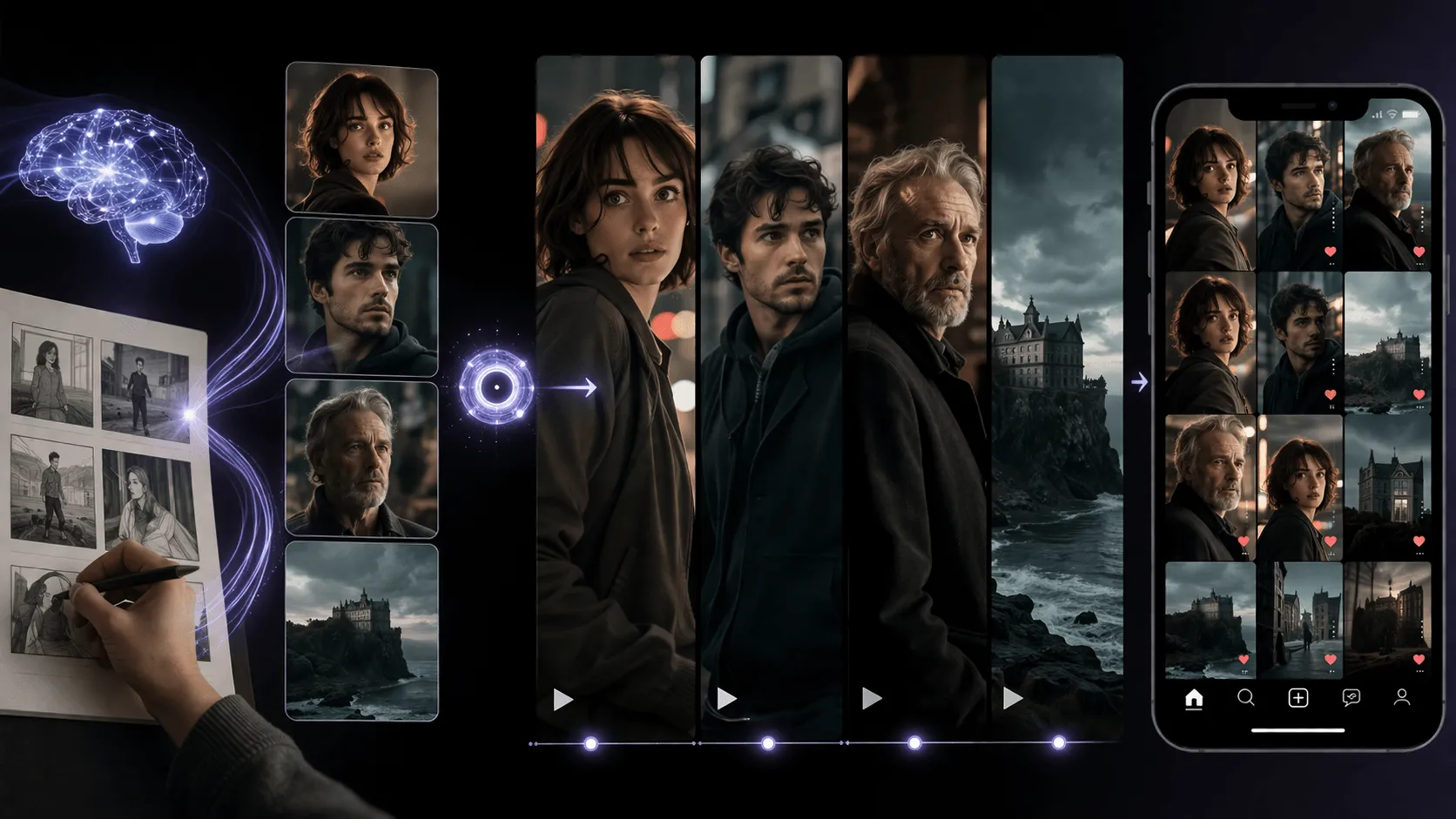
Social Media Storytelling
Turn scripts or ideas into binge-worthy TikTok and Shorts series. Keep character faces, voices, and styles consistent across clips to build a recognizable AI persona or story brand.
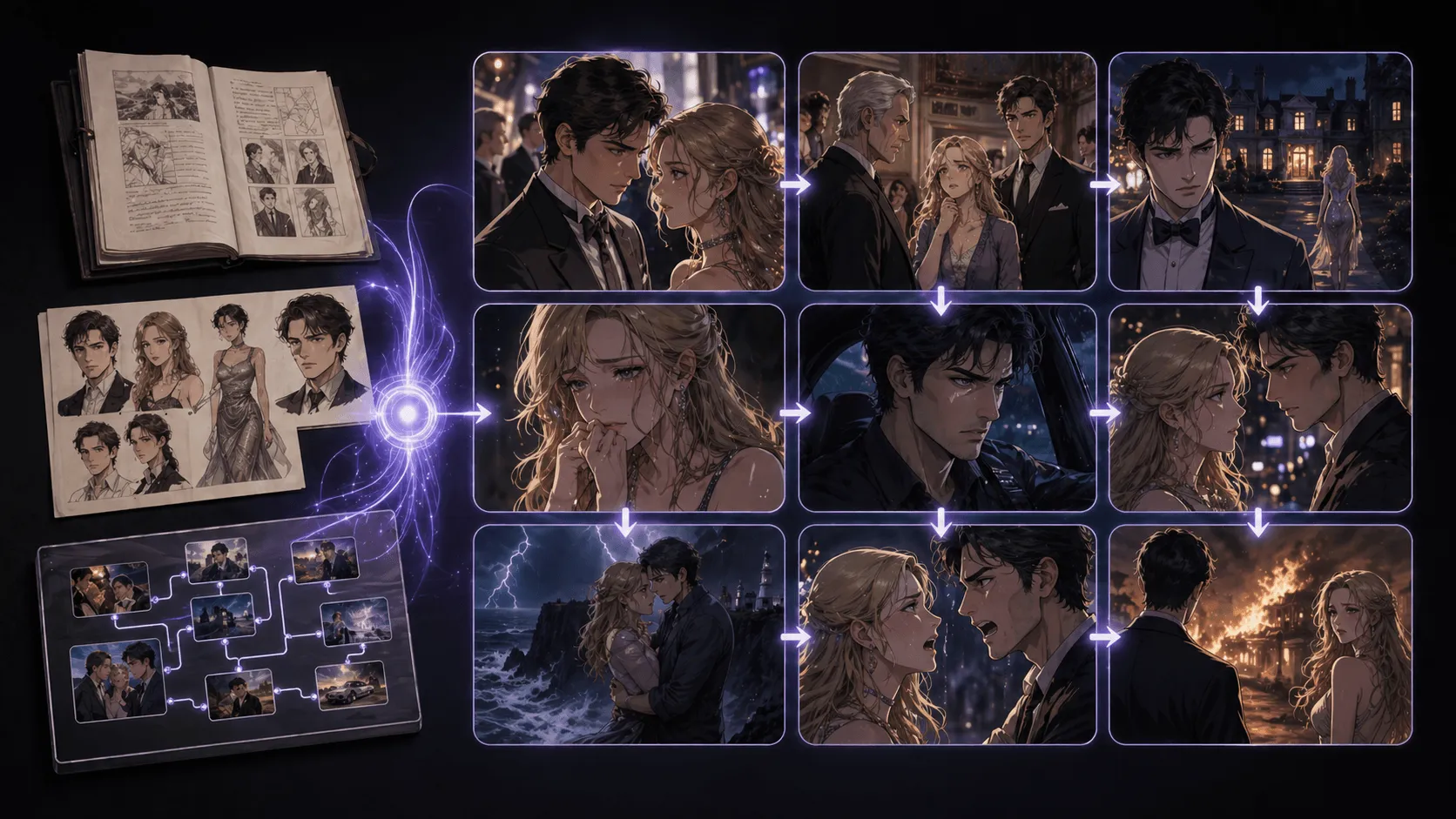
Short Drama Production
Create serialized mini-dramas from scripts, novels, or story outlines. Build romance, mystery, fantasy, or soap-opera-style episodes with consistent characters and cliffhangers.
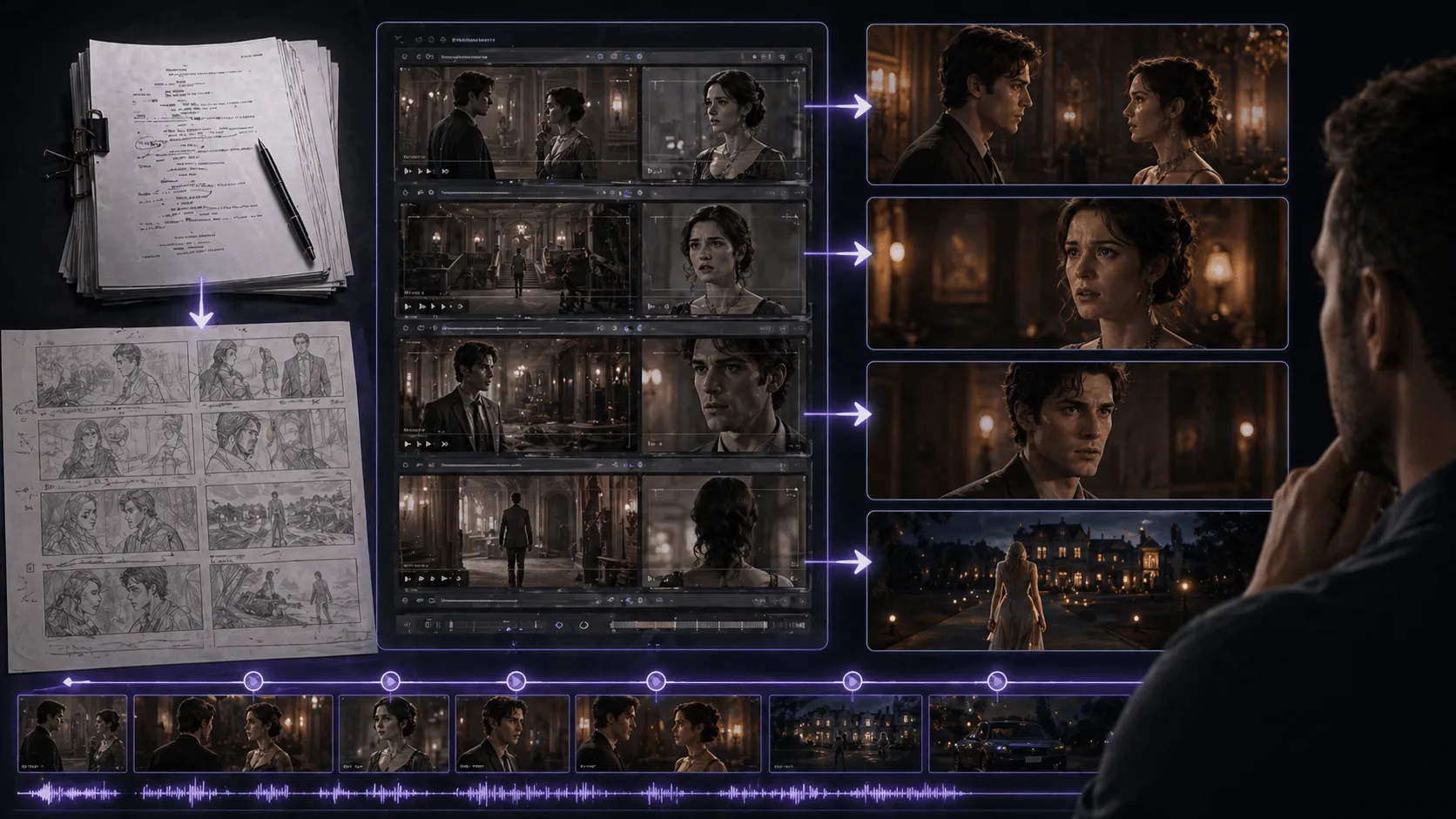
Script Pre-Visualization
See scripts acted out with cinematic scenes, synced dialogue, and recurring characters. Test pacing, tone, and story flow before investing in full production.
Why Novi AI Short Drama Generator Is Better
- Story ideas are hard to turn into complete short drama scripts
- Characters often look or behave inconsistently across scenes
- Visual style changes from shot to shot, breaking immersion
- Dialogue, narration, subtitles, and visuals are difficult to sync
- Expand ideas into complete stories and scripts with AI
- Keep characters consistent across scenes and storylines
- Maintain a unified visual style with smooth shot-to-shot flow
- Sync dialogue, narration, subtitles, and visuals for natural short dramas
How to Make a Short Drama from Script?
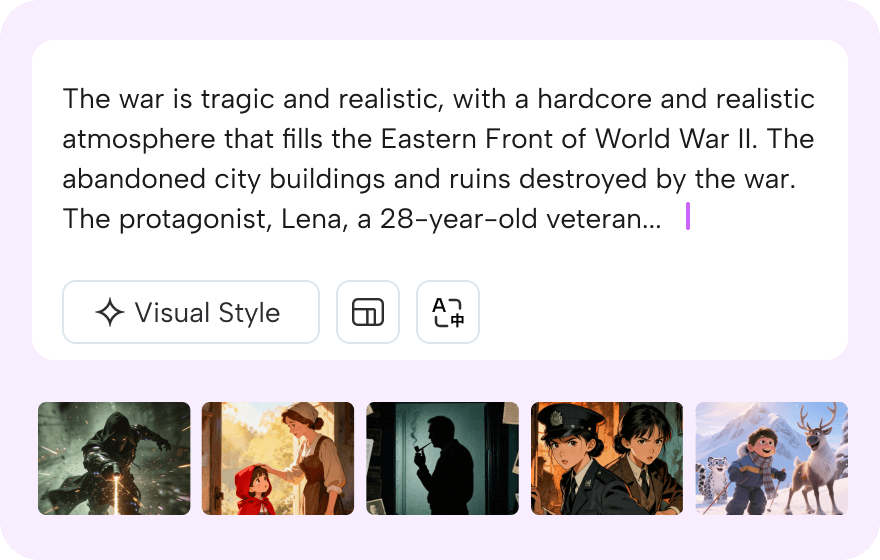
Step 1: Share your story
Paste your story idea or script. The video agent will analyze your narrative and prepare to bring it to life with consistent characters, unified visual style, and natural dialogue across every scene.
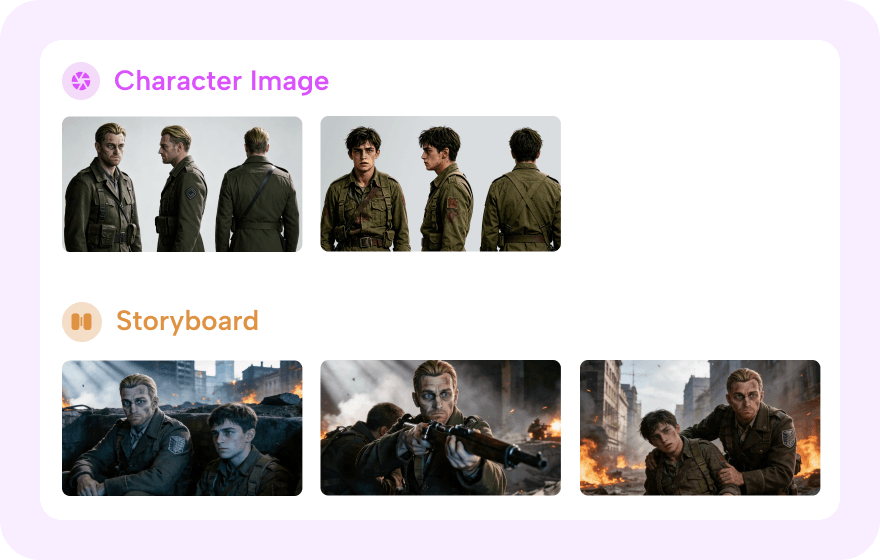
Step 2: Watch it come alive
Click "Generate" and let our Video Agent base your script to build characters and scene shots. It creates character consistency, shot-to-shot continuity, and audio-visual synchronization.
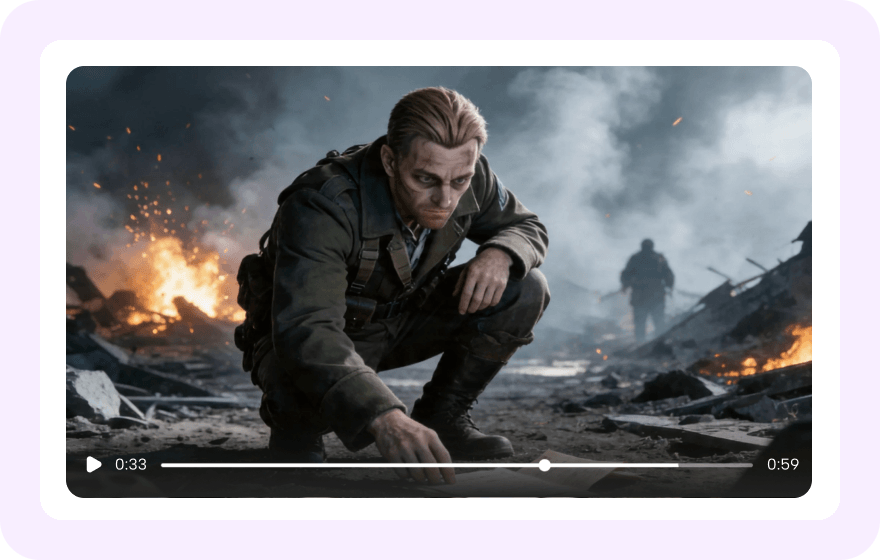
Step 3: Preview and export
Watch your AI-generated drama unfold with natural dialogue, smooth scene transitions, and optional narration. Download your video, or refine specific scenes to perfect your vision.
What Is an AI Short Drama Generator?


Why Choose Novi AI Short Drama Generator Over Traditional Drama Production?
Feature
Description
Best For
Explore More Styles
Take Your Creativity Further with Our Other AI Video Generators
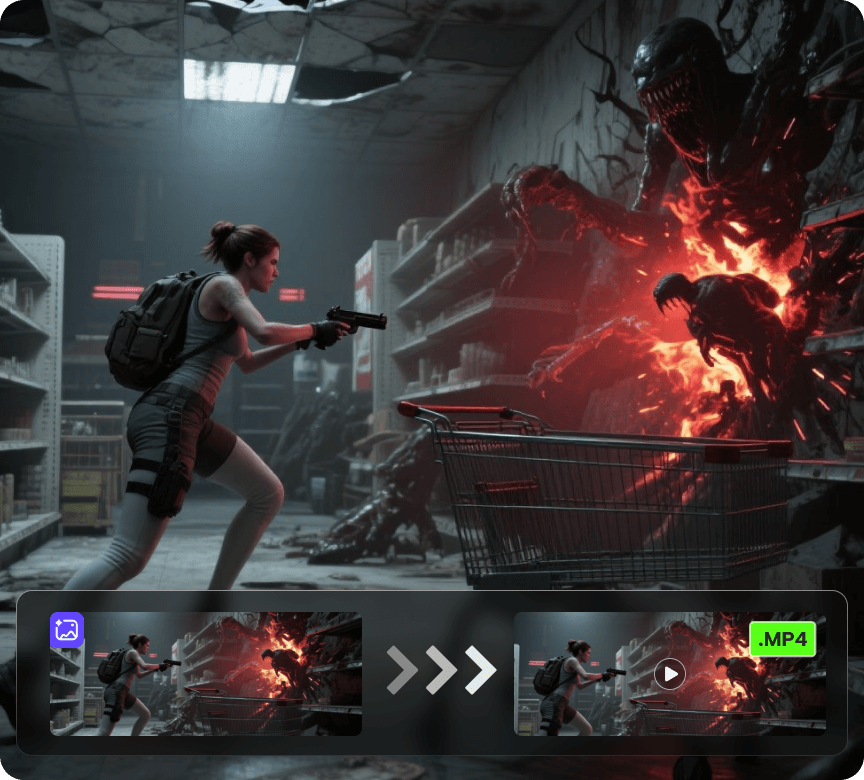
AI Video Generator
Create videos from a photo or a prompt. Add smooth motion, camera moves, and cinematic effects for social clips, product shots, and story scenes.
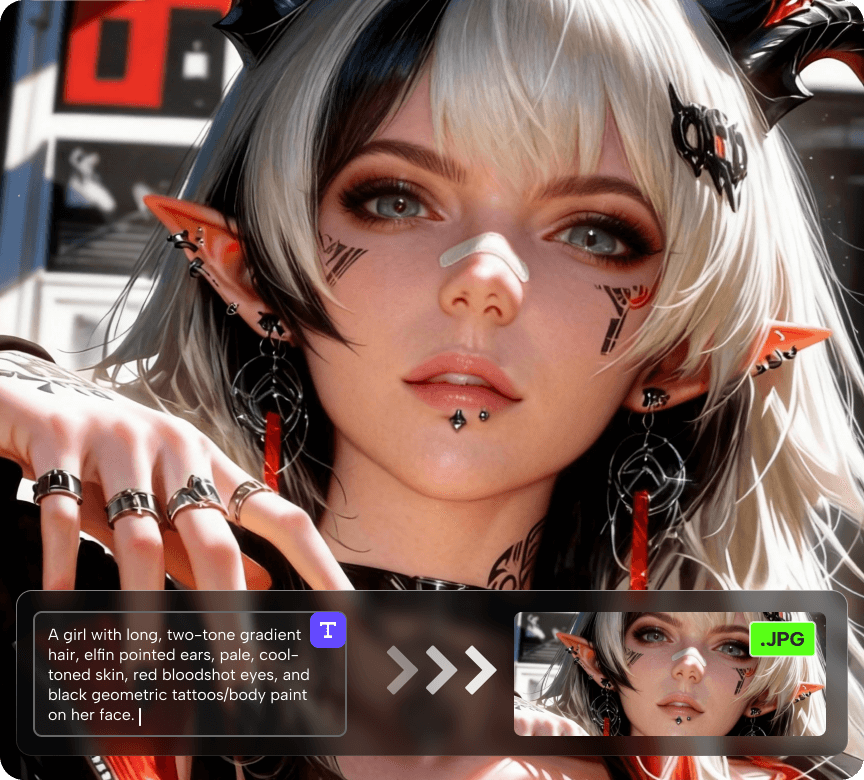
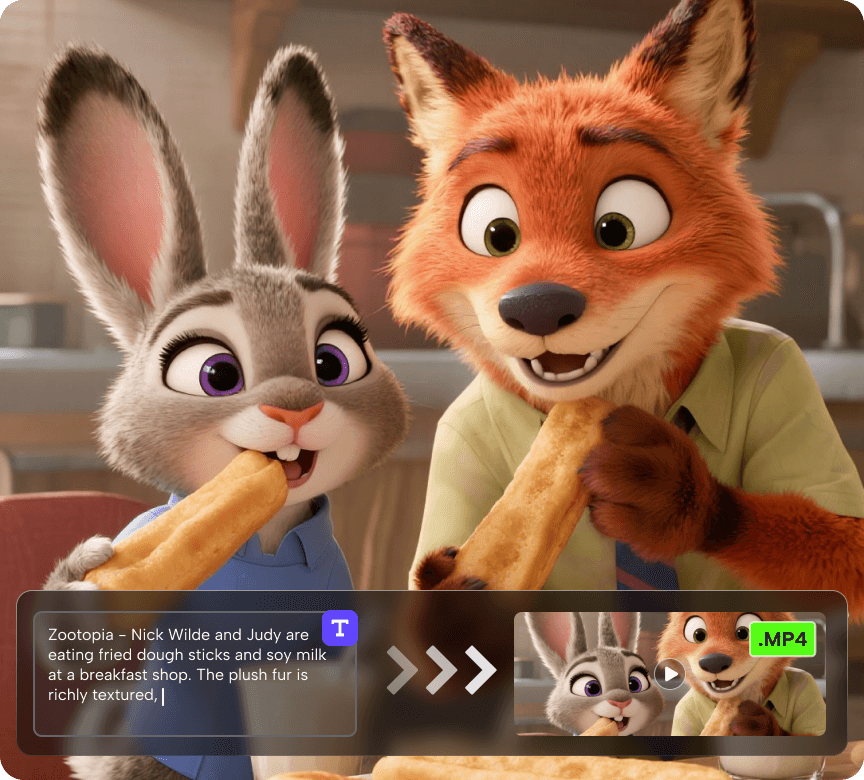
Discover More AI Video Tools
FAQs About AI Short Drama Generator
1. What's the difference between Manual Mode and Video Agent?
Our platform offers two creation paths. Manual Mode gives you complete control—you craft prompts and adjust each clip individually, perfect for creators who want precise control over every frame. Video Agent is our automated workflow that handles the entire process: it expands your story concept into a full script, maintains consistent characters and visual style throughout, synchronizes audio and visuals, generates natural dialogue between characters, and produces a complete narrative video. Video Agent is ideal when you want faster results with professional coherence.
2. How do I get started if I only have a basic story idea?
With Video Agent, simply provide your core concept or a brief outline. The AI will expand it into a complete script with scenes, dialogue, and narrative structure. You can specify genre, tone, target length, and any key plot points you want included. The system then generates a unified video maintaining visual consistency throughout. If you prefer more control, use Manual Mode to write your own detailed script and generate each scene individually.
3. How does the platform handle character consistency?
Video Agent automatically maintains character consistency across your entire project. When you create a character, the system locks their appearance and applies it throughout all scenes. You don't need to worry about characters looking different between clips. In Manual Mode, you'll need to use detailed character descriptions and reference images in each prompt to maintain consistency, though some variation may still occur.
4. Can characters have conversations with natural dialogue?
Yes. Video Agent supports natural dialogue between multiple characters with proper lip-sync and audio-visual synchronization. You can specify the conversation content, and the system generates the video with characters speaking naturally to each other. The platform supports multiple languages, so your characters can converse in the language appropriate for your audience.
5. What visual styles can I create?
Both modes support various visual styles—cinematic realism, animated styles, specific aesthetic looks, and more. With Video Agent, you select your preferred style at the start, and it's applied consistently throughout the entire video. In Manual Mode, you specify the style in each individual prompt. You can create anything from photorealistic dramas to stylized animated content.
6. How long does it take to create a short drama?
With Video Agent, you can go from concept to finished video in significantly less time—often within hours for a short drama, depending on length and complexity. The system handles scripting, generation, consistency, and audio-visual sync automatically. With Manual Mode, expect to spend several days crafting prompts, generating clips, ensuring consistency, and editing everything together. Choose based on whether you prioritize speed or granular creative control.
7. What languages and subtitle options are available?
The platform supports multiple languages for both dialogue and subtitles. You can create content in various languages, and Video Agent will generate appropriate dialogue and narration. Subtitles can be added automatically to make your content accessible to wider audiences. Specify your language preferences when setting up your project.
8. Do I need video editing experience?
For Video Agent, no editing experience is required. The system produces a complete, cohesive narrative video with synchronized audio, consistent visuals, and smooth transitions. For Manual Mode, basic video editing skills are helpful since you'll be assembling and refining individual clips. However, both modes are designed to be accessible—you don't need to be a professional editor to create compelling short dramas.
9. How does audio-visual synchronization work?
Video Agent automatically handles audio-visual sync, ensuring dialogue matches character lip movements, ambient sounds fit the scenes, and music complements the narrative flow. Narration and character voices are properly timed and integrated. In Manual Mode, you'll need to add and sync audio elements yourself using the editing tools, which gives you more control but requires more time.
10. Can I add narration to my drama?
Yes, both modes support narration. In Video Agent, you can specify that you want a narrator, and the system will generate appropriate narration that's synchronized with the visuals. You can choose narrator voice characteristics and style. Narration can be combined with character dialogue to enhance storytelling. In Manual Mode, you generate narration separately and add it during editing.
11. What length of content can I create?
You can create short dramas ranging from under a minute to several minutes long. Video Agent is particularly efficient for longer content since it maintains consistency and coherence throughout. With Manual Mode, longer projects require more time and effort to ensure everything flows naturally. Start with shorter pieces to learn the platform, then expand to longer narratives as you become comfortable.
12. How do I maintain a consistent visual style across scenes?
Video Agent handles this automatically—select your desired visual style at project setup, and it applies consistently throughout. This includes lighting, color grading, cinematography, and overall aesthetic. In Manual Mode, you need to include style details in every prompt and may need to color-correct during editing to ensure scenes match visually.
13. Can I edit or revise the generated content?
Yes. Even with Video Agent's automated workflow, you can review and request revisions if certain scenes don't match your vision. With Manual Mode, you have complete control to regenerate any clip, adjust parameters, and edit extensively. Both paths allow you to refine until you're satisfied with the result.
14. Is this suitable for beginners or only experienced creators?
Both beginners and experienced creators can use the platform effectively. Video Agent is ideal for beginners—it handles technical complexity while you focus on your story. Experienced creators can use Video Agent for efficiency or switch to Manual Mode when they want frame-by-frame control. The platform scales to your skill level and creative needs.