


 Resources


 Trending Articles

Video to Video AI Generator – Convert Video with AI Free
Transform your videos with our video to video AI generator. Easily convert video to video with AI and create new styles, scenes, or effects in seconds.
This AI video to video tool helps you turn one video into another—no editing skills needed. Just upload your video, add a prompt, and let AI do the rest.
Try video to video AI free and explore a faster way to create high-quality videos.
120+
Countries Worldwide
2M+
Satisfied Customers
15M+
Active Users
10Y+
Experience in Software
Trusted by Top-Tier Media Wordwide






 Ethan Miller
 Noah Garcia
 Olivia Bennett
 Isabella Parker
 Liam Anderson
 Sophia Carter
 Amelia Brooks
 Chloe Rivera
Ethan Miller
Noah Garcia
Olivia Bennett
Isabella Parker
Liam Anderson
Sophia Carter
Amelia Brooks
Chloe Rivera
Chloe Rivera
Ethan Miller
Noah Garcia
Olivia Bennett
Isabella Parker
Liam Anderson
Sophia Carter
Amelia Brooks
Chloe Rivera
Why Use Video to Video AI?
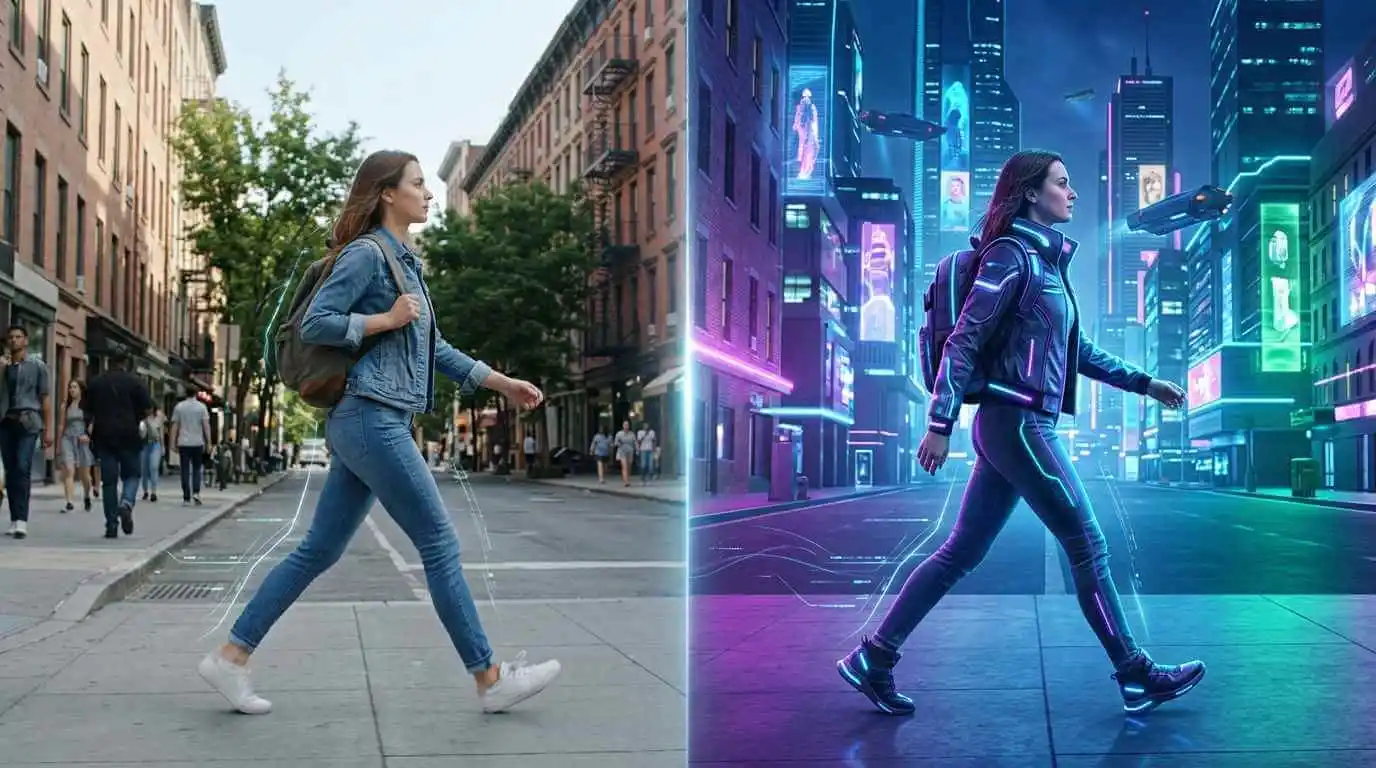
Same Motion, Totally New Video
Convert video to video with AI while keeping the original motion unchanged. Our video to video AI generator transforms your video into a new style, scene, or world—without losing natural movement.
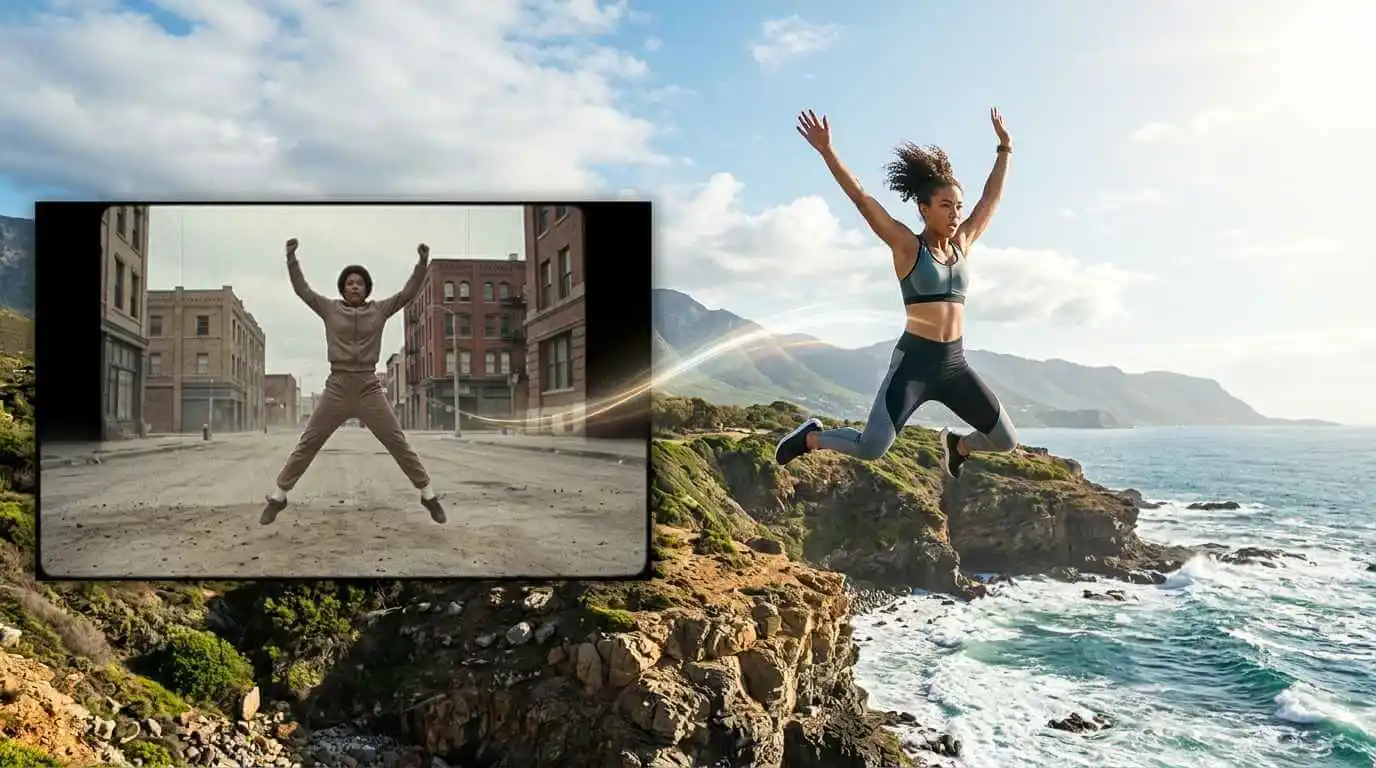
Create New Videos in Seconds
Turn one video into another instantly with AI. No timeline, no editing skills—just upload and generate high-quality results in seconds.
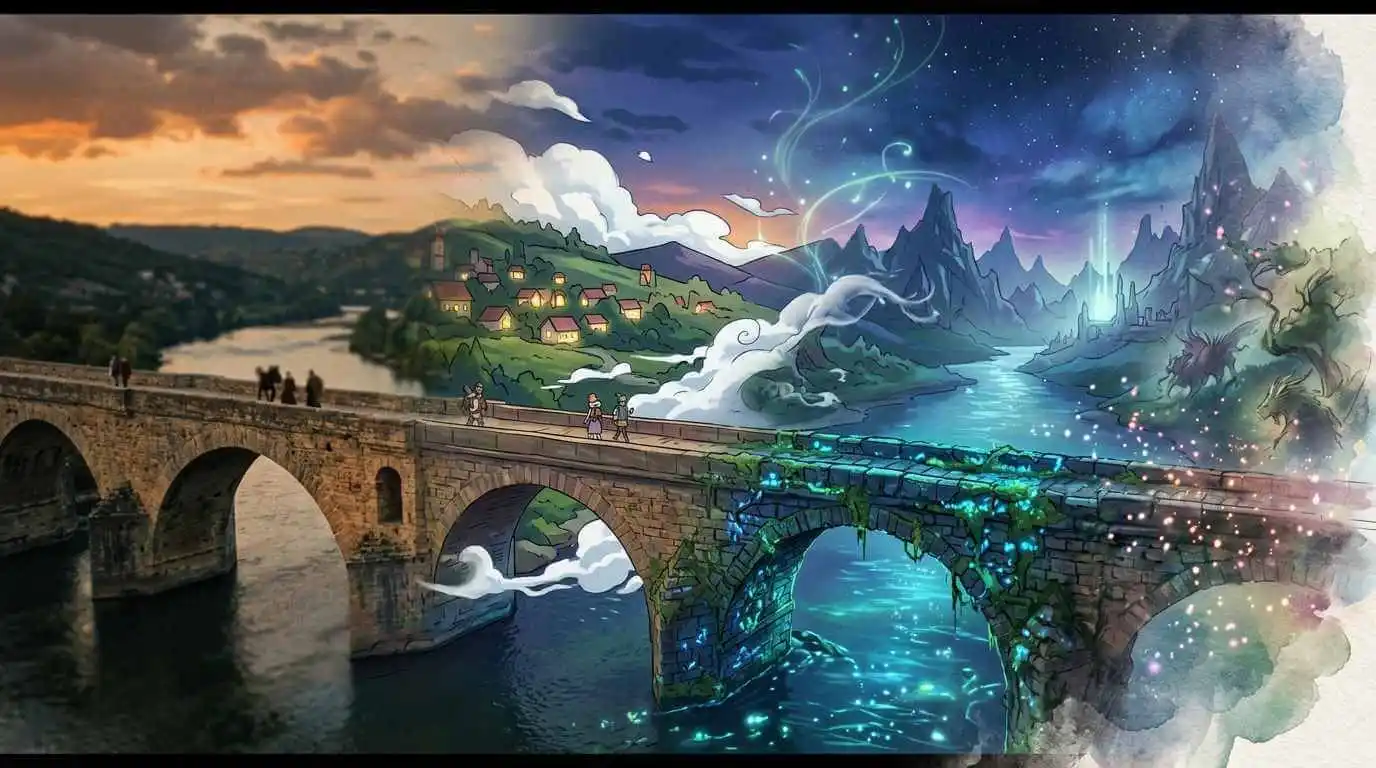
One Video, Endless Styles
From cinematic to anime, realistic to fantasy—transform any video into multiple styles. With video to video AI tools, creativity has no limits.
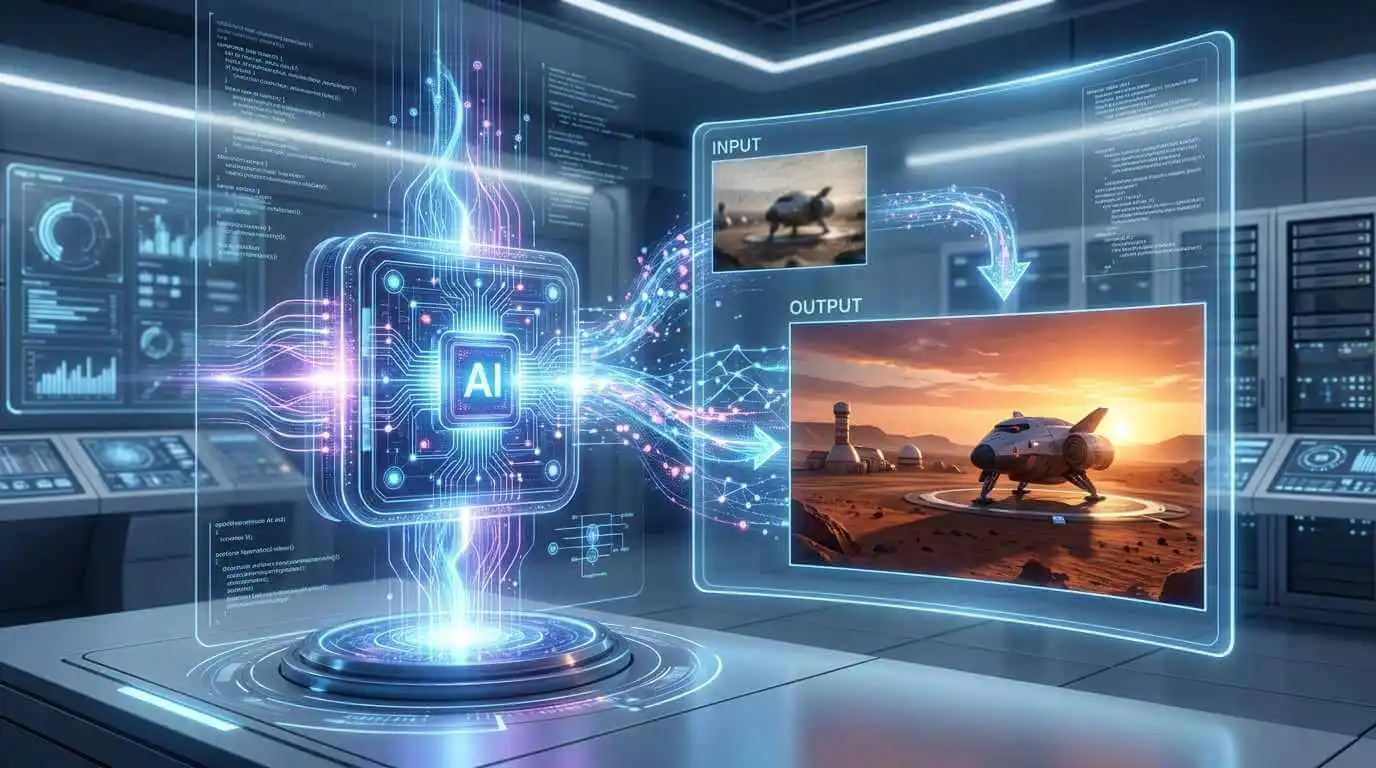
Smarter AI, More Accurate Results
Get better outputs with advanced prompt understanding. Our AI video to video generator delivers consistent, high-quality results with less effort.
How to Make a Video from Videos?
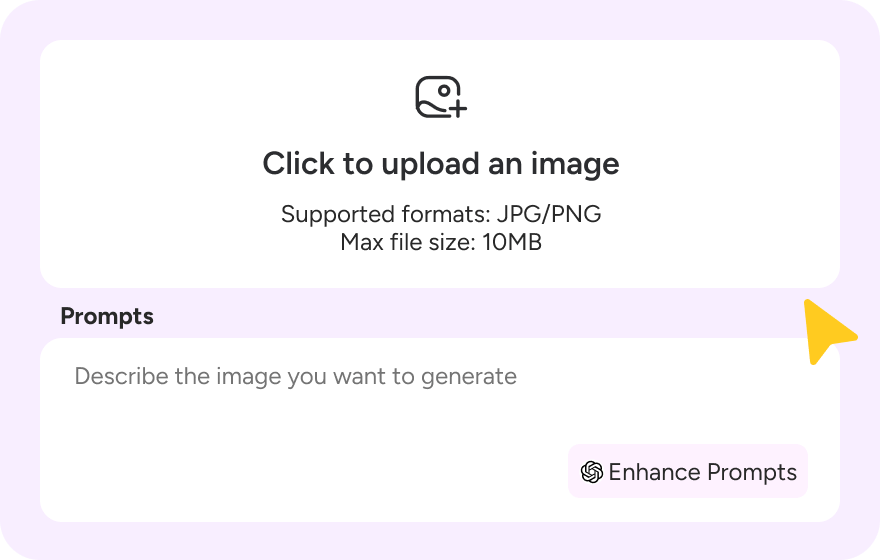
Step 1: Upload Your Video and Images
Upload your original video (up to 8 seconds) and 1–4 reference images to get started. Our AI will automatically analyze the motion and structure.
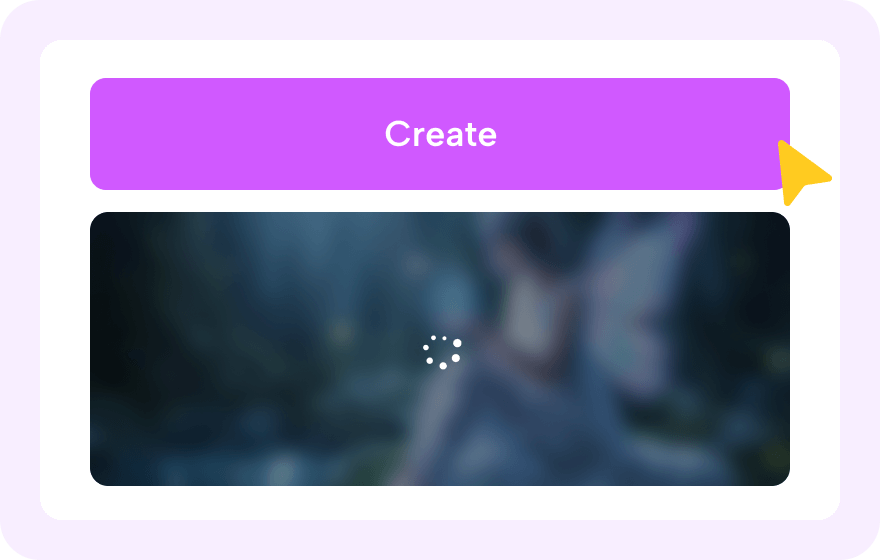
Step 2: Create Your New Video
Add a prompt and choose the video ratio and duration to create your new video. Transform your video into a different scene, style, or effect. Then click "Create".
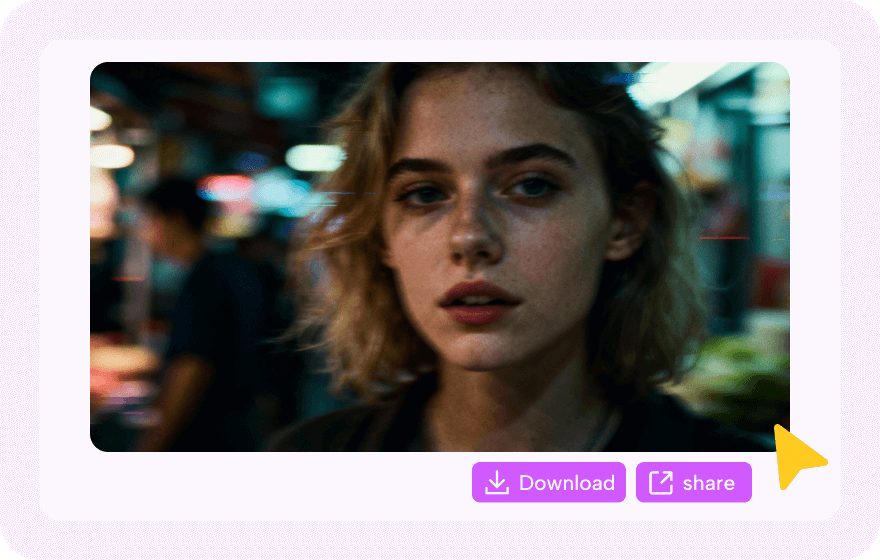
Step 3: Download and Share Your New Video
Download your new video in seconds—ready to share anywhere.
What Is an AI Video to Video Generator?


Why Choose Video to Video AI Over Traditional Video Editing?
Feature
Description
Best For
Explore More Video Styles with AI Video to Video Generator
Take Your Creativity Further with Our Other AI Video Generators
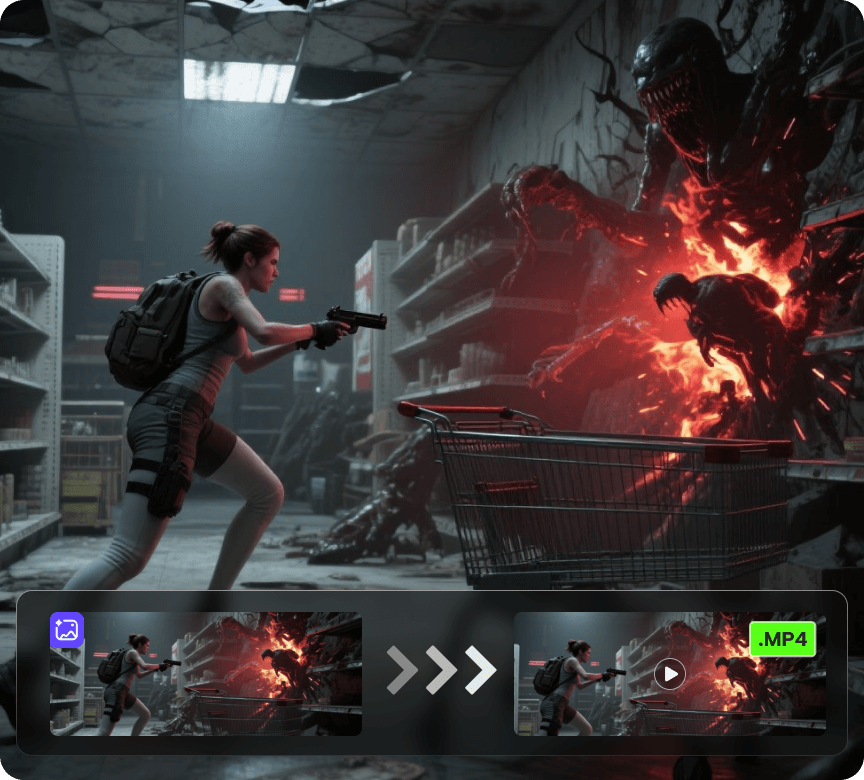
AI Video Generator
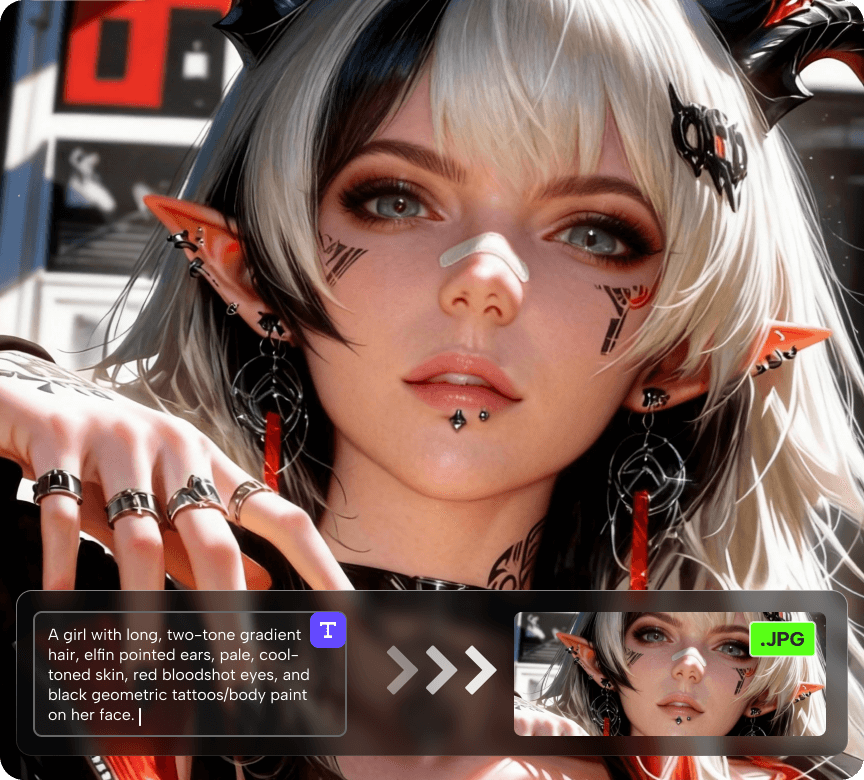
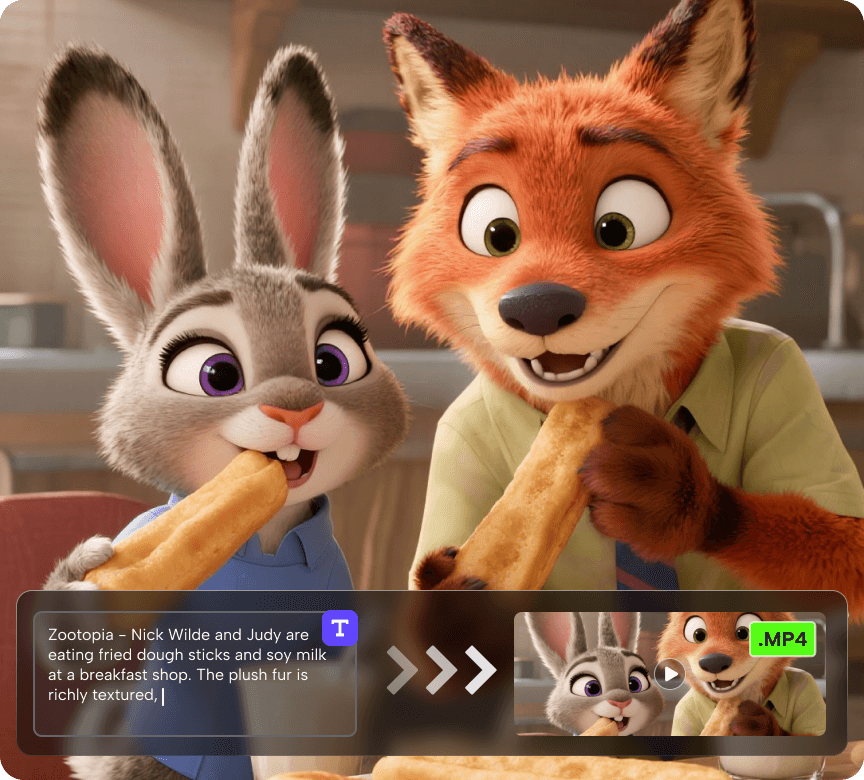
Create videos from a photo or a prompt. Add smooth motion, camera moves, and cinematic effects for social clips, product shots, and story scenes.
Discover More AI Video Tools
FAQs About Video to Video AI Generator
1. How to convert video to video with AI?
You can convert one video into another using an AI video-to-video generator. These tools analyze the motion, content, and style of your original video and automatically recreate it with a new look, animation, or effect. You don’t need advanced editing skills—simply upload your source video, describe the desired style or transformation, and let the AI generate a new video for you. This method is ideal for creating cinematic effects, animated versions, or stylized content quickly and efficiently.
2. What is video to video AI?
Video to video AI is an advanced technology that lets you transform one video into another using artificial intelligence. Unlike traditional editing, it can automatically recreate motion, style, and environment, so you can quickly produce a completely new video while keeping the original action intact. It’s perfect for creators, marketers, or anyone who wants to make videos faster and more creatively.
3. Is there a free video to video AI?
Yes! Many tools, including Novi AI, offer free coins with basic features so you can try video to video AI without any cost. This allows you to experiment with different models, styles, and features before deciding whether to upgrade for more advanced options like higher resolution, longer video duration, or additional creative features.
4. Can I convert video to video without editing skills?
Absolutely! Video to video AI is designed for everyone, not just professional editors. You don’t need to adjust timelines, keyframes, or layers manually. Simply upload your video, images and add a prompt, then let the AI do all for you. It’s a fast and intuitive way to create high-quality videos without technical knowledge.
5. What is the best video to video AI generator?
The best video to video AI generator is one that keeps motion consistent, produces high-quality outputs, and is easy to use. In my experience, tools that let you upload reference videos and control prompts or styles are the most versatile. Novi AI, for example, provides intuitive controls and supports multiple environments and styles, making it ideal for both beginners and professional creators.