Resources


 Trending Articles

![How to Make an AI Dog Podcast[2026]: Step by Step Guide with Novi AI](https://images.noviai.ai/noviaien/assets/article/video-tips/How_to_Make_An_AI_Dog_Podcast.webp)
Can dog host podcast? Scrolling through social media, you've probably seen those hilarious dog podcast videos: a pup in a recording studio setup, head tilted, "complaining" about forgotten treats or too-short walks. Suddenly your whole day feels lighter.
Unlike regular pet content that depends on random cute moments, these videos use anthropomorphic dialogue for deliberate humor and emotional connection. They're crushing it on TikTok, Instagram Reels, and YouTube Shorts. So naturally, you're wondering: how do I make one?
Good news—it's easier than you think. No professional crew or complex editing needed. With AI tools, you can create your own "Dog Talk" episode, which is why so many pet owners are jumping in. This tutorial will show you how to make your own AI-powered dog podcast video from scratch.

Make Your Dog Podcast Video Now
Sign up and comfirm free coins, and make your funny dog podcast video now! Gain traffic for your social media account.

Why Are Dog Podcasts So Popular?
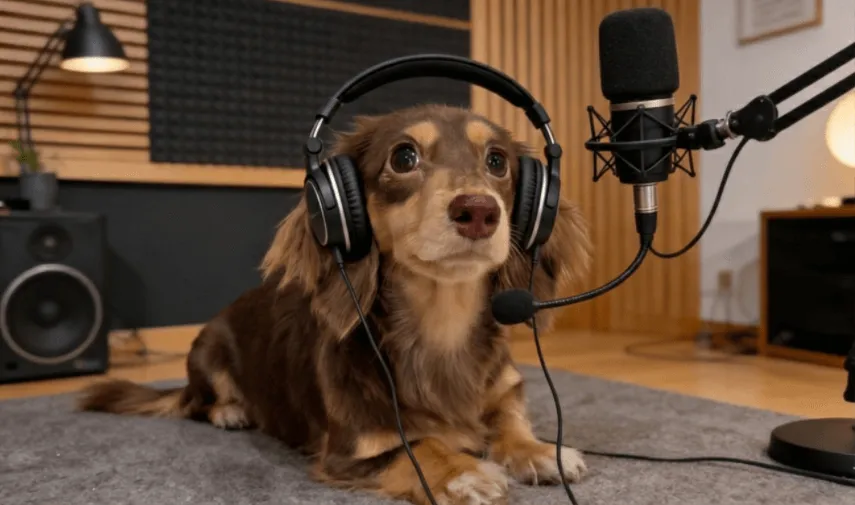
It boils down to one thing: they tap into our emotional curiosity. We've always wondered what's going on in our dogs' heads. When they destroy the couch, are they feeling guilty or totally justified? When they bark at the window, what are they actually "saying"? Dog podcasts answer these questions through humorous anthropomorphic dialogue, turning the unknown into relatable scenarios.
They're not trying to be educational—they're recreating the real moments of pet ownership in a lighthearted way. Like when you come home late from work and your dog "rants" about being so hungry they started chewing the furniture. Or when you take them to the vet and they're "muttering" about being scared of shots while trying to act brave. This content satisfies our curiosity about what our pets are thinking while making viewers laugh and feel that warm sense of companionship.
How to Start a Dog Podcast?
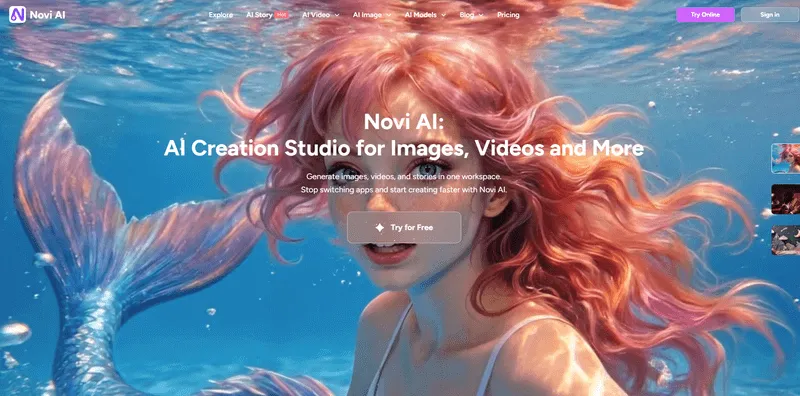
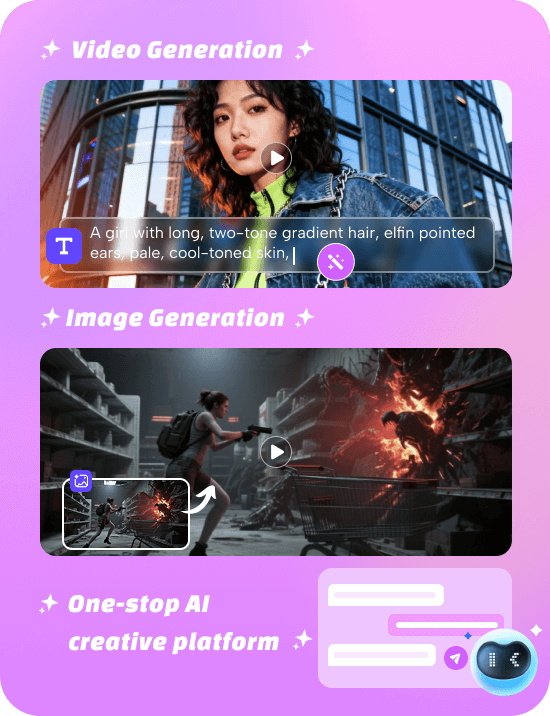
After testing multiple AI creation tools, I landed on Novi AI for making dog podcast videos. What sold me was the all-in-one workflow—script generation, image creation, and video production all happen in one place. No jumping between different tools, which makes the whole process incredibly accessible.
Whether you're a complete beginner or an experienced YouTuber, you can create content quickly: just input a simple prompt, and Novi AI generates a humorous script that fits your dog's personality. It also creates a description prompt for your first frame image, which makes the progress easier combining everything into a video complete with voiceover. The workflow is smooth and efficient, eliminating the headaches of lost files and format compatibility issues you get when switching between tools.
Key Features of Novi AI
- Complete end-to-end workflow: Generate scripts, images, and videos in one go—no need to coordinate across multiple tools.
- Personalized dialogue: Customize conversations based on your dog's breed and personality to capture authentic relationship dynamics.
- Consistent visual style: Images and video maintain a cohesive look throughout, preventing jarring visual transitions.
- Beginner-friendly: No complex prompting skills required—just use natural, everyday language.
- Automatic voice sync: Generates character-appropriate voiceovers automatically, saving you editing time.
How to Use Novi AI Create AI Dog Podcast
1Generate the script and the first-frame image description
Open Google Gemini and describe your needs in natural language. Make sure your request matches a podcast setting. Ask Gemini to output:
- A ~8-second podcast script
- A first-frame image prompt that clearly defines subject, composition, and style
Example prompt (you can copy and edit):
- Write a funny dog podcast script (~8 seconds). The main host is a corgi with a lively personality and lots of witty jokes. The scene is a professional podcast studio with microphones, a mixer, and warm lighting. Also generate a first-frame image description: vertical 9:16, realistic style, a corgi wearing headphones speaking into a mic in a cozy podcast studio (neon sign is optional).
Tip: Add small habits to make the character more vivid (for example, "the corgi likes tapping the table/pawing the desk when emphasizing a point"). After Gemini generates the script, you can lightly edit the lines to keep the humor and timing tight.
2Generate images (first frame + optional key frames)
Copy the first-frame image description into Novi AI's image generation feature. Choose a style you like (realistic, cartoon, film, etc.). Many creators prefer realistic because it feels more immersive.
If details aren't right, refine with simple adding and deleting supplementary feedback such as: "Make the corgi's expression more excited and urgent; keep the podcast studio layout and realistic style." This is usually faster than rewriting the whole prompt.

3Generate talking video clips with Veo 3 (speaking feature)
In Novi AI, choose Veo 3. Upload your generated image (first frame or a key frame) and create a video:

Scene: Podcast studio. Action: The Dog looks confused and asks a genuine question. The Cat delivers a sarcastic answer. Then, they both crack up laughing. The dog laughs happily, the cat laughs mischievously. Audio: English Dialogue. Dog asks: "Why does he keep asking 'Who's a good boy'?" Cat says: "Maybe he forgot your name! Hahahaha!" Loud, wheezing laughter from the cat, barking laughter from the dog. Camera: Static Shot."
4Explore other valuable Novi AI options
A) PixVerse (lower points) with audio
Besides Veo 3, Novi also offers PixVerse, which typically costs fewer points and can support audio as well. The trade-off is that PixVerse often requires more precise prompts to get stable results, and the style/output may differ. It's a good option when you want to save budget and you're comfortable iterating on prompts.

B) AI Story Video (longer, up to ~5min)
If you prefer generating a longer video in one go, you can try Novi's AI Story Video feature, which supports creating a narrated/talking video up to around 5 min. This can reduce the "multi-clip stitching" work, especially for beginners.
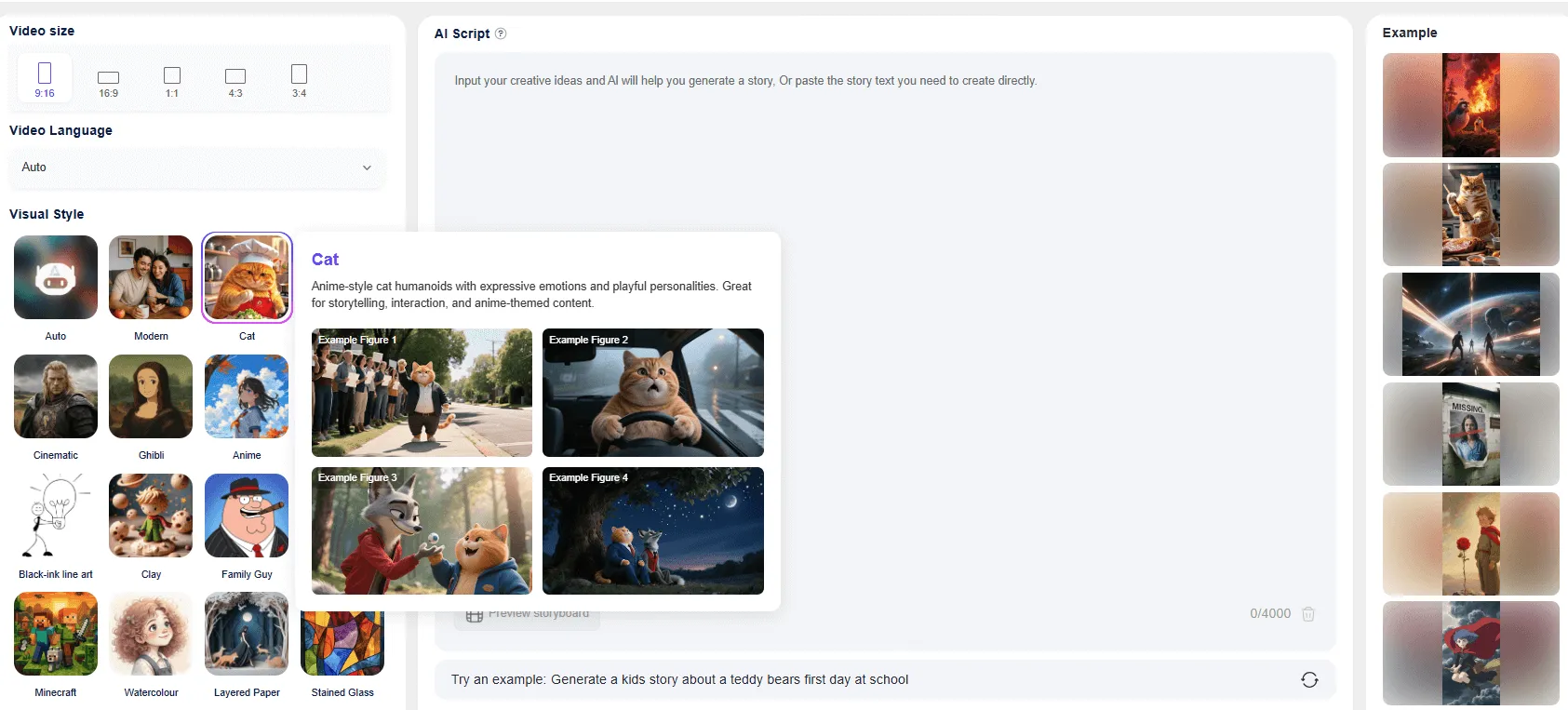
In the past, making a voiced AI video often meant switching between multiple tools, which was time-consuming. With Novi AI, the workflow can be done in minutes, and it helps keep the visual style consistent across images and video, avoiding the common problem where images look realistic but the video motion suddenly looks cartoon-like.
Other Popular Podcast You Could Try
If you've ever spent too much time on TikTok (no judgment — same here), you've probably noticed just how many adorable pet podcasts and voiceover videos there are. Sure, dog content rules the internet, but cats and even exotic pets have major personality too. Here's what's trending — and why audiences can’t get enough of them.
1Cat Podcasts
Sass, Fluff, and Chaos — Cat podcasts are basically the internet's love letter to feline drama, leaning into that "sassy yet irresistible" vibe that makes cats so iconic. Think cats acting completely scandalized when you pet them the "wrong" way, pretending they didn't just push your water glass off the counter, or getting into full-on arguments with the family dog. Creators usually spice things up with clever voiceovers that match their cats' facial expressions perfectly, with bonus points for capturing classic cat moves like the dramatic "slow blink" or post-nap stretch.
2Exotic Pet Podcasts
Tiny Stars, Big Personalities — Let's be honest, we all love a little novelty, which is why hamsters, parrots, lizards, and rabbits are having their moment. These videos often show unique pets reacting to something unexpected, like "Hamster rating its favorite snacks," "Lizard seeing its reflection for the first time," or "Parrot giving unfiltered life advice." Add some fun sound effects or gentle ASMR moments (crunching lettuce, anyone?) and viewers can't resist. It's a mix of satisfying, cute, and just plain weird in the best way.
3Human–Pet Interaction Podcasts
These are the heartwarmers that make you want to pause and hug your dog (or cat, if they'll allow it), capturing those silly, genuine moments people share with their pets. Think "Trying to teach your dog to high-five and realizing they're doing it better than you" or "Road-tripping with your cat and learning who complains more." This type does really well because it hits that sweet spot between humor, honesty, and love, with pet owners adoring relatable, imperfect adventures.
4Pet Science Podcasts
For the pet nerds out there (hi, welcome to the club!), science-based pet POV podcasts take fun facts like why dogs tilt their heads or what a cat's tail position really means and turn them into bite-sized, engaging stories. It's pure gold for anyone who loves to learn while laughing.
FAQs About Dog Podcast
1How can I make my podcast script match my dog's personality?
Start by noting your dog's breed, age, and quirks. For example, Corgis are playful goofballs, Golden Retrievers are gentle sweethearts, and Shiba Inus are stubborn divas. Feed these details to the AI when creating your script for more tailored results. You can also add your dog's unique habits, like "always steals sips from my water bottle," to make the content truly one-of-a-kind.
2Can I adjust the style of generated images and videos?
Absolutely. Novi AI offers multiple styles including realistic, cartoon, film, vintage, and more. Just specify your preference upfront, and if you're not happy with the result, you can request tweaks like "switch to warm-toned film look with a retro filter.
3What's the ideal length for dog podcast videos?
Social media users love snappy content, so aim for 10-35 seconds. Too short and you can't tell a complete story; too long and viewers drop off. Around 30 seconds hits the sweet spot—enough time for a mini-narrative while keeping the pace tight and engaging.
4How do I avoid creating cookie-cutter content?
Build storylines around your pet's unique traits, like "flat-faced pup complaining about getting winded on walks" or "hairless cat grumbling about winter." Tap into niche behaviors that make your pet special. Also, ride trending topics without copying them—for example, jump on #PetSummerHacks but create your own twist with a custom podcast storyline.
5Can I use actual photos of my pet to generate videos?
Yes. Novi AI lets you upload real pet photos and turns them into animated videos. It can even sync expressions and movements to match your script dialogue, so you keep your pet's authentic look while getting that podcast effect. Perfect for creators who want their pet's unique appearance front and center.
6Can I post generated videos directly to social platforms?
You bet. Novi AI exports videos in formats that work seamlessly with TikTok, Instagram Reels, and other major platforms. Upload directly or add final touches like trending audio or hashtags to boost your reach.
Conclusion
Creating dog podcast AI videos is all about capturing those heartwarming moments between you and your pet with a touch of humor. Novi AI serves as your all-in-one toolkit, handling the technical heavy lifting so you can focus on what really matters—the content itself. Whether you're chronicling your furry friend's "inner monologue" or building a standout pet account, it helps you bring your vision to life quickly. By streamlining the entire process from script to final video, it lowers the barrier for newcomers while helping experienced creators pump out content more efficiently.
Why not start with everyday moments? Transform those little quirks and interactions with your dog into entertaining podcasts. The most compelling pet content always comes from genuine love and keen observation—AI tools just help us share that magic in more vibrant, engaging ways.
Was this page helpful?

Article by
Aaron Smith


![Best Horror Animes to Watch[2026]: Top 20 Supernatural Picks](https://images.noviai.ai/noviaien/assets/article/video-tips/best-horror-anime.png)
![How to Make Animated Horror Stories: 2 Ways Introduced[2026 Guide]](https://images.noviai.ai/noviaien/assets/article/story-tips/animed_horror_stories.png)
![Best GPU for LLMs & AI Video Generation[2026]: Hardware Guide for Creators](https://images.noviai.ai/noviaien/assets/article/video-tips/best_gpu_for_ai_video_generation.png)