Resources


 Trending Articles

Free Image to Video AI Generator: Convert Images to Video Online
Novi AI Image to Video AI Generator lets you convert any image to a high-quality video in seconds. Upload a photo, choose a style, and our AI creates a video automatically - free, fast, and watermark-free.

 Click to upload an image
Supported formats: JPG/PNG
Max file size: 10MB
Click to upload an image
Supported formats: JPG/PNG
Max file size: 10MB
120+
Countries Worldwide
2M+
Satisfied Customers
15M+
Active Users
10Y+
Experience in Software
Trusted by Top Media Using Image to Video AI






 Ethan Miller
 Noah Garcia
 Olivia Bennett
 Isabella Parker
 Liam Anderson
 Sophia Carter
 Amelia Brooks
 Chloe Rivera
Ethan Miller
Noah Garcia
Olivia Bennett
Isabella Parker
Liam Anderson
Sophia Carter
Amelia Brooks
Chloe Rivera
Chloe Rivera
Ethan Miller
Noah Garcia
Olivia Bennett
Isabella Parker
Liam Anderson
Sophia Carter
Amelia Brooks
Chloe Rivera
How to Use Our Image to Video AI Generator
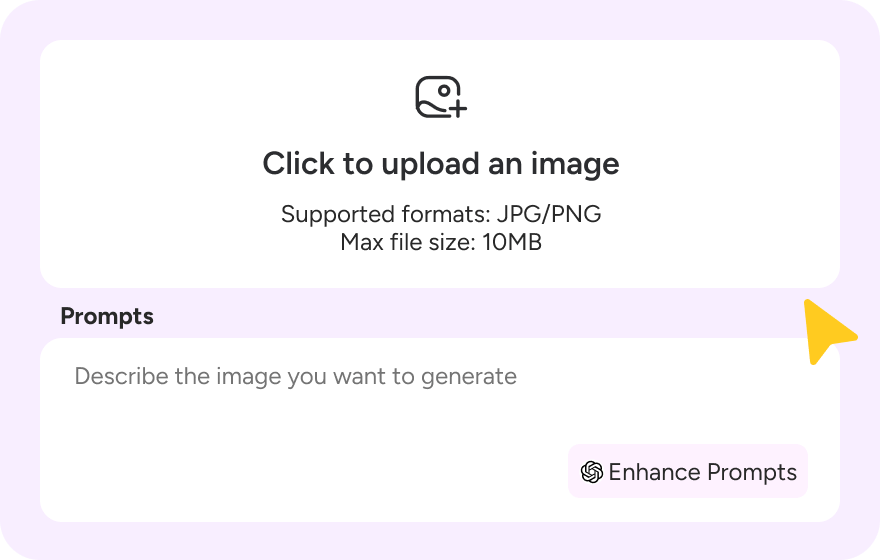
Step 1: Upload Your Image
Upload a photo, artwork, or product image. Select the Image to Video AI model, choose video quality and duration, and add a prompt to help our AI understand your vision.
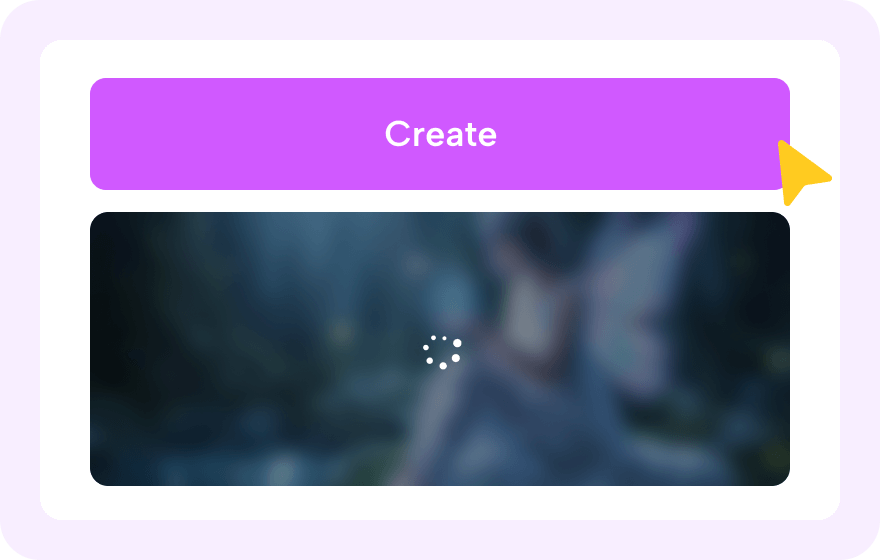
Step 2: Generate with Image to Video AI
Click "Generate" and let Novi AI instantly convert your image into a smooth AI video using our free image to video generator.
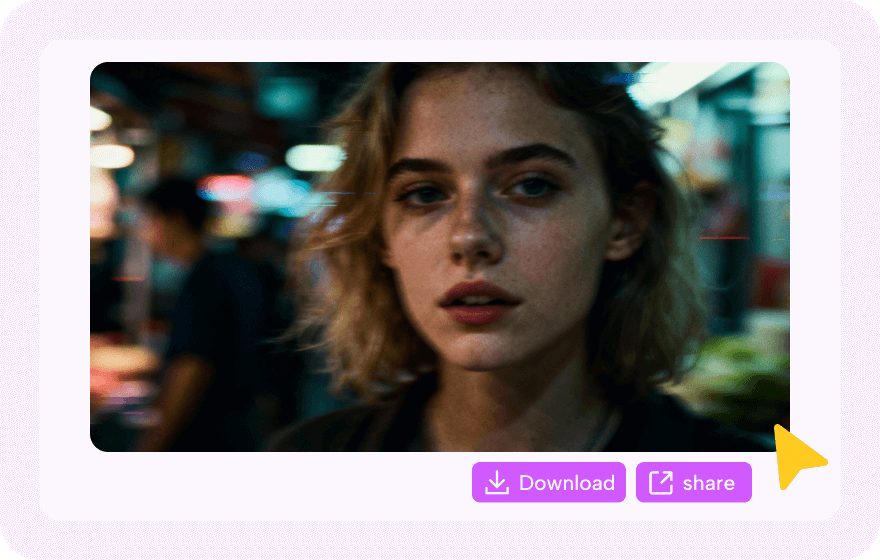
Step 3: Download and Share
Preview the result and download your HD, watermark-free video. Share it anywhere - or tag @Novi AI to earn bonus coins.
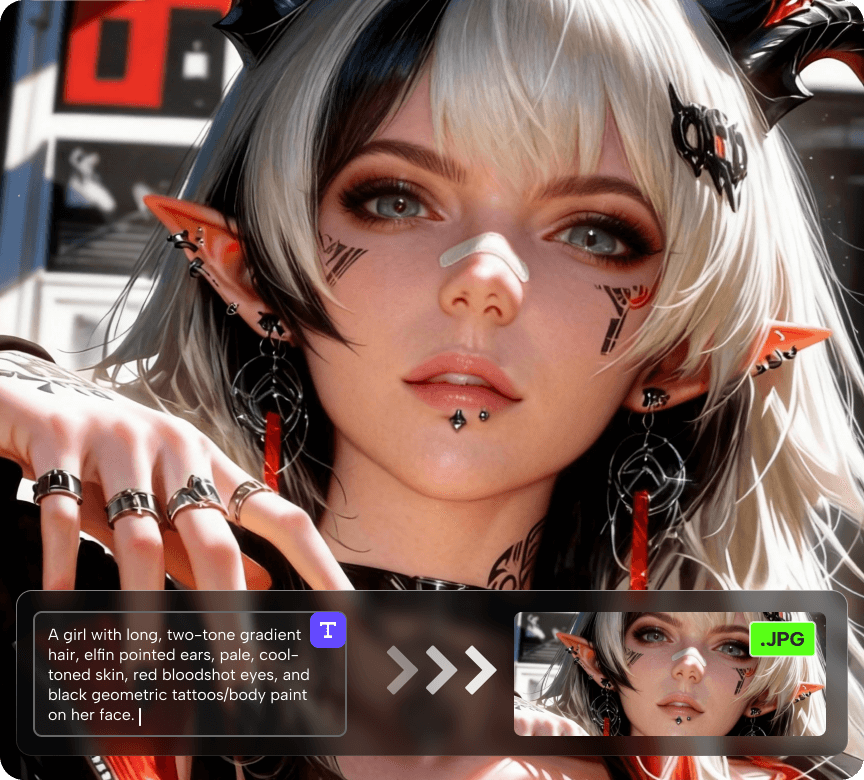
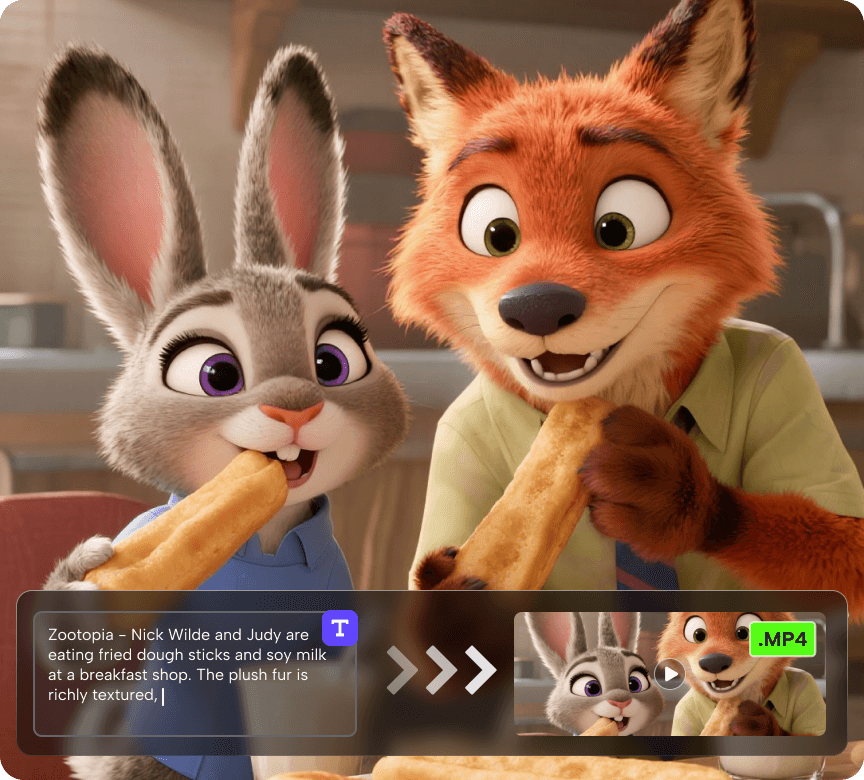
Trending Image to Video AI Prompts People Love
Best Free Image to Video AI Use Cases
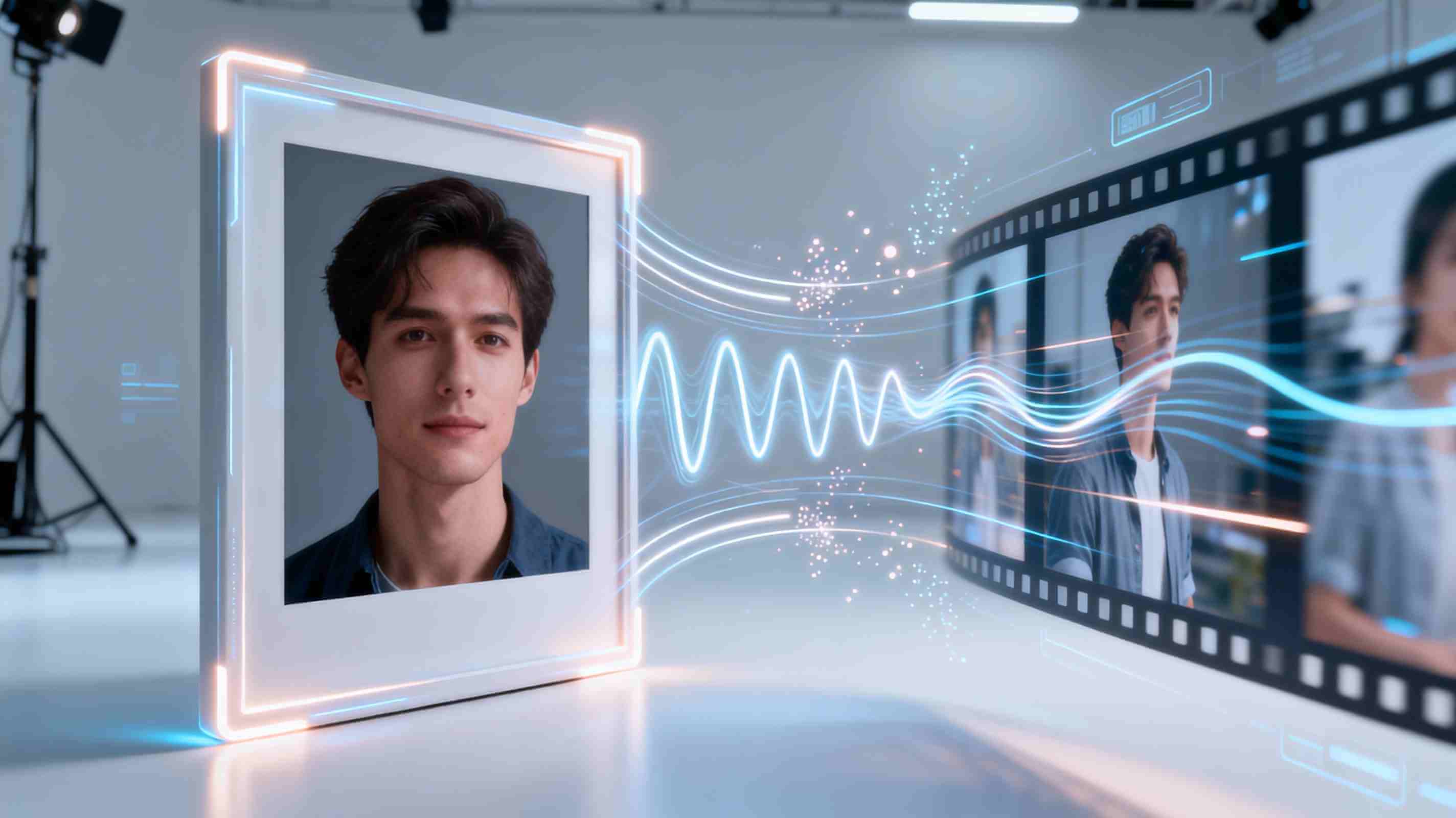
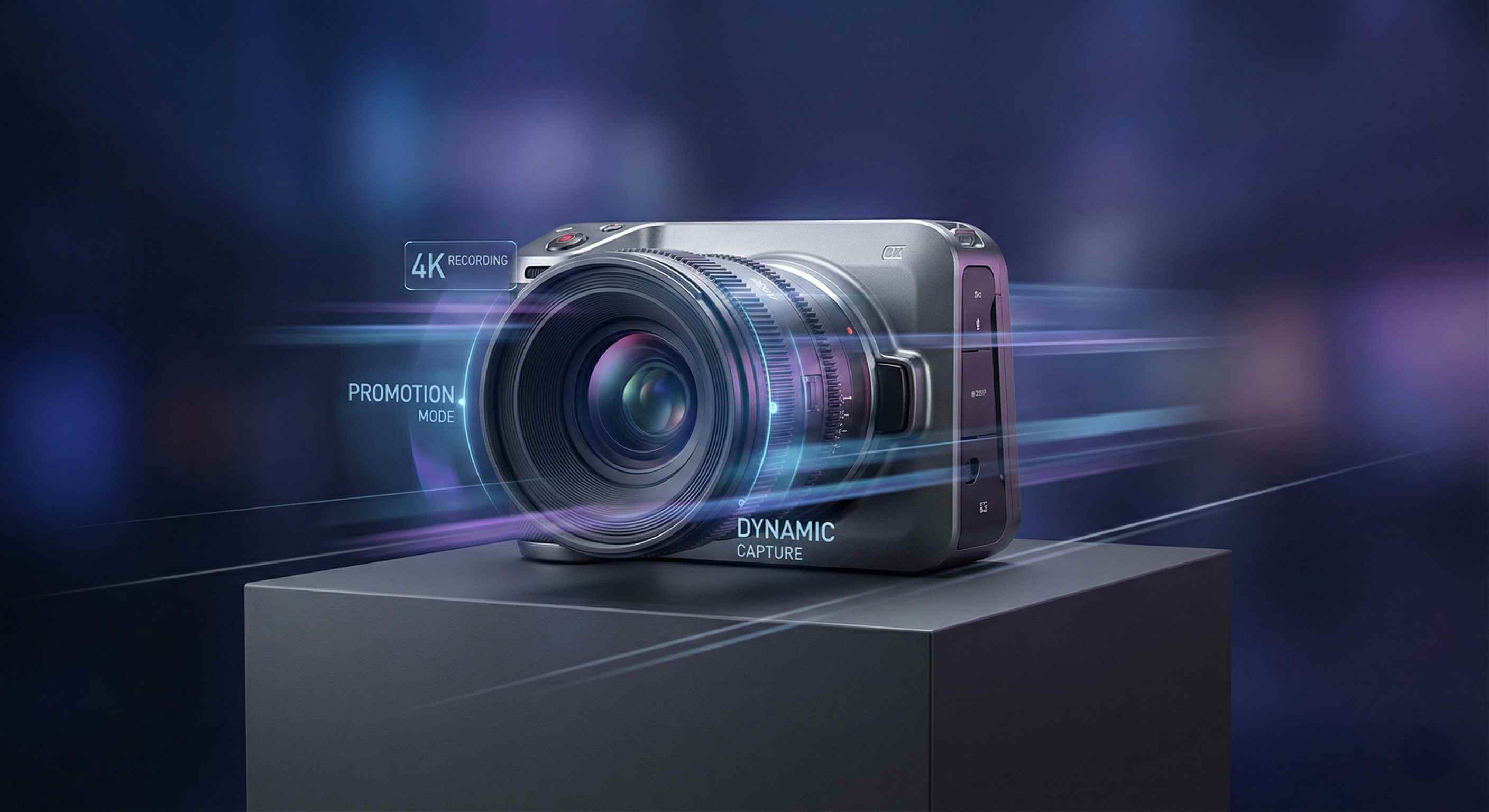
Dynamic Animation
Turn a single image into smooth, natural motion using AI-enhanced lighting, camera movement, and subtle animation. Ideal for product visuals, portraits, cinematic edits, and social media content.
Marketing & Promo Videos
Create clean, professional promo videos from product images without complex production. AI-powered motion, transitions, and camera effects help improve engagement across ads, landing pages, and e-commerce.
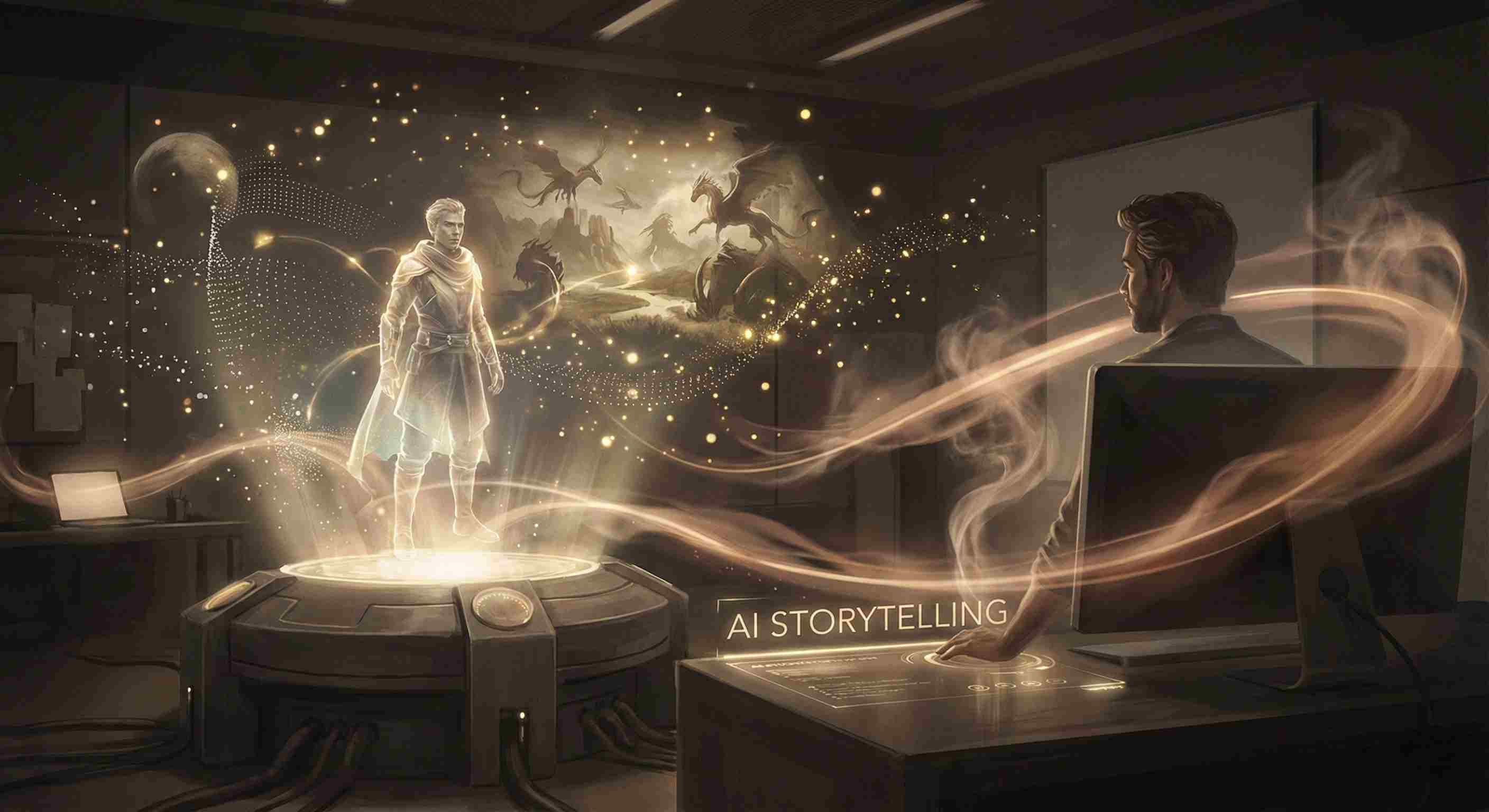
Creative Storytelling & Concept Visualization
Bring characters, worlds, and ideas to life with fast AI video generation. Novi AI helps creators visualize concepts - character animations, fantasy scenes, or game-inspired motion - using simple prompts and AI-driven motion synthesis. Ideal for pre-production, pitch decks, world-building, and content ideation.
About Novi AI: Free Image to Video AI Generator


Explore More Tools Powered by Image to Video AI
FAQs About Image to Video AI Generator
1. What is an Image to Video AI Generator?
An image to video AI generator is a tool that turns a single image into a short animated video using artificial intelligence.
It adds motion, camera movement, lighting effects, and subtle animation to create dynamic visual results from static images.
2. How does AI turn an image into a video?
AI analyses your image - faces, objects, lighting, and background - and creates smooth movement based on it.
Modern AI image to video models can simulate camera pans, head turns, product rotations, and character motion.
3. What makes Novi AI different from other image-to-video tools?
Novi AI integrates multiple image-to-video AI models in one platform, allowing users to generate videos with different styles and motion behaviors without switching tools.
Users can choose the model that best fits their creative or marketing needs, all in a single online workflow.
4. Is Novi AI's Image to Video AI free?
Yes. Novi AI offers a free image-to-video option, allowing users to test video generation online.
However, free exports include a watermark. To download videos without a watermark, a paid plan is required.
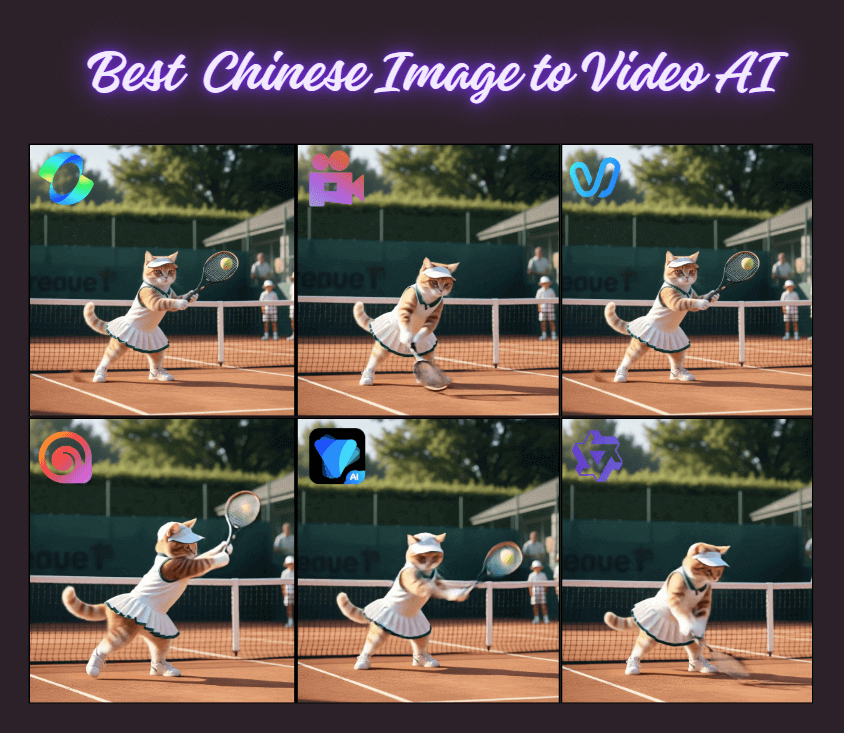
5. Can I use Novi AI instead of Kling, Qwen, Runway, or Hunyuan image-to-video?
Yes. If you are looking for alternatives to Kling AI image to video, Qwen image animation, Runway image-to-video, or Hunyuan models, Novi AI provides a unified online solution that combines multiple models in one place.
This reduces the need to test different platforms separately.
6. Do I need to download or install any software?
No. Novi AI works fully online in your browser.
You can upload an image, generate a video, and download the result without installing any software or plugins.
7. Can I use Novi AI image-to-video for commercial projects?
Yes. Image-to-video outputs can be used for marketing, social media, product showcases, and creative projects.
For commercial use, users should ensure they are using watermark-free exports under a paid plan and follow Novi AI's usage terms.
8. What types of images work best for image-to-video generation?
Images with clear subjects, good lighting, and simple backgrounds usually produce the best results.
Portraits, products, characters, and objects with defined shapes are ideal for smooth and natural motion.
More Image to Video AI Styles & Creative Options
Take Your Creativity Further with Our Other AI Video Generators
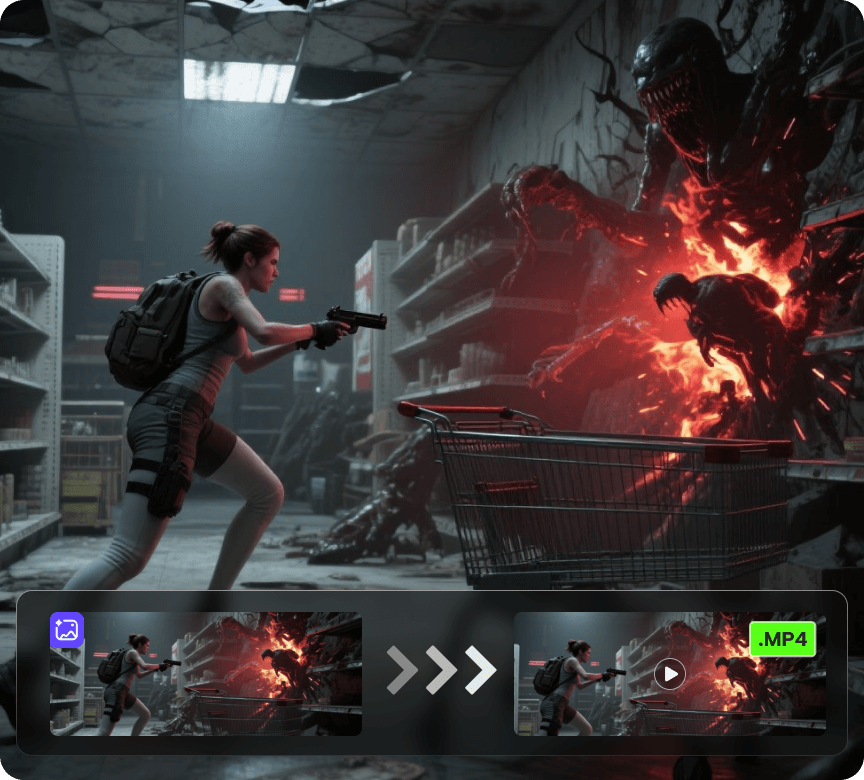
AI Video Generator
Create videos from a photo or a prompt. Add smooth motion, camera moves, and cinematic effects for social clips, product shots, and story scenes.