Resources


 Trending Articles

Image to Image AI Generator - Create with Novi AI
Transform any image with AI. Upload a photo, add a prompt, and generate high-quality variations fast with Novi AI's free image-to-image tool.

 Click to upload an image
Supported formats: JPG/PNG
Max file size: 10MB
Click to upload an image
Supported formats: JPG/PNG
Max file size: 10MB
120+
Countries Worldwide
2M+
Satisfied Customers
15M+
Active Users
10Y+
Experience in Software
Trusted by Leading Media




 Ethan Miller
 Noah Garcia
 Olivia Bennett
 Isabella Parker
 Liam Anderson
 Sophia Carter
 Amelia Brooks
 Chloe Rivera
Ethan Miller
Noah Garcia
Olivia Bennett
Isabella Parker
Liam Anderson
Sophia Carter
Amelia Brooks
Chloe Rivera
Chloe Rivera
Ethan Miller
Noah Garcia
Olivia Bennett
Isabella Parker
Liam Anderson
Sophia Carter
Amelia Brooks
Chloe Rivera
AI Image to Image Prompts People Like
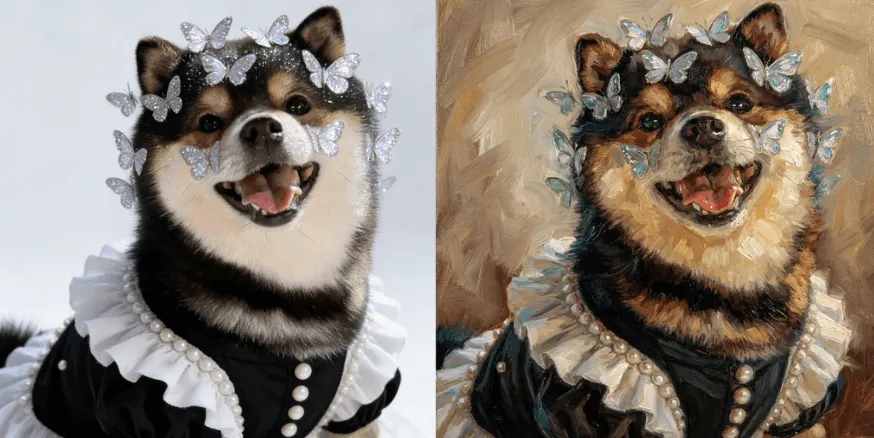
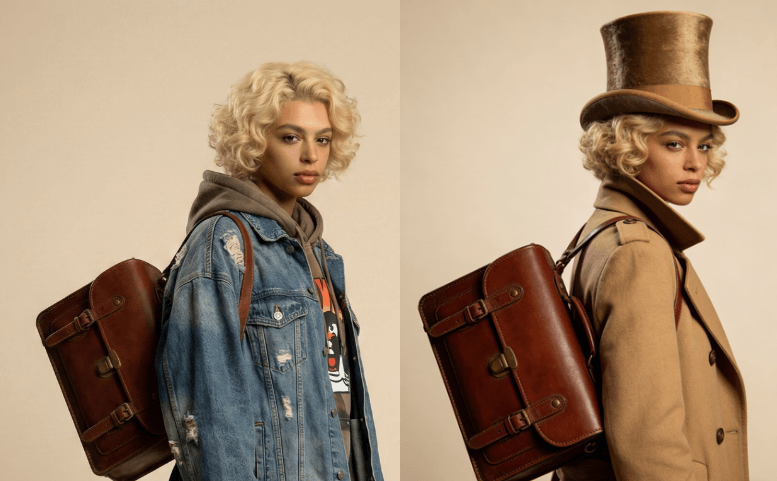
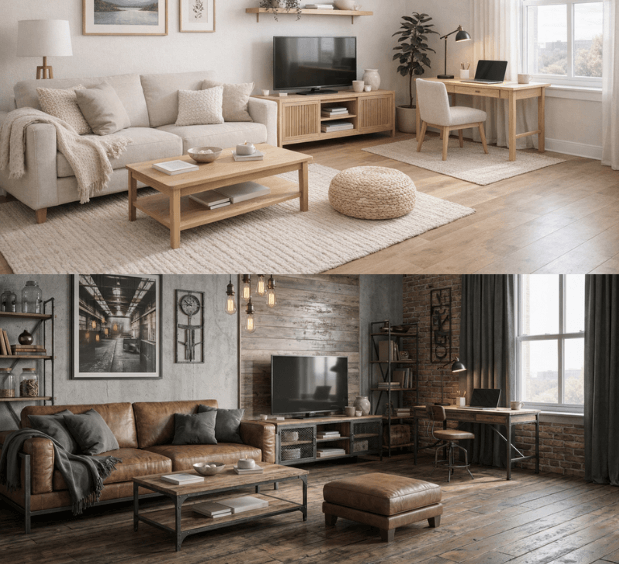
Best Image to Image AI Use Cases
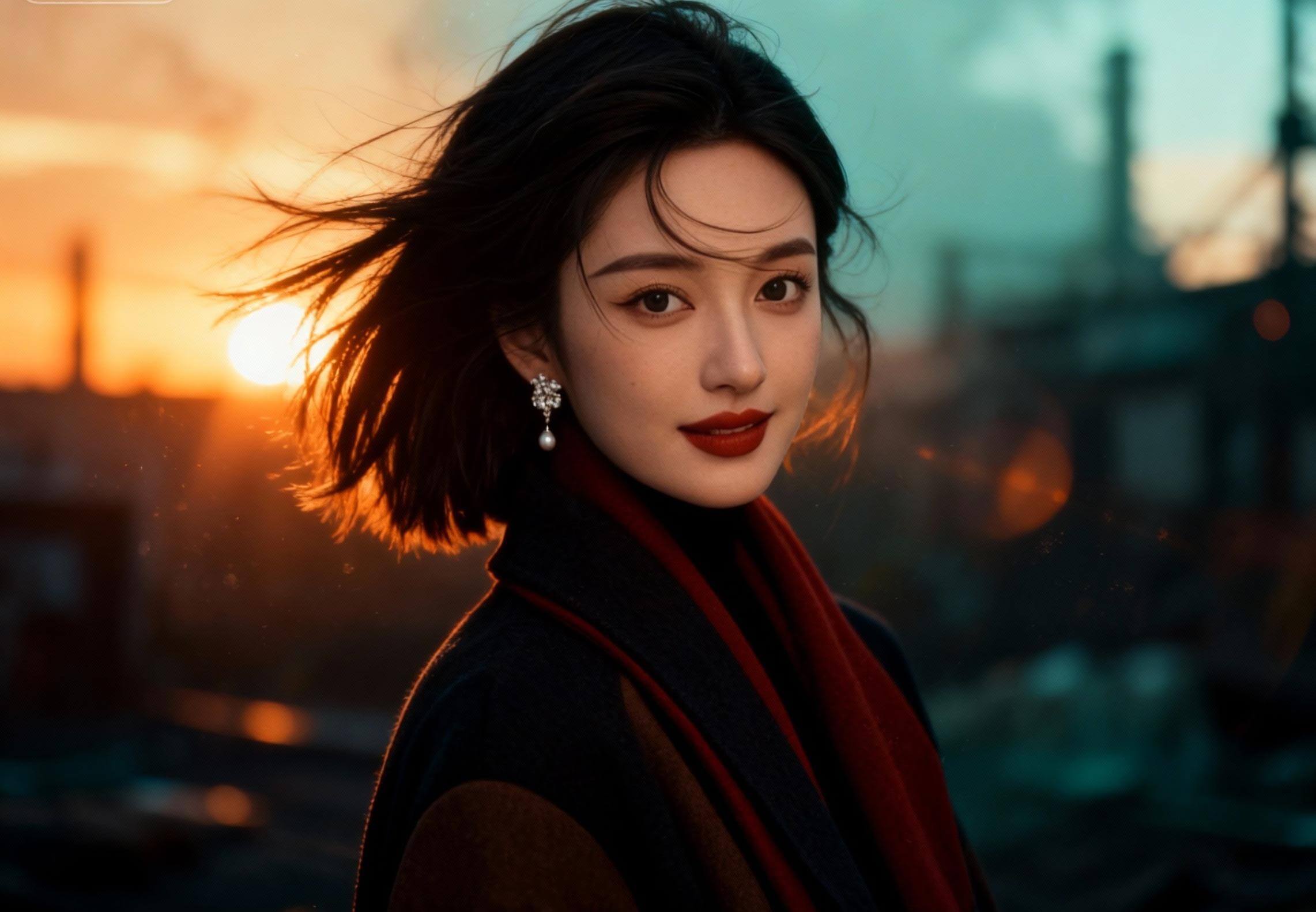
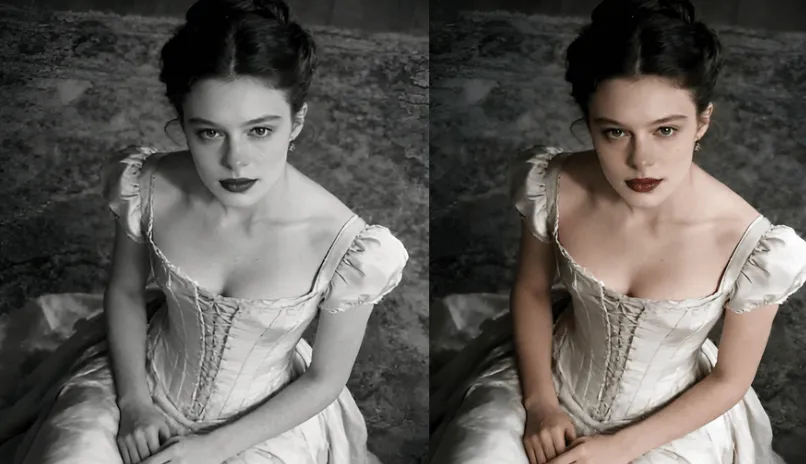
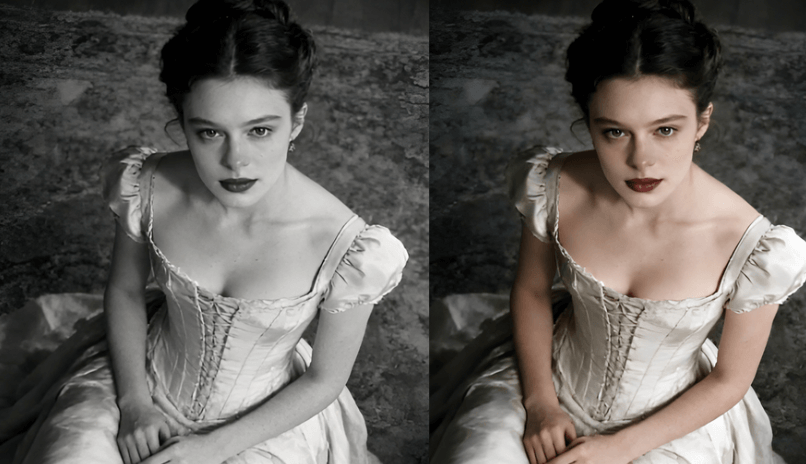
Upgrade Photo into Cinematic Portrait
Turn a casual snapshot into a film‑grade look—golden hour, sharp focus, premium color, and a mood you choose. The image to image model will create the best result fast—no editing skills needed.
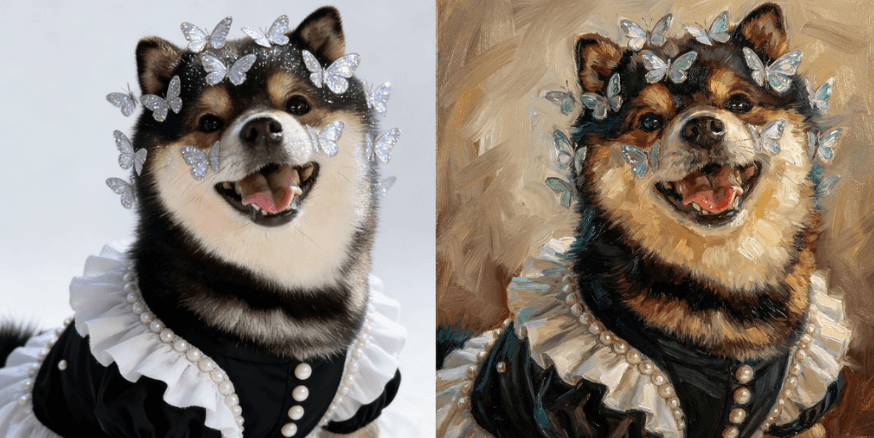
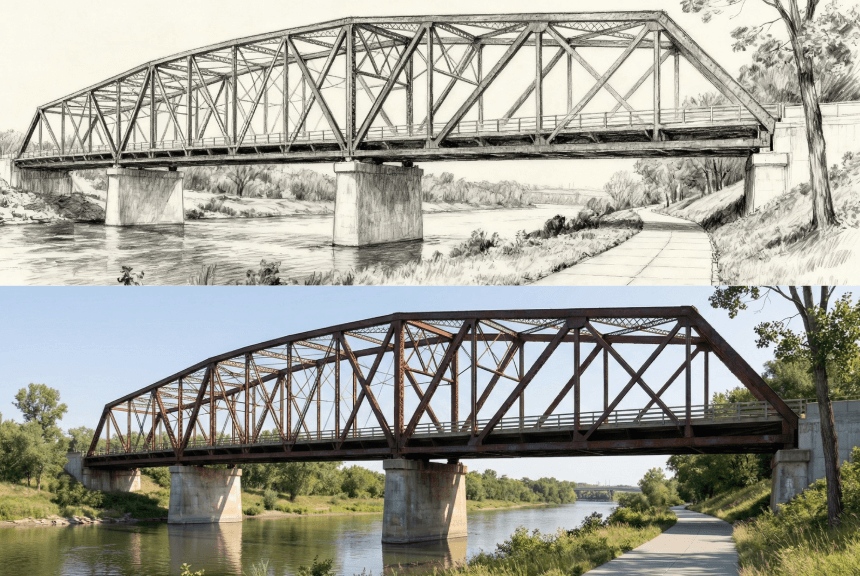
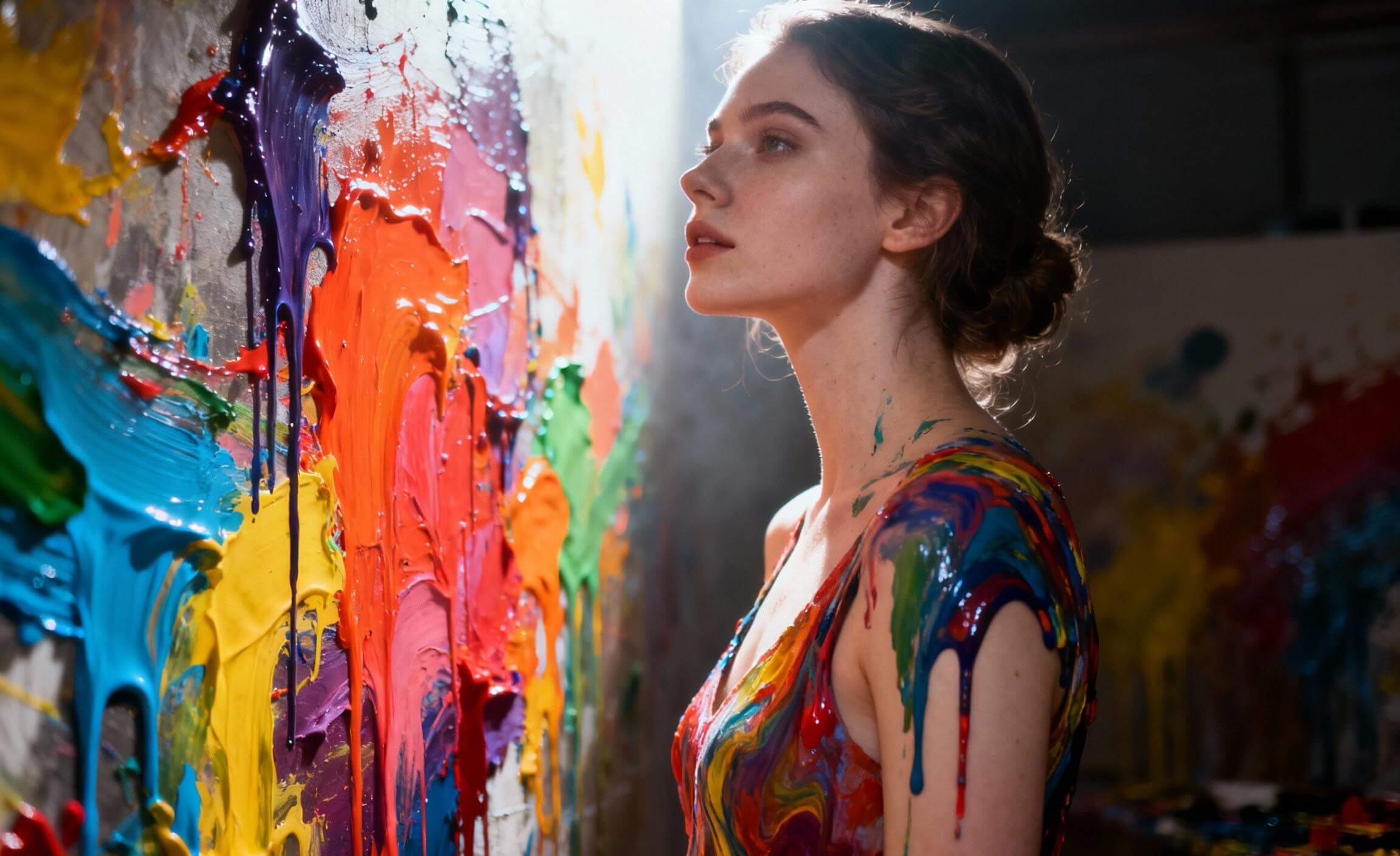
Instant Style Transfer
Transform your image into painterly or gallery‑ready art while keeping the original composition. Try multiple top image models in one place and iterate in seconds until it "clicks."
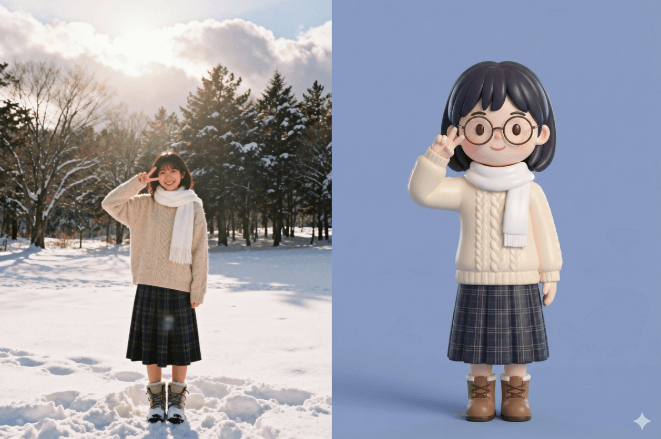
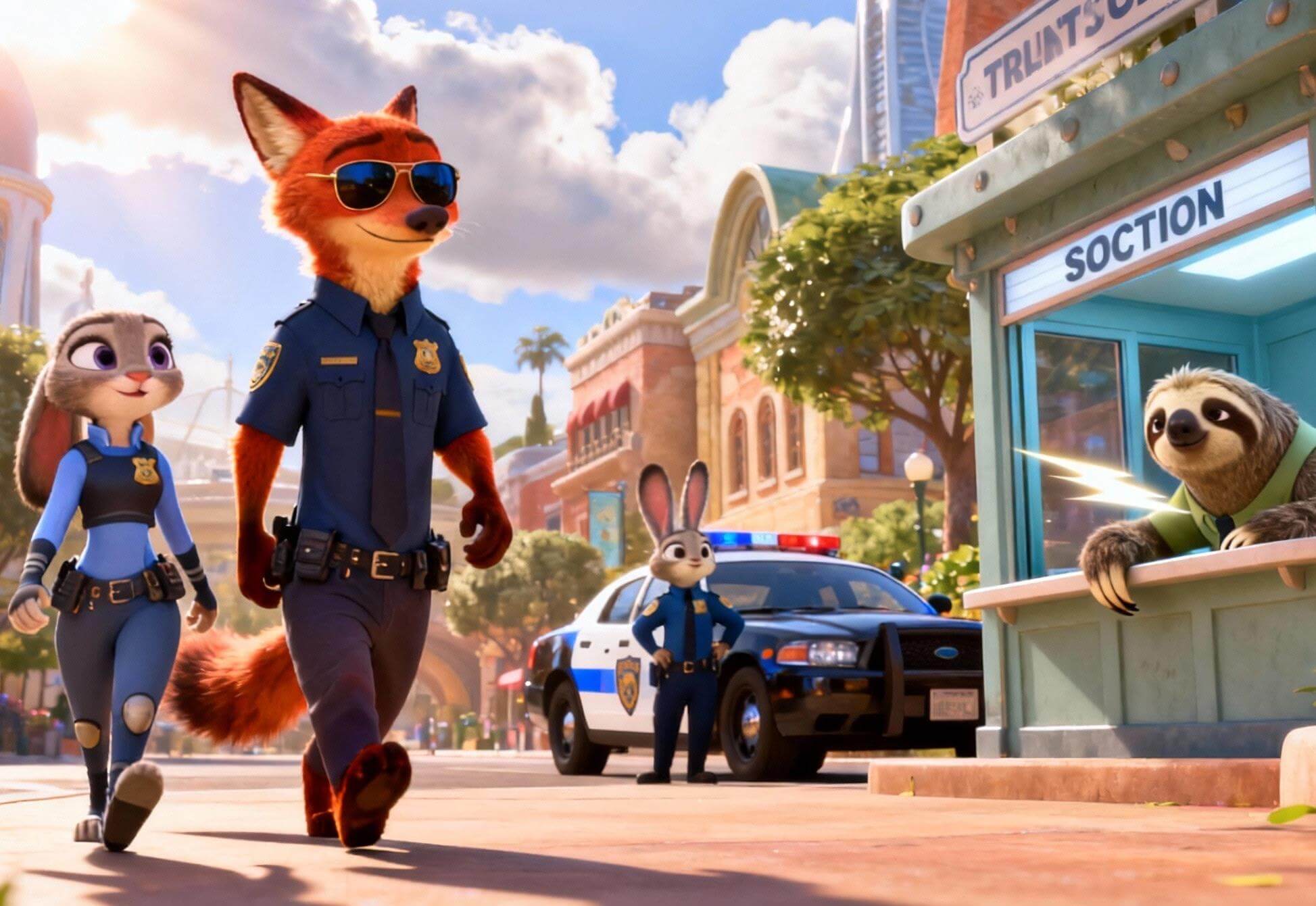
Make Fun, Shareable Characters
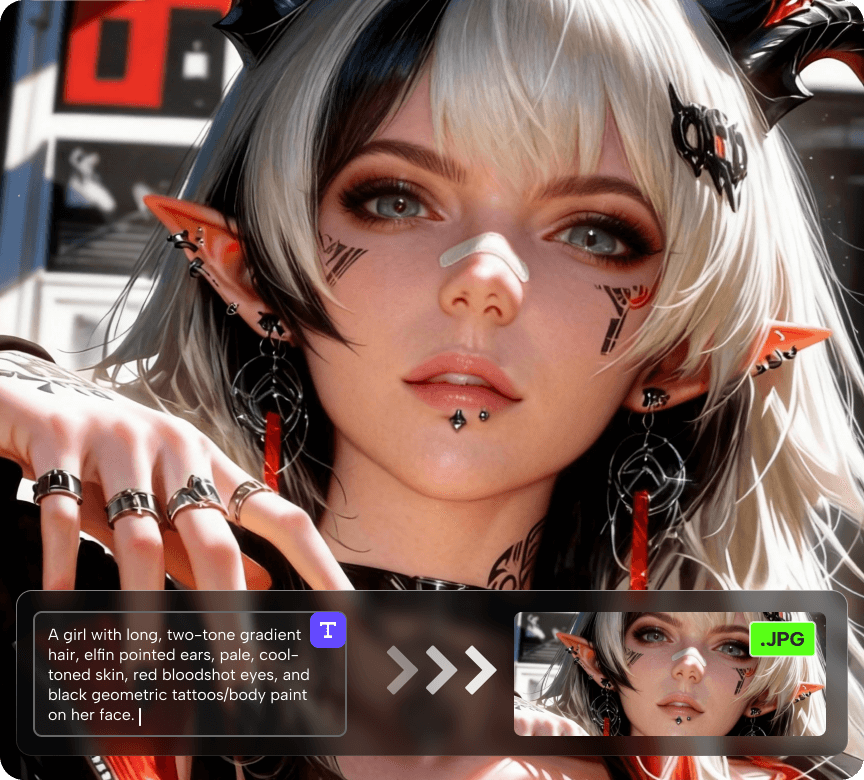
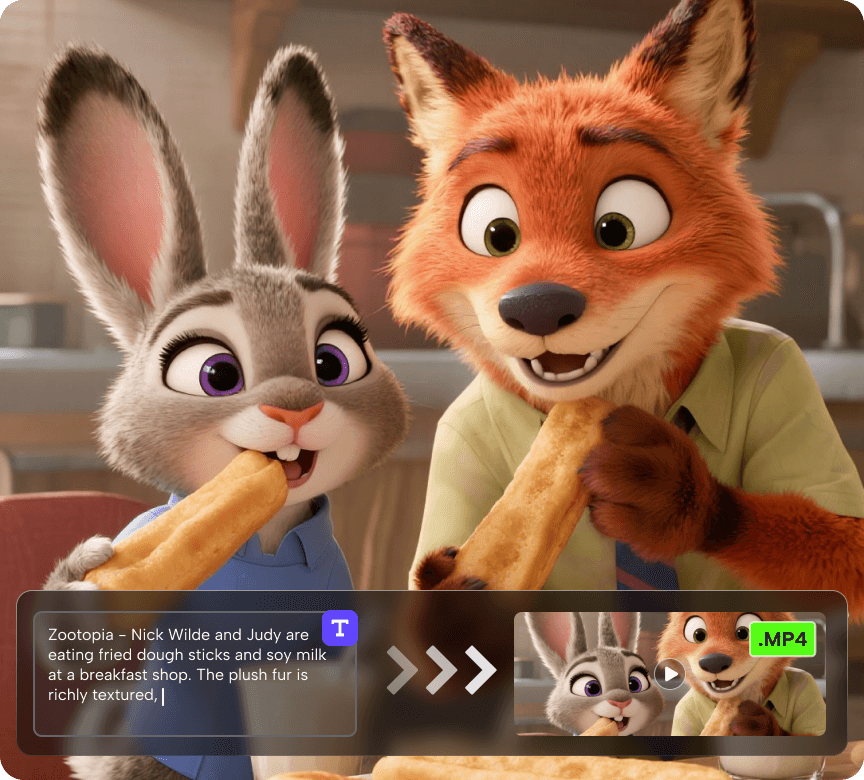
Create animation‑style versions for avatars, posters, stickers, or social posts—cute, consistent, and instantly recognizable. One upload, one prompt, and you can test different models to get the exact vibe you want.
How to Use Our Image to Image AI Generator
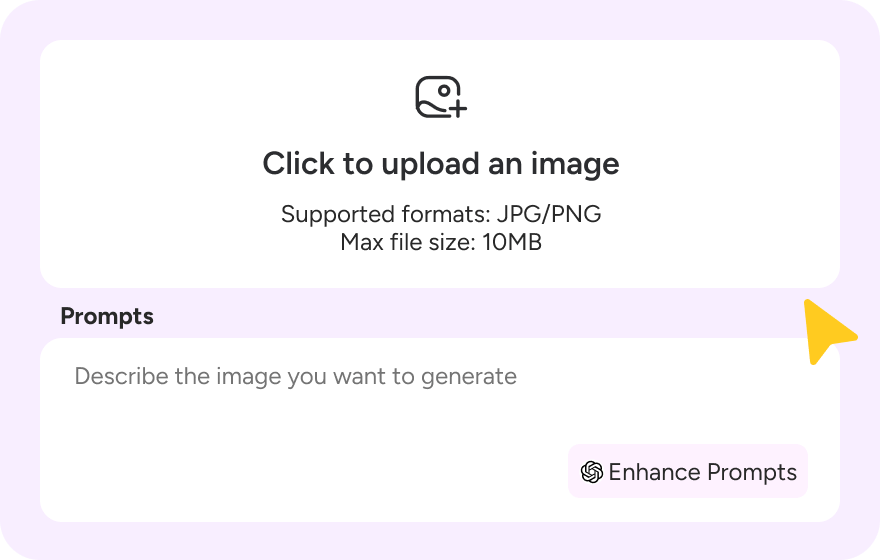
Step 1: Enter your prompt
Describe how you want to transform your image. Enter a simple or detailed prompt (style, colors, objects, scene) to guide our Image-to-Image AI.
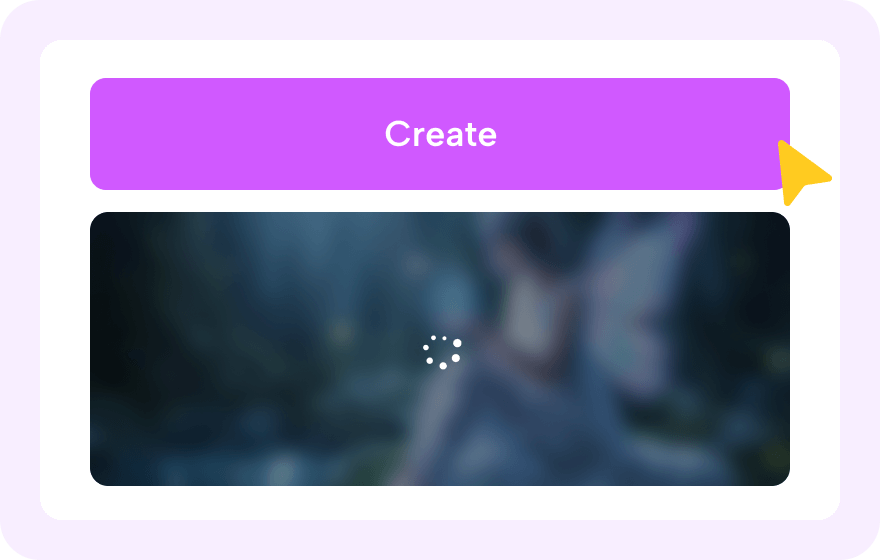
Step 2: Generate Your AI Image
Click "Generate" and let Novi AI instantly turn your image into a high-quality AI image using our free AI image generator.
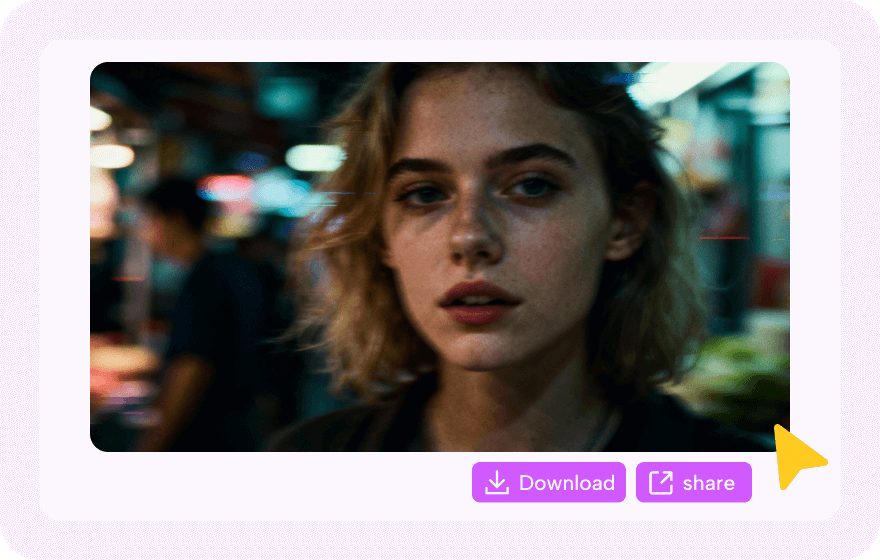
Step 3: Download and Share
Preview the result, download your HD image with no watermark, and share it anywhere you like. Tag #MadeWithNoviAI for a chance to earn bonus coins.
About Our Image to Image AI Generator


Explore More Tools Powered by Image to Image AI
FAQs About Image to Image AI
1. What kind of original images work best for image-to-image generation?
Clear images with distinct subjects work best. Avoid blurry, dark, or occluded photos. Keep the main subject prominent so the model can capture details accurately.
2. How can I make the output match the style I want precisely?
Use specific style keywords (e.g., "Studio Ghibli watercolor", "Renaissance oil painting") plus lighting/color notes. The more precise the prompt, the closer the style match.
3. Will my uploaded original images be stored or shared with others?
No. Uploaded images aren't stored or shared by Novi AI. They're used only during generation, then processed and deleted to protect privacy and security.
4. What should I do if the generated result is not what I expected?
Refine the prompt (style/texture details), upload a clearer original, or try different style keywords. Small iterations to prompt or image often improve results.
5. Is Novi AI Image Generator free to use?
Yes. Novi AI offers free AI image generation so you can create and test images online.Free images may include a watermark. To download images without a watermark, a paid plan is required.
More Creative Options
Take Your Creativity Further with Our Other AI Video Generators
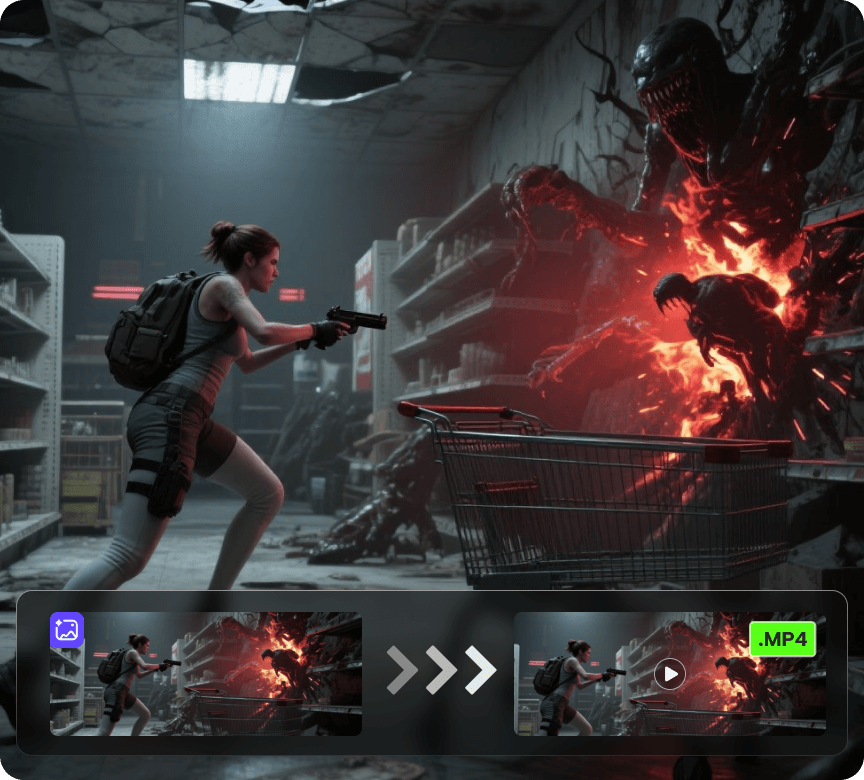
AI Video Generator
Create videos from a photo or a prompt. Add smooth motion, camera moves, and cinematic effects for social clips, product shots, and story scenes.