Free Vidu AI Video Generator: Image & Text to Video Online

Generate ultra‑realistic AI videos from simple prompts with Vidu. Produce detailed, smooth-motion clips online for free, ready for social media or projects.

icon
arrow
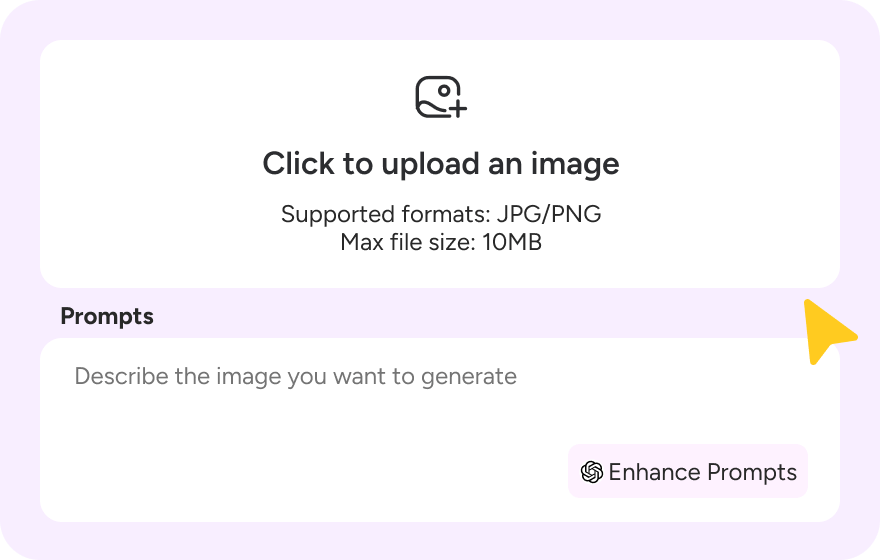
Upload Click to upload an image Supported formats: JPG/PNG Max file size: 10MB
0 / 2000
0 / 2000
Featured Video

120+

Countries Worldwide

2M+

Satisfied Customers

15M+

Active Users

10Y+

Experience in Software

Trusted by Top-Tier Media Wordwide

User 1 Ethan Miller
User 2 Noah Garcia
User 3 Olivia Bennett
User 4 Isabella Parker
User 5 Liam Anderson
User 6 Sophia Carter
User 7 Amelia Brooks
User 8 Chloe Rivera
User 1 Ethan Miller
User 2 Noah Garcia
User 3 Olivia Bennett
User 4 Isabella Parker
User 5 Liam Anderson
User 6 Sophia Carter
User 7 Amelia Brooks
User 8 Chloe Rivera

How to Use Vidu AI

Step 1

Step 1: Describe your vision

Select the Vidu AI model to get started. Enter a text prompt or upload a reference image. Click "Enhance Prompts" to let our AI polish your idea for the best results.
Step 2

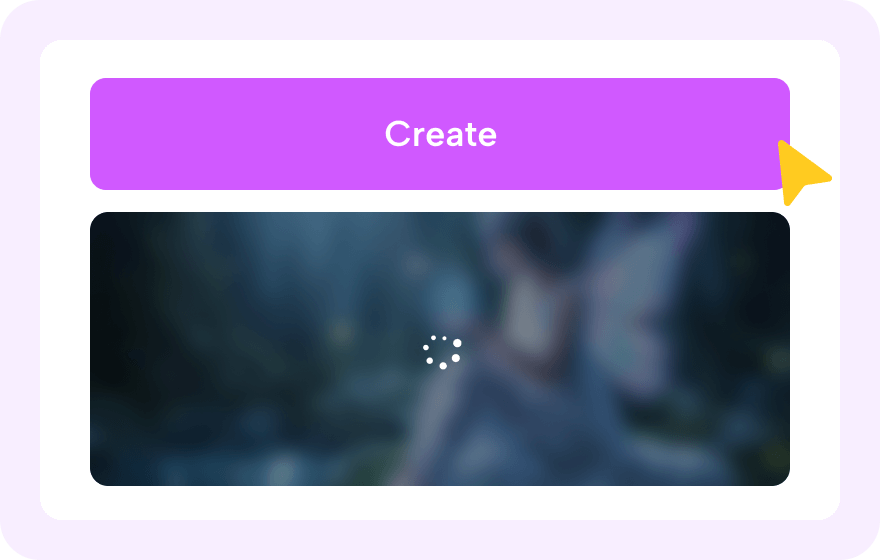
Step 2: Let the magic happen

Hit "Generate" and watch Novi AI create your video using the power of Vidu AI. It only takes a moment—feel free to read our pro-tips below while you wait!
Step 3

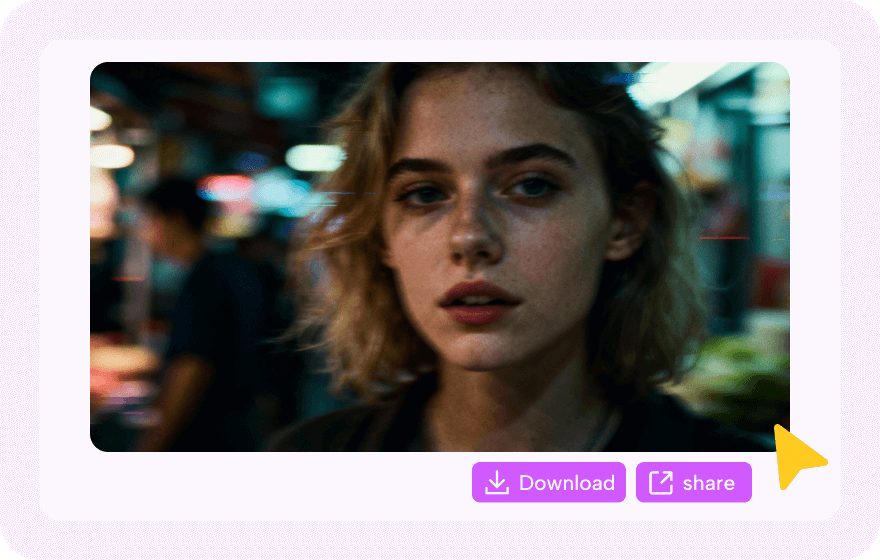
Step 3: Download and share

Preview your new clip and download the watermark-free version at no cost. Share it on social media and tag #Novi AI to earn bonus credits, or explore our other creative tools.

Vidu AI Prompts People Like

Vidu AI Romantic Video

Animate static photos into romantic hugs or kisses. Vidu AI lets you reconnect with loved ones through heartwarming, lifelike generated videos.

Vidu AI Romantic Video

Animate static photos into romantic hugs or kisses. Vidu AI lets you reconnect with loved ones through heartwarming, lifelike generated videos.
AI Prompt:
Use the provided start frame as the first shot: a rainy nighttime city street with glossy reflections, a large glowing Christmas tree in the background, pedestrians with umbrellas passing behind; the boy (left) and girl (right, wearing a knit beanie) face each other in the foreground—camera in a medium close-up at eye level, shallow depth of field, cinematic warm bokeh from the tree and streetlights, gentle handheld micro-movement; light rain falls steadily with visible droplets and subtle mist, water beads on clothing and hair; the girl slowly steps closer, lifts her chin, and reaches up to rest a hand lightly on the boy’s chest/shoulder as he softens his expression and leans in; they close the distance and share a tender kiss, holding for a moment while umbrellas drift past in soft focus; keep their faces consistent with the reference image, maintain realistic skin texture, natural motion, and romantic, cozy holiday mood; 24fps, 4K, filmic color grade, no text, no logos, no flicker.

Vidu AI Dance Video

Turn a still photo into a viral dance video. Vidu AI animates full-body images to perform trending moves without you needing to learn the steps.

Vidu AI Dance Video

Turn a still photo into a viral dance video. Vidu AI animates full-body images to perform trending moves without you needing to learn the steps.
AI Prompt:
An Eastern young female dancer with long hair, wearing a light, sheer, flowing traditional-style long dress with long sleeves, holding a short knife/dance blade. In an open classical stage setting or in front of a clean background, the camera follows in a medium shot. She first makes a light jump into the air; with both arms, she guides the blade in a smooth arc, and her body completes one full 360° rotation in midair, with the movement continuous and steady. She then lands smoothly and finishes by drawing in and holding a final pose—elegant and rich in dance artistry. A gentle breeze lifts and visibly ripples the skirt and long sleeves. Soft, cinematic lighting. Clean, stable footage with no shaking, no deformed fingers, and no weapon distortion. Overall: an aesthetically beautiful, realistic style.

Vidu AI Old Photos Video

Revive old memories with Vidu AI. Turn vintage photos into lifelike videos, making them smile, blink, and move in high-quality animation.

Vidu AI Old Photos Video

Revive old memories with Vidu AI. Turn vintage photos into lifelike videos, making them smile, blink, and move in high-quality animation.
AI Prompt:
Old photo, photo-to-video effect in black-and-white: start from a high, top-down overhead view like an aged vintage photograph, showing a young woman seated on a large ornate patterned rug in a dim wooden room, wearing an off-shoulder corseted gown with puff sleeves and a full skirt spread around her, hair pinned up neatly and classic makeup; animate the still with subtle film grain, gentle flicker, and soft contrast, then the camera slowly pans/glides downward from above toward her face as she looks up into the lens with a calm, intense expression, and as the camera settles closer she slightly softens her gaze and gives a small warm smile directly at the camera, maintaining the authentic "old photo brought to life" feel.

Vidu AI Roleplay Video

Create your ideal AI girlfriend or fantasy character. Vidu AI generates custom roleplay videos, bringing your creative scripts and stories to life.

Vidu AI Roleplay Video

Create your ideal AI girlfriend or fantasy character. Vidu AI generates custom roleplay videos, bringing your creative scripts and stories to life.
AI Prompt:
POV shot:I am lounging on the sofa when my girlfriend sits close to me. She is wearing an oversized white button-down shirt, slightly unbuttoned. Her hair is damp and messy from the shower. She leans in with a playful grin, reaching out as if trying to block or grab the camera. High quality, photorealistic, authentic look.

Vidu AI Background Video

Create custom moving backgrounds for any project. Use Vidu AI to generate unique, copyright-free loops for green screens and social media posts.

Vidu AI Background Video

Create custom moving backgrounds for any project. Use Vidu AI to generate unique, copyright-free loops for green screens and social media posts.
AI Prompt:
A cinematic transformation shot starting with a man in a black coat and white turtleneck standing stoically in front of a tall, modern glass skyscraper under a blue sky; suddenly, a massive, fiery explosion erupts from the building behind him, filling the background with billowing orange flames and smoke while the man remains completely calm and unmoving, as the glass facade shatters and is consumed by the inferno in his back.

Vidu AI Face Swap Video

Instantly transport yourself into viral clips to sport new hair, makeup, and outfits. Vidu AI provides seamless face replacement, letting you star in movies or trending social videos.

Vidu AI Face Swap Video

Instantly transport yourself into viral clips to sport new hair, makeup, and outfits. Vidu AI provides seamless face replacement, letting you star in movies or trending social videos.
AI Prompt:
Apply a magical clown makeup effect to the same woman's face: track her facial features frame-by-frame and smoothly paint on a theatrical clown look that stays perfectly aligned during head turns and expressions—clean white base across the face, bright red round nose, vivid red lips extended into a soft upturned smile, and bold blue star/diamond shapes around both eyes—while preserving her identity, skin texture, pores, natural shadows, and the original lighting; keep hair, background, and camera style unchanged, maintain natural blinking and mouth movement, and ensure seamless edges at the hairline/jawline with zero flicker, warping, or ghosting.

Best Use Cases for Vidu AI

Create Any Idea

Type an idea, hit Create, and get a polished video fast—no editing skills, no complex setup. Vidu keeps the workflow simple for everyday users while delivering high-quality results you'll be proud to share.
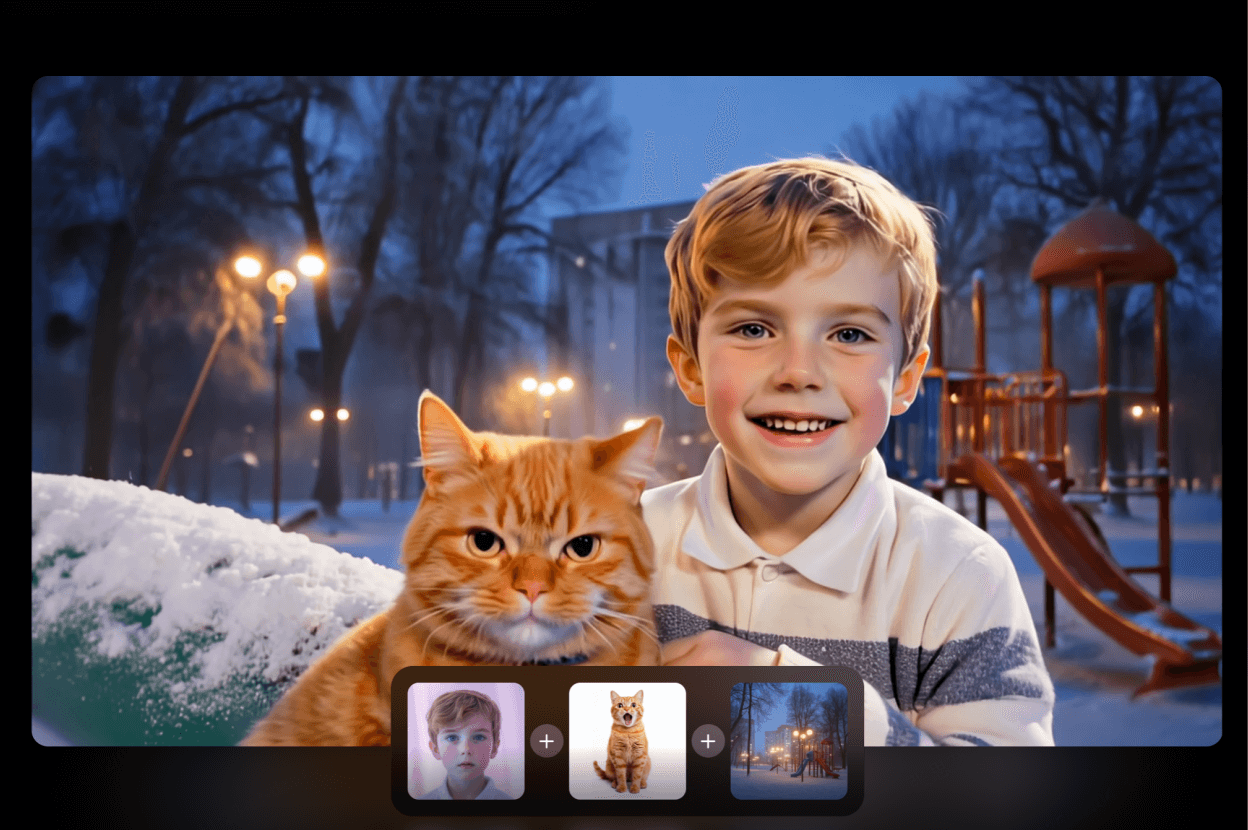
Input Items to Story

Build exactly what you want by combining provided elements (characters, objects, scenes). Mix and match like blocks, guide the outcome, and generate videos that match your vision—perfect for product shots, concepts, and quick storytelling.
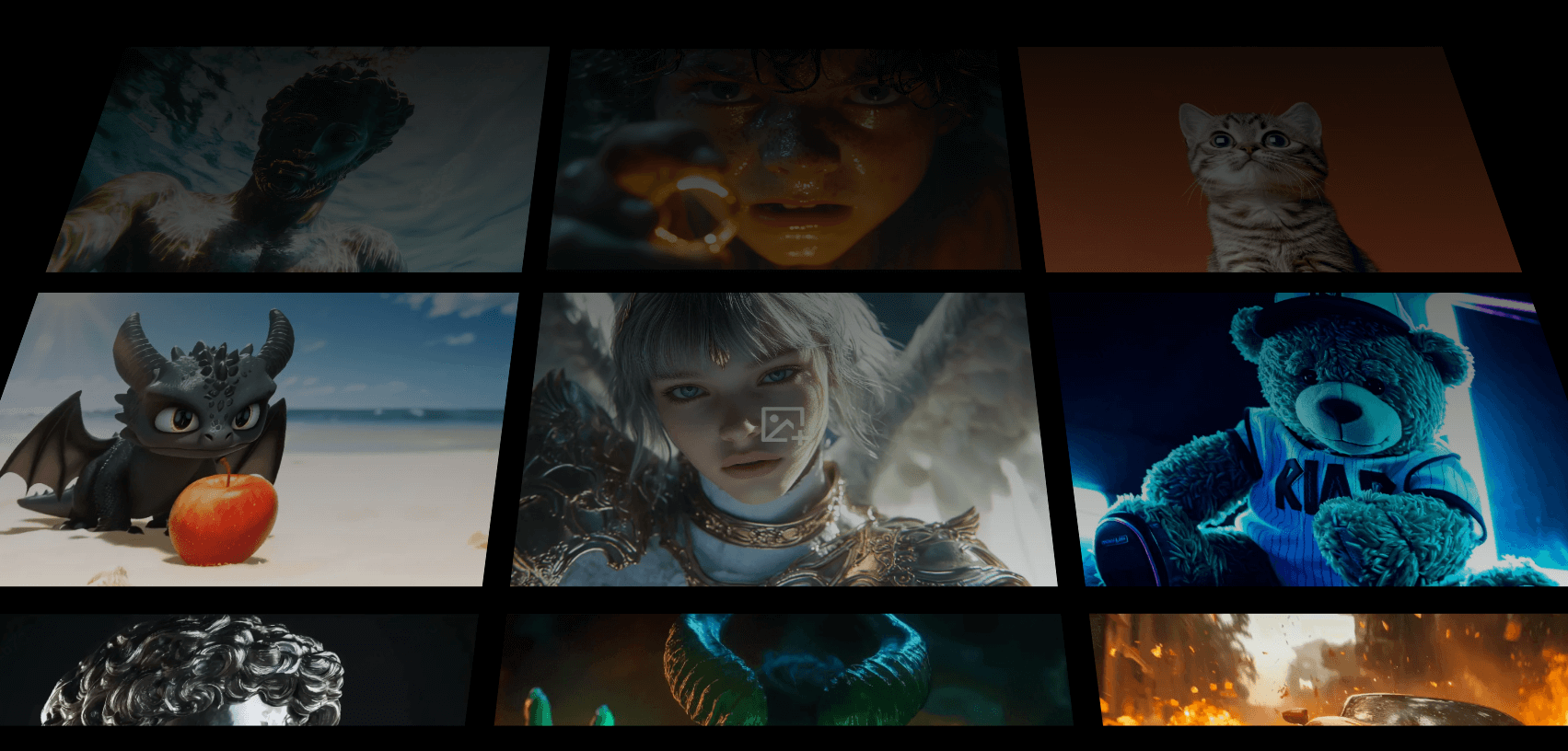
Imagination Becomes Video

From cute to cinematic to fantasy, Vidu turns wild ideas into scroll-stopping creations. Explore styles, characters, and worlds that would take days to produce—now made in minutes, ready for social, ads, or personal projects.

About Our Vidu AI Video Generator

Vidu AI in Novi AI
Developed by Tsinghua University, the Vidu AI tool pioneers video generation with its self-developed U-ViT architecture, achieving 16-second 1080P videos, millimeter-level physical simulation, and accurate Chinese cultural element reproduction. It quickly parses complex multi-element instructions, supports 8 artistic styles, and cuts commercial production costs by 57% compared to industry averages. Through Novi AI's integration of Vidu, we connect these professional AI capabilities directly to your practical needs. This empowers enterprises and creators to produce culturally resonant, high-dynamic videos with simple operations on our platform.
Create Online Create Online
Tool Status & Statistics
Real-time performance data for our AI Video Generator.
0
Videos generated today
SYSTEM ONLINE
icon1
49.2s
Average generation time
icon2
99.8%
Success Rate (24h)
icon3
80 Free Coins
For new sign ups
icon4
20+ Styles
Anime, Realistic & 3D

Why Choose Vidu AI

Deep Dive: Vidu AI Insights
Vidu 1.0 vs Vidu 1.5 vs Vidu 2.0: Which Should You Choose?
Honestly, the biggest upgrade in Vidu 2.0 isn't the visuals—it's how fast it moves. I can generate a decent 4‑second clip in under 10 seconds, which means I'm not "rendering" anymore. I'm just trying things, adjusting, and trying again like it's real-time. The evolution from 1.0 to 2.0 represents significant improvements in speed, cost efficiency, and creative control.
Comparing Vidu Versions: Which Delivers the Best Value?
Each version of Vidu offers distinct advantages depending on your workflow needs. Vidu 1.0 established the foundation with basic text and image inputs, while 1.5 introduced multi-entity consistency and faster generation times. Vidu 2.0 takes it further with ultra-fast rendering, reference-based inputs, and precise camera controls—making it ideal for professional narrative storytelling. The following comparison is based on current platform testing:

Feature

Vidu 1.0

Vidu 1.5

Vidu 2.0

Input Modes
Text / Image
Text / Image
Text / Image / Reference
Consistency
Single Subject
Multi-Entity (3+ subjects)
High-Fidelity Multi-Shot
Speed
Standard (~60s)
Fast (~30s)
Ultra-Fast (<10s)
Cost
Standard
Reduced
Lowest (~$0.04/sec)
Frame Control
Basic
Custom Start/End Frame
Precise Camera & Transition
Best Use Case
One-off clips
Short loops & B-roll
Narrative Storytelling

FAQs About Vidu AI

Does Vidu AI Allow Uncensored Content?

No, Vidu AI has strict safety filters. It blocks the generation of explicit, violent, or uncensored content to ensure a safe environment for all users.

How to Use Vidu AI for Free?

Vidu AI provides free credits, each user receives 25 free credits at beginning, if follow new users guide's tasks, there will be more credits bonus. At Novi AI, you could also try Vidu AI for free with 80 new subscription coins.

What are the best Vidu alternatives for short videos?

For generative AI video, top Vidu alternatives like RunwayML, Luma, Kling, and PixVerse are available to try directly in Novi AI. If you just need simple editing, tools like CapCut work well. Choose based on whether you need AI generation or basic edits.

Is Vidu AI Safe to Use in Novi AI?

Yes. We prioritize your safety. Vidu employs strict security protocols. For specific features using our Novi AI, your data is never logged or used for training and is protected by encrypted transmission.

More Styles, More AI

Take Your Creativity Further with Our Other AI Video Generators
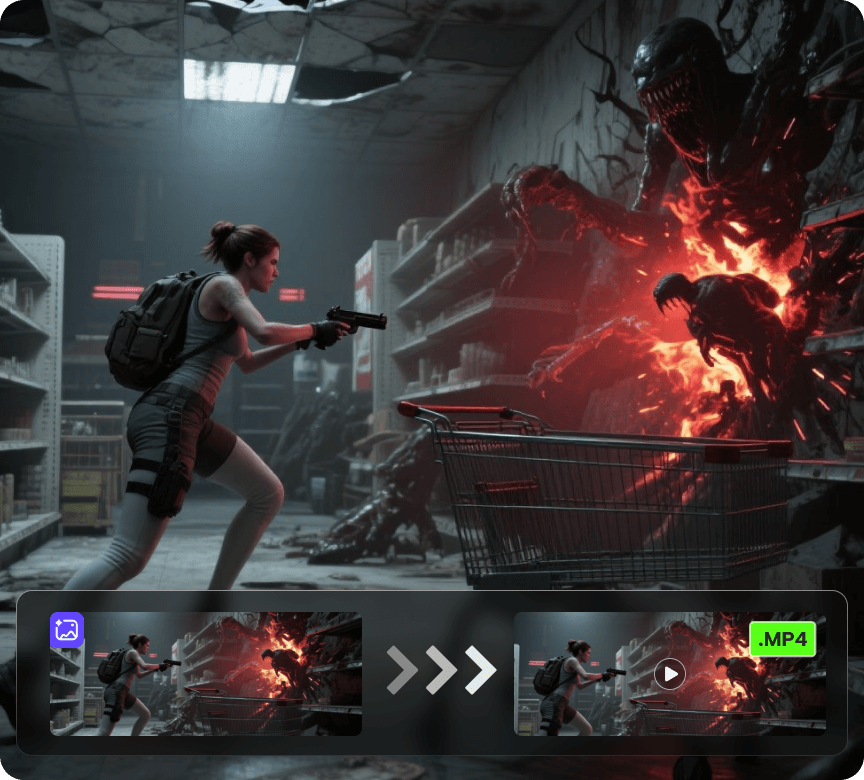
Video 1

AI Video Generator

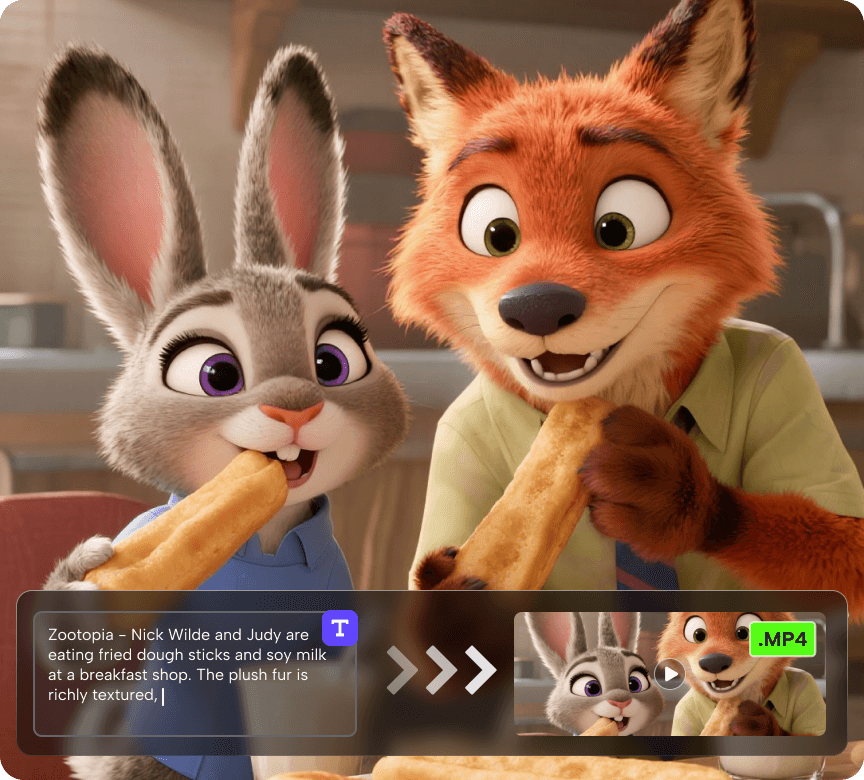
Create videos from a photo or a prompt. Add smooth motion, camera moves, and cinematic effects for social clips, product shots, and story scenes.
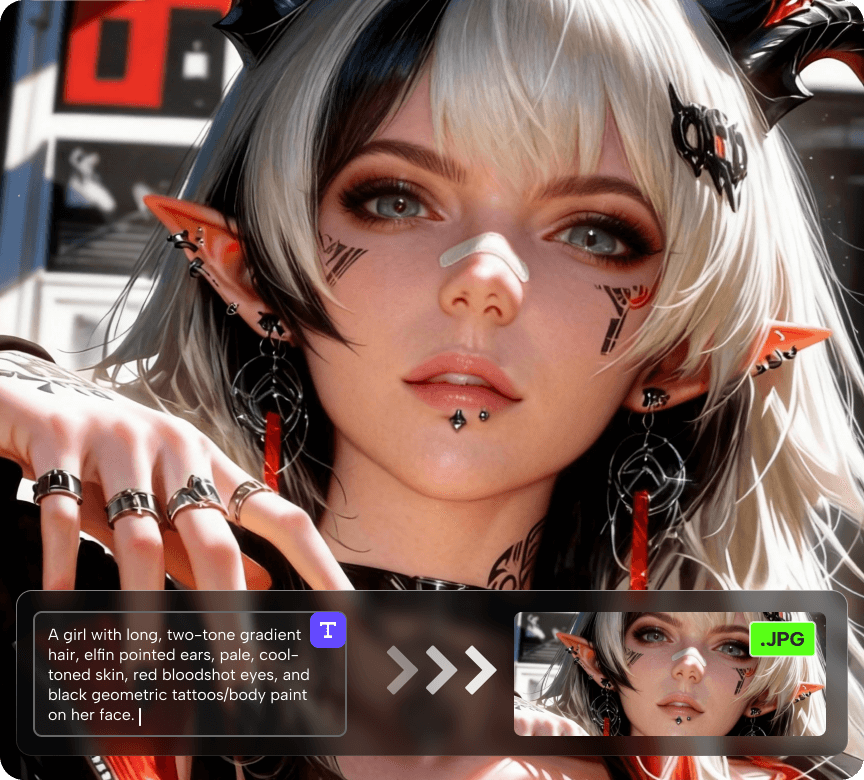
Try Now Try Now
Video 1

AI Image Generator

Generate or restyle images from text or an existing photo. Keep composition, swap styles, enhance detail, adjust lighting, and create on-brand variations.

Try Now Try Now
Video 1

AI Story Video Generator

Turn a prompt into a multi-scene video up to 5 minutes long, with voiceover and subtitles. Perfect for narrated stories, promos, explainers, and series content.

Try Now Try Now