Veo 3.1 AI Video Generator: Free Image & Text into Video AI

Discover the art of crafting effective prompts for VEO 3 video generation. Learn from examples and best practices to create stunning videos.

icon
arrow
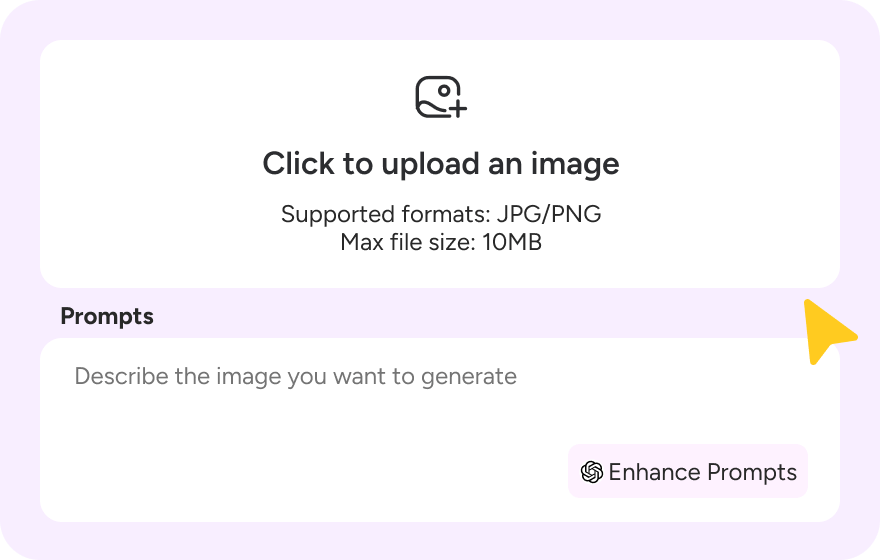
Upload Click to upload an image Supported formats: JPG/PNG Max file size: 10MB
0 / 2000
0 / 2000
Featured Video

120+

Countries Worldwide

2M+

Satisfied Customers

15M+

Active Users

10Y+

Experience in Software

Trusted by Top-Tier Media Wordwide

User 1 Ethan Miller
User 2 Noah Garcia
User 3 Olivia Bennett
User 4 Isabella Parker
User 5 Liam Anderson
User 6 Sophia Carter
User 7 Amelia Brooks
User 8 Chloe Rivera
User 1 Ethan Miller
User 2 Noah Garcia
User 3 Olivia Bennett
User 4 Isabella Parker
User 5 Liam Anderson
User 6 Sophia Carter
User 7 Amelia Brooks
User 8 Chloe Rivera

How to Use VEO 3 AI Video Generator
Step 1

Step 1: Describe your vision

Enter a text prompt or upload a reference image to get started with Gemini VEO 3. Click "Enhance Prompts" to let our AI polish your idea for the best results.
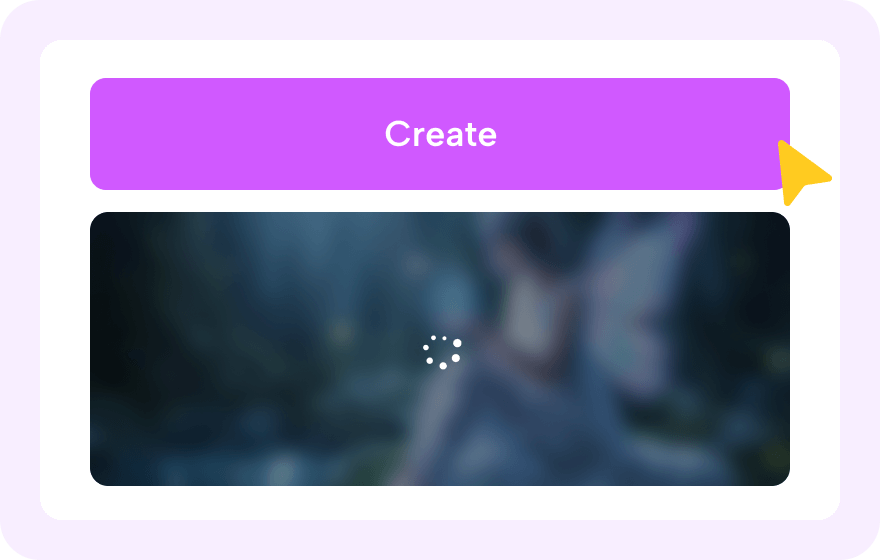
Step 2

Step 2: Let the magic happen

Hit "Generate" and watch Novi AI create your video using the power of Google's Veo 3.1. It only takes a moment—feel free to read our pro-tips below while you wait!
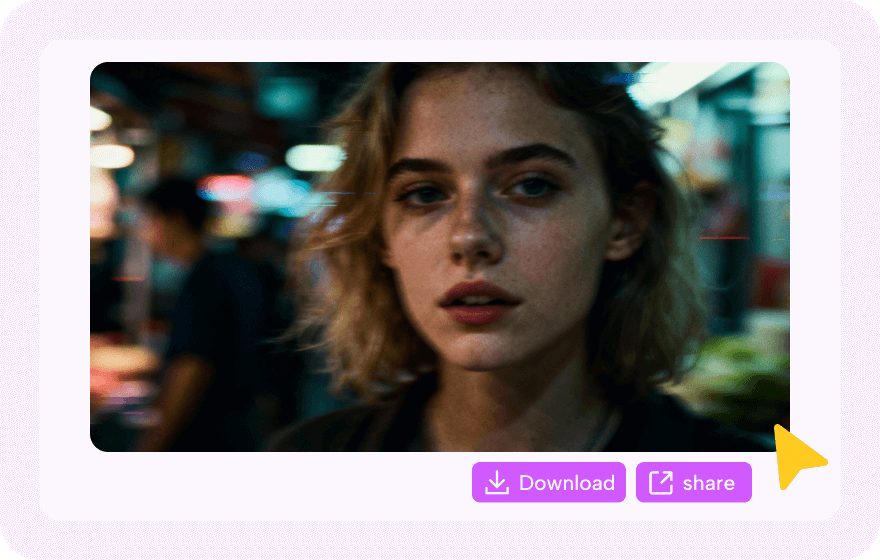
Step 3

Step 3: Download and share

Preview your new clip and download the video at no cost. Share it on social media and tag #MadeWithNoviAI to earn bonus credits, or explore our other creative tools.

What VEO 3 Prompts People Like

Veo 3 Selfie Video

Transform a single static selfie into a talking, moving digital twin with perfect lip-syncing for your social media intros.

Veo 3 Selfie Video

Transform a single static selfie into a talking, moving digital twin with perfect lip-syncing for your social media intros.
AI Prompt:
A photorealistic, medium shot selfie-style video featuring a large, expressive gorilla wearing a tight-fitting, light blue button-down business shirt, sitting at a wooden desk in a modern high-rise corporate office. The background showcases large floor-to-ceiling windows revealing a bustling city skyline with skyscrapers under a clear daylight sky, while blurred human colleagues work at computers in the distance. The gorilla is looking directly into the camera lens, holding its hands out in a gesture of exasperation and confusion, shrugging its massive shoulders while quickly complaining about a stressful workload. The camera should have a slight handheld shake to mimic a selfie video, capturing the gorilla's animated facial expressions, including wide eyes and a slightly open mouth, as it gestures towards the open laptop and stacks of paperwork on the desk in front of it.

Veo 3 Interview Video

Instantly turn simple text prompts into engaging street interview videos featuring realistic interactions, urban settings, and documentary-style cinematography.

Veo 3 Interview Video

Instantly turn simple text prompts into engaging street interview videos featuring realistic interactions, urban settings, and documentary-style cinematography.
AI Prompt:
Medium waist-up shot of an anthropomorphic Japanese raccoon dog (Tanuki) vlogger standing next to a stylish young Japanese woman on a busy Shibuya sidewalk at night. The Tanuki has a furry face with distinct mask markings, stands upright, and wears a backward cap. His T-shirt has our brand logo and brand name 'Novi AI'. He uses his furry hands to hold a microphone with a large foam windscreen. He speaks enthusiastically into the mic, then quickly moves the microphone to the woman's face. The woman laughs, nods, and begins speaking expressively into the microphone. Neon lights from store signs illuminate their faces. The camera is handheld and slightly shaky, mimicking a cameraman following the conversation.

Veo 3 Car Show Video

Generate cinematic, 4K car commercials or showroom flyovers that look 100% authentic using the "veo realistic video" engine.

Veo 3 Car Show Video

Generate cinematic, 4K car commercials or showroom flyovers that look 100% authentic using the "veo realistic video" engine.
AI Prompt:
The video begins with a medium shot of a confident man in a dark blue suit and red tie, standing in profile on the brightly lit floor of an auto show, gesturing enthusiastically toward a sleek white electric SUV parked to his left. Beside the SUV sits a low-slung, glossy red sports car, both vehicles gleaming under the convention center lights with prominent "FISKER" branding visible in the background. As the scene progresses, the man turns his body to face forward, transitioning into a direct address to the audience with a welcoming smile. The camera performs a smooth, cinematic dolly zoom, slowly pushing in on the presenter while widening the background to emphasize the bustling atmosphere of the car show and the impressive vehicles behind him.

Veo 3 ASMR Video

Utilize the new native audio generation to create tingling, satisfying ASMR visual loops with synchronized crunching and whispering.

Veo 3 ASMR Video

Utilize the new native audio generation to create tingling, satisfying ASMR visual loops with synchronized crunching and whispering.
AI Prompt:
A young woman's face is framed tightly, from her nose down. Her lips are painted a deep, glossy red, shimmering softly under cinematic lighting. She holds a standard-sized, translucent, glassy red apple to her lips. The crystal apple radiates an inner glow, its surface perfectly smooth and reflective. She slowly opens her lips and takes a bite, the crystal apple shattering with a loud, satisfying crunch. ASMR sound effects: a loud, resonant crunch, the sharp sound of shattering glass, the scattering of tiny fragments, and the subsequent soft chewing sounds. Her lips press and curl around the bite mark, capturing the brilliant reflections. The background is softly blurred. Visual tone: sharp, bold, surreal. No dialogue. No subtitles.

Veo 3 Pet Video

Turn your dog or cat's photo into an action-packed adventure movie trailer or a funny talking animal clip with just a simple text prompt.

Veo 3 Pet Video

Turn your dog or cat's photo into an action-packed adventure movie trailer or a funny talking animal clip with just a simple text prompt.
AI Prompt:
The Journalist: A black-and-white tuxedo cat is the star of the shot. It has a focused, almost intense expression, wearing an official-looking "PRESS" badge around its neck. It is remarkably "holding" a small silver microphone up toward its subject. The Interviewee: On the right side of the frame, we see the profile of a Golden Retriever. The dog appears to be listening intently or waiting to answer a question, playing the role of the person being interviewed. The Setting: The background looks like a professional newsroom or a broadcast control center, with several blurred computer monitors displaying blue screens. Broadcast Graphics: A large red "BREAKING NEWS" banner is visible in the bottom-left corner. The entire image is a screenshot from a video player, as evidenced by the playback progress bar and volume controls at the bottom. Cat: "Address the allegations of treason!" Dog: "In my defense... it was a peanut butter biscuit."

Veo 3 Baby Video

Animate precious still photos of babies into heartwarming, laughing video memories that gently extend the moment forever.

Veo 3 Baby Video

Animate precious still photos of babies into heartwarming, laughing video memories that gently extend the moment forever.
AI Prompt:
Dim movie theater scene with screen glow reflections: a baby in a seat wearing oversized 3D glasses, holding a tub of popcorn; beside them a reporter leans in holding a handheld microphone with a subtle glowing tip, microphone clearly visible; cinematic low-key lighting, soft shadows, shallow depth of field, cozy atmosphere. Include speech bubbles: Reporter: "What did you think of the movie?" Baby: "Too loud… but the snacks were good!"

Best Use Cases for VEO 3 AI Video Generator
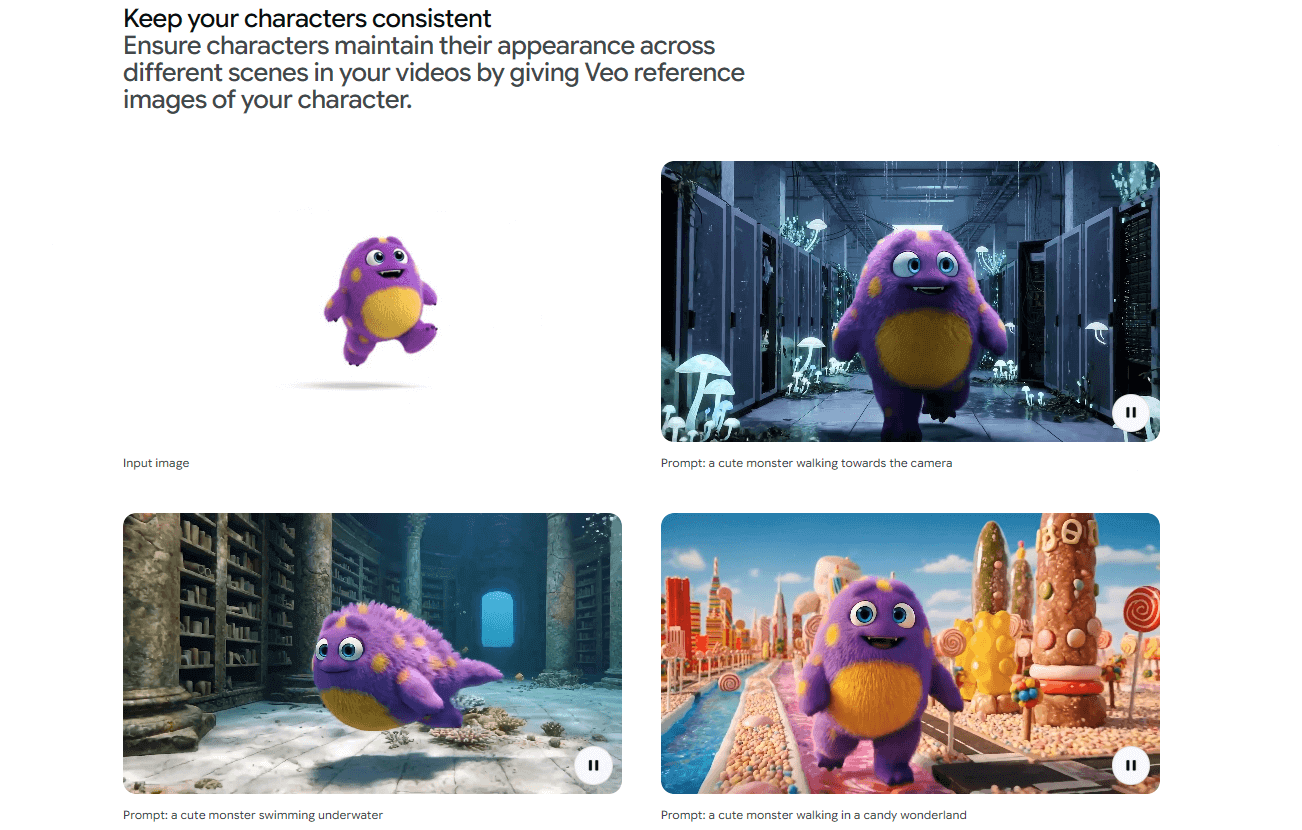
Unwavering Character Consistency

Maintain perfect visual identity across every frame and setting. Veo locks onto your character's unique traits—from fur texture to color palettes—ensuring they remain recognizable whether they are swimming underwater or walking through a digital landscape. Essential for storytellers, animators, and IP creators building a consistent series or brand mascot.
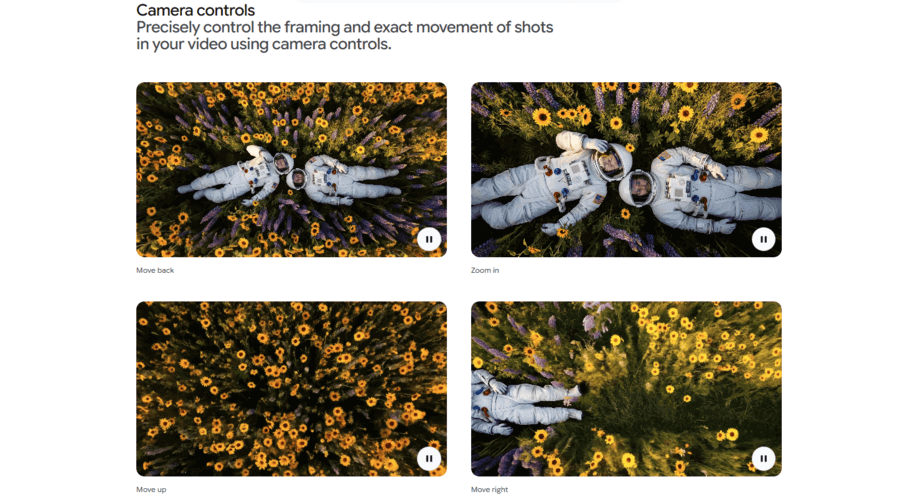
Director-Level Camera Control

Take the director's chair with precise control over camera movement and framing. Whether you need a dramatic zoom-in, a sweeping pan, or a subtle dolly track, Veo executes your vision with cinematic accuracy. Ideal for creating dynamic B-roll, music videos, and storyboard visualizations where exact framing matters most.
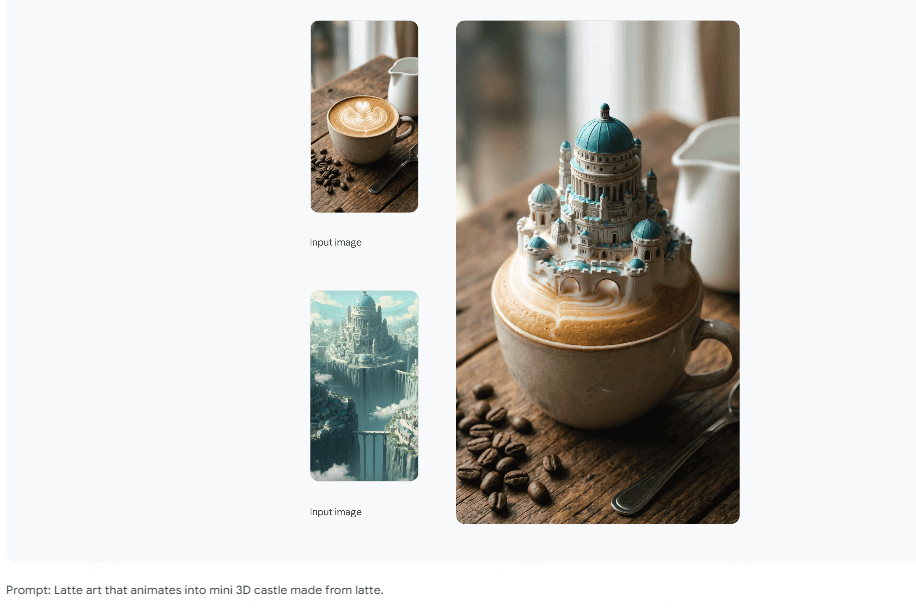
Cinema-Style Realistic Rendering

Leveraging advanced AI for realistic physics simulation and dynamic lighting effects, Veo 3 captures character details and scene interactions with HD quality and smooth motion continuity. Accelerates content creation for film and game promotions, concept demonstrations, and character reveal trailers.

About VEO 3 AI Video Generator

VEO3 AI Video Generator in Novi AI
The Veo 3 AI video generation tool delivers advanced text‑to‑video and image‑to‑video creation with precise audio‑visual synchronization and cinematic quality. It can quickly generate high‑quality, commercially usable videos without requiring professional skills or complex equipment. Novi AI brings this powerful tool to make video creation simpler, faster, and more professional—helping you turn ideas into polished speaking videos with ease.
Create Online Create Online
Tool Status & Statistics
Real-time performance data for our AI Video Generator.
0
Videos generated today
SYSTEM ONLINE
icon1
59.2s
Average generation time
icon2
99.8%
Success Rate (24h)
icon3
80 Free Coins
For new sign ups
icon4
20+ Styles
Anime, Realistic & 3D

Why Choose Google VEO 3

Deep Dive: Veo 3 Insights
Veo 3.1 vs Veo 3: Which Should You Choose?
For cost-conscious students and casual creators, Veo 3 (including the "Fast" tier) offers excellent value with lower credit consumption. For professional and enterprise users needing 1080p resolution, extended duration, and superior consistency, choose Veo 3.1—it delivers significant improvements in quality, length, and prompt adherence. Veo 3.1 is now available to all Gemini Pro subscribers (previously Ultra-only).
Within the Novi AI platform, both Veo 3 and Veo 3.1 are integrated as part of a broader video creation workflow: users can move from script generation to storyboard, to image-to-video, and finally to compliance review in a single interface, without having to juggle multiple tools or accounts.
Veo 3.1 vs Veo 3: Worth the Extra Cost?
Veo 3.1 represents a meaningful upgrade over Veo 3, with notable improvements in long-form consistency and visual fidelity. However, the difference in credit consumption creates distinct value propositions for different users. The following comparison is based on November 2025 testing data:

Comparison

Veo 3 (Fast)

Veo 3 (Standard)

Veo 3.1

Maximum Output
720p/24fps, up to 8 seconds (reduced quality)
720p/24fps, up to 8 seconds
1080p/24fps, up to 148 seconds (with Extend)
Long-form Consistency
2.0/5
2.3/5
4.1/5
Generation Speed
~8 seconds per 8-second clip (faster)
~12 seconds per 8-second clip
~5.8 seconds per 8-second clip (faster)
Credit Cost
(8-second video)
20 credits (no audio)
~32 credits (with audio)
100 credits (no audio)
~100-150 credits (with audio)
100 credits (no audio)
~100-150 credits (with audio)
Medical Scenario Performance
Visual realism: 3.5/5
Surgical logic: 1.5/5
Visual realism: 3.72/5
Surgical logic: 1.61/5
Visual realism: 4.0/5
Surgical logic: 1.75/5
Best For
Budget-conscious users,
quick prototyping
Basic scenarios, personal
short-form projects
Professional work requiring HD
quality and extended duration

FAQs About VEO AI Video Generator

Is Veo 3 free?

Veo 3 is not free for general use. It is a commercial AI service that requires a Google Cloud subscription and relevant Vertex AI usage fees to access. There is no fully free public version from the official..

How to use Veo 3 for free in Novi AI?

You can try Veo 3 using Novi AI's free trial for new users! When you sign up, you receive benefits that allow you to test different AI models. For continued full access, please review our pricing plans, which vary based on your usage needs and desired features.

What is Veo 3's video length?

The standard version creates videos up to 8 seconds (with 4, 6, or 8-second options). Veo 3.1's Extend feature allows up to 148 seconds, or you can chain multiple clips for longer videos.

What is Veo 3 video generation cost?

The cost for Google's Veo 3 video generation varies depending on how you access it, ranging from monthly subscriptions to pay-per-second API usage, from $19.99 to $249.99. In Novi AI, a Veo 3 video cost 20 coins.

More Styles, More AI

Take Your Creativity Further with Our Other AI Video Generators
Video 1

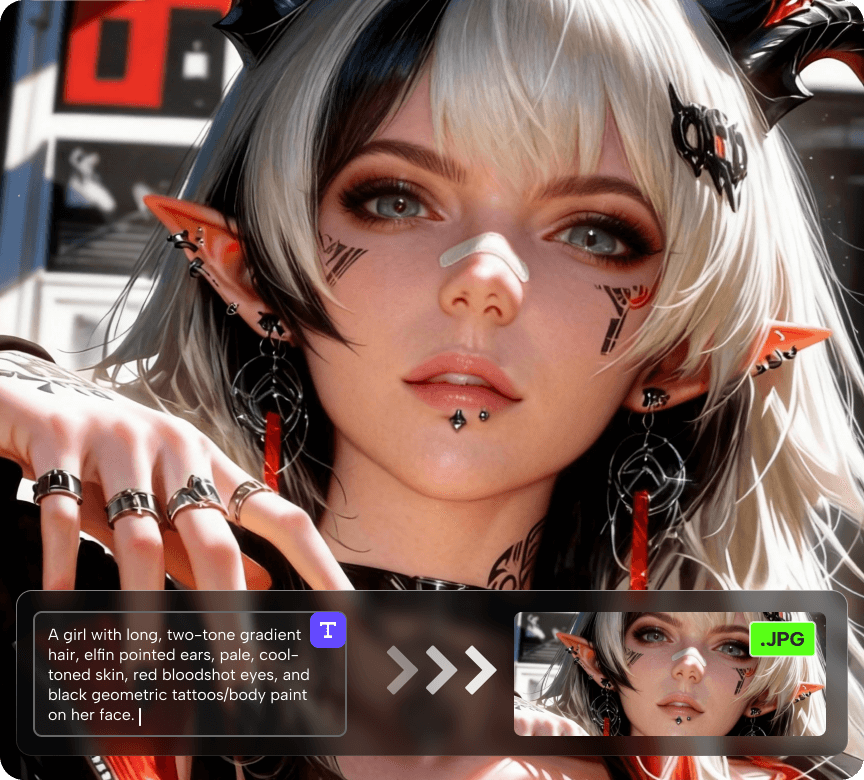
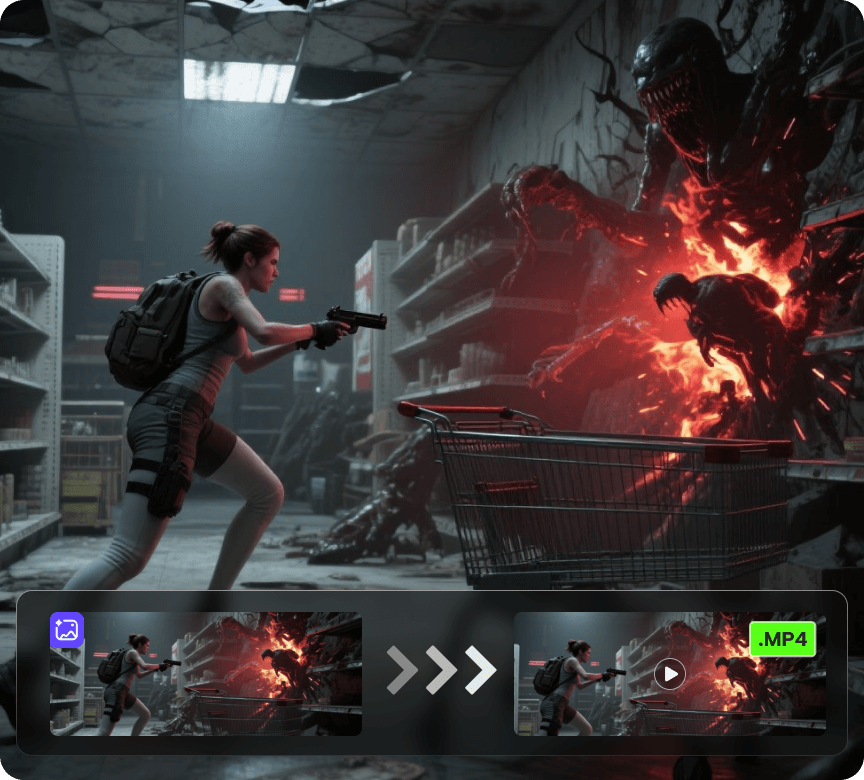
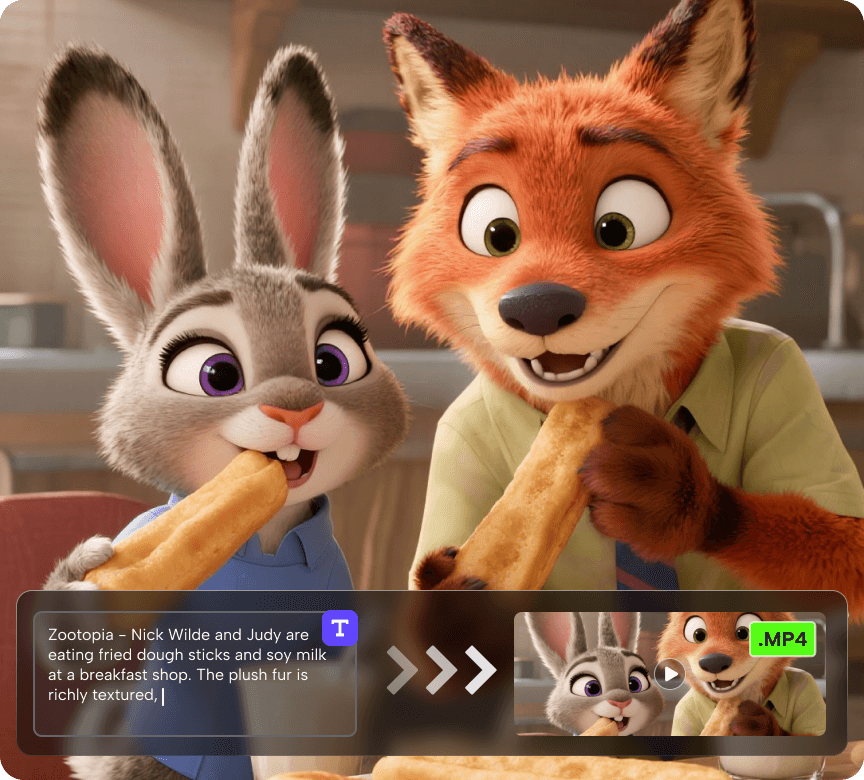
AI Video Generator

Create videos from a photo or a prompt. Add smooth motion, camera moves, and cinematic effects for social clips, product shots, and story scenes.
Try Now Try Now
Video 1

AI Image Generator

Generate or restyle images from text or an existing photo. Keep composition, swap styles, enhance detail, adjust lighting, and create on-brand variations.

Try Now Try Now
Video 1

AI Story Video Generator

Turn a prompt into a multi-scene video up to 5 minutes long, with voiceover and subtitles. Perfect for narrated stories, promos, explainers, and series content.

Try Now Try Now
Try Google VEO 3 Generator Now