Free Kling AI Video Generator

Create dynamic AI videos in seconds using Kling. Type your idea, pick a style, and download high-quality clips for social content, ads, and promos.

icon
arrow
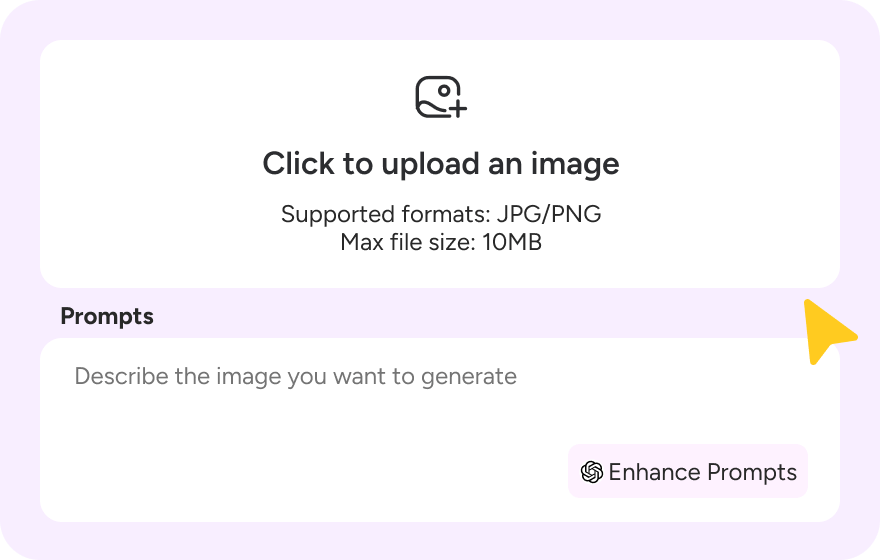
Upload Click to upload an image Supported formats: JPG/PNG Max file size: 10MB
0 / 2000
0 / 2000
Featured Video

120+

Countries Worldwide

2M+

Satisfied Customers

15M+

Active Users

10Y+

Experience in Software

Trusted by Top-Tier Media Wordwide

User 1 Ethan Miller
User 2 Noah Garcia
User 3 Olivia Bennett
User 4 Isabella Parker
User 5 Liam Anderson
User 6 Sophia Carter
User 7 Amelia Brooks
User 8 Chloe Rivera
User 1 Ethan Miller
User 2 Noah Garcia
User 3 Olivia Bennett
User 4 Isabella Parker
User 5 Liam Anderson
User 6 Sophia Carter
User 7 Amelia Brooks
User 8 Chloe Rivera

How to Use Kling AI

Step 1

Step 1: Describe your vision

Select the Kling AI model to get started. Enter a text prompt or upload a reference image. Click "Enhance Prompts" to let our AI polish your idea for the best results.
Step 2

Step 2: Let the magic happen

Hit "Generate" and watch Novi AI create your video using the power of Kling AI. It only takes a moment—feel free to read our pro-tips below while you wait!
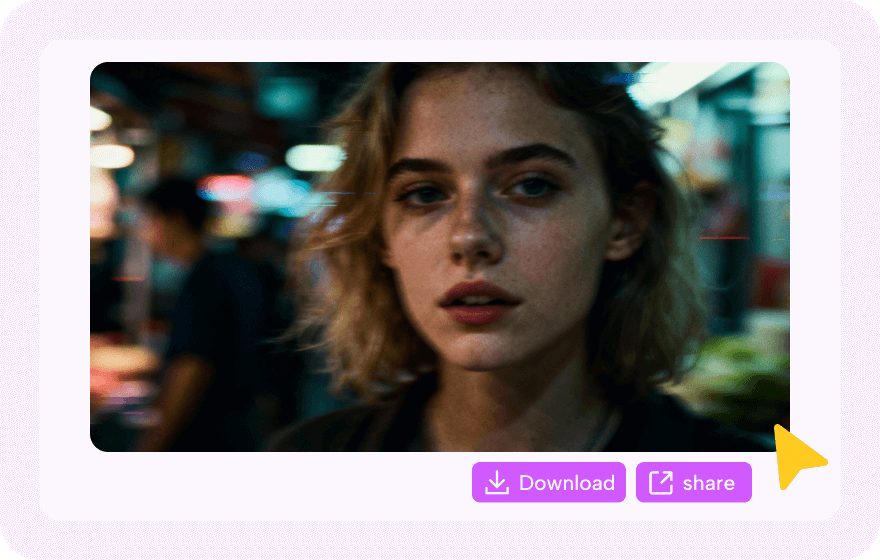
Step 3

Step 3: Download and share

Preview your new clip and download the watermark-free version at no cost. Share it on social media and tag #Novi AI to earn bonus credits, or explore our other creative tools.

Kling AI Prompts People Like

Kling AI Anime Video

Create anime videos instantly, from unique characters to full scenarios in styles like cyberpunk or classic Japanese anime. Generate your perfect clips now.

Kling AI Anime Video

Create anime videos instantly, from unique characters to full scenarios in styles like cyberpunk or classic Japanese anime. Generate your perfect clips now.
AI Prompt:
n a softly lit studio, an anime kitten vocalist dissolves completely into her performance. She stands frozen in classical ballet third position at a retro microphone on a stand. The camera executes a barely perceptible circular drift - micro-movements, smooth follow motion without any sway, as if gently tracking her presence. Her performance is visceral: eyelids flutter and close during the most emotional phrases, her face expressing genuine feeling. Her paws live their own life - smooth gestures in rhythm, folding at her heart, then soaring upward in dramatic passages. Musical notes don't simply float - they dance synchronously with the music, accelerating and slowing, shimmering through shades from pink to pearlescent. Backlighting has a breathing effect - flickering and undulating in colored waves. Pink outfit with details, fluffy tutu, coordinated headphones. cinematic lighting. The feeling of complete immersion in creative trance.

Kling AI Lip Sync

Perfect your character animations with realistic, synced audio: Supports realistic, 2D, and 3D characters and features natural expressions that look completely seamless.

Kling AI Lip Sync

Perfect your character animations with realistic, synced audio: Supports realistic, 2D, and 3D characters and features natural expressions that look completely seamless.
AI Prompt:
A medium shot of a friendly young woman with shoulder-length blonde hair and blue eyes, wearing a cozy beige turtleneck sweater. She is sitting in a home office with wooden bookshelves filled with colorful books in the background. She is looking directly at the camera with a bright, welcoming smile. She raises her right hand to wave hello to the audience. Her lips are moving in sync as if she is saying, "Hi everyone, welcome back to the channel." The lighting is warm and natural, coming from a window on the right, highlighting her face. The camera is static, focusing on her friendly expression and hand gesture.

Kling AI Life Like Video

Generate high-definition, cinematic-quality content with smooth motion and advanced camera work. Even beginners can quickly produce professional-grade films.

Kling AI Life Like Video

Generate high-definition, cinematic-quality content with smooth motion and advanced camera work. Even beginners can quickly produce professional-grade films.
AI Prompt:
A fluffy orange tabby cat sits at a small wooden table outdoors on a cozy winter evening. Soft snow is gently falling. The cat holds a red-and-white Christmas mug of hot cocoa with one paw and takes a careful sip, looking delighted. After drinking, a bit of whipped cream sticks to its nose, making it look extra adorable. A small wrapped Christmas gift and a tiny pine branch with red berries sit beside the cup, as warm fairy lights twinkle softly in the background against the snowy scene. Style: realistic cinematic, soft warm holiday lighting with a subtle cool winter contrast, 16:9 aspect ratio, Christmas atmosphere.

Kling AI ASMR Video

Craft soothing, high-fidelity soundscapes and calming visuals for relaxing ASMR content creation.

Kling AI ASMR Video

Craft soothing, high-fidelity soundscapes and calming visuals for relaxing ASMR content creation.
AI Prompt:
A hyper-realistic, close-up ASMR video featuring a delicate, porcelain-skinned BDJ doll-like girl with large, expressive reddish-brown eyes and long, dark black hair styled in an elegant updo with pearl accessories and a lace veil. She is dressed in a vintage, cream-colored lace outfit, holding a glossy, bright red strawberry with both hands. The video captures her bringing the fruit to her small, rosy lips, her expression innocent yet focused. As she takes a bite, the audio focuses on intense, tingling ASMR textures: the initial crisp snap of the strawberry's skin breaking, followed by wet, sticky mouth sounds and soft, rhythmic chewing. The strawberry appears to have a crystallized sugar coating or icy texture in some shots, adding a distinct crunching and crackling sound layered over the juicy squelching noises, creating a sensory-rich experience of sweetness and cold crunch.

Kling AI Loop Video

Create seamless, mesmerizing background loops or GIFs for social media posts, screensavers, or live stream overlays.

Kling AI Loop Video

Create seamless, mesmerizing background loops or GIFs for social media posts, screensavers, or live stream overlays.
AI Prompt:
A cute cartoon golden fish swims playfully inside a round glass fishbow, its large, expressive eyes following the camera movement. The fish moves gracefully, occasionally blowing small bubbles as it interacts with its surroundings. The water reflects warm sunlight from a nearby window, creating a cozy, ambient atmosphere. The camera executes a smooth 360-degree cinematic orbit around the bowl, maintaining a steady and immersive motion. The animation is seamless and loopable, ensuring a continuous, mesmerizing experience.

Kling AI Romantic Video

Create intimate moments and emotional connections with realistic character interactions. Create Kling AI Kiss, hugging and dance videos, and other relationship dynamics for your storytelling projects.

Kling AI Romantic Video

Create intimate moments and emotional connections with realistic character interactions. Create Kling AI Kiss, hugging and dance videos, and other relationship dynamics for your storytelling projects.
AI Prompt:
A photorealistic video of a couple posing on a beach at sunrise. They start by looking seriously into the camera lens. The man is shirtless, and the woman rests her head near his shoulder. After a few seconds, they break their gaze with the camera, turn their heads toward one another, smile softly, and share a kiss. The scene is lit by a soft, orange sun flare.

Best Use Cases for Kling AI

Unified Creative Workflow

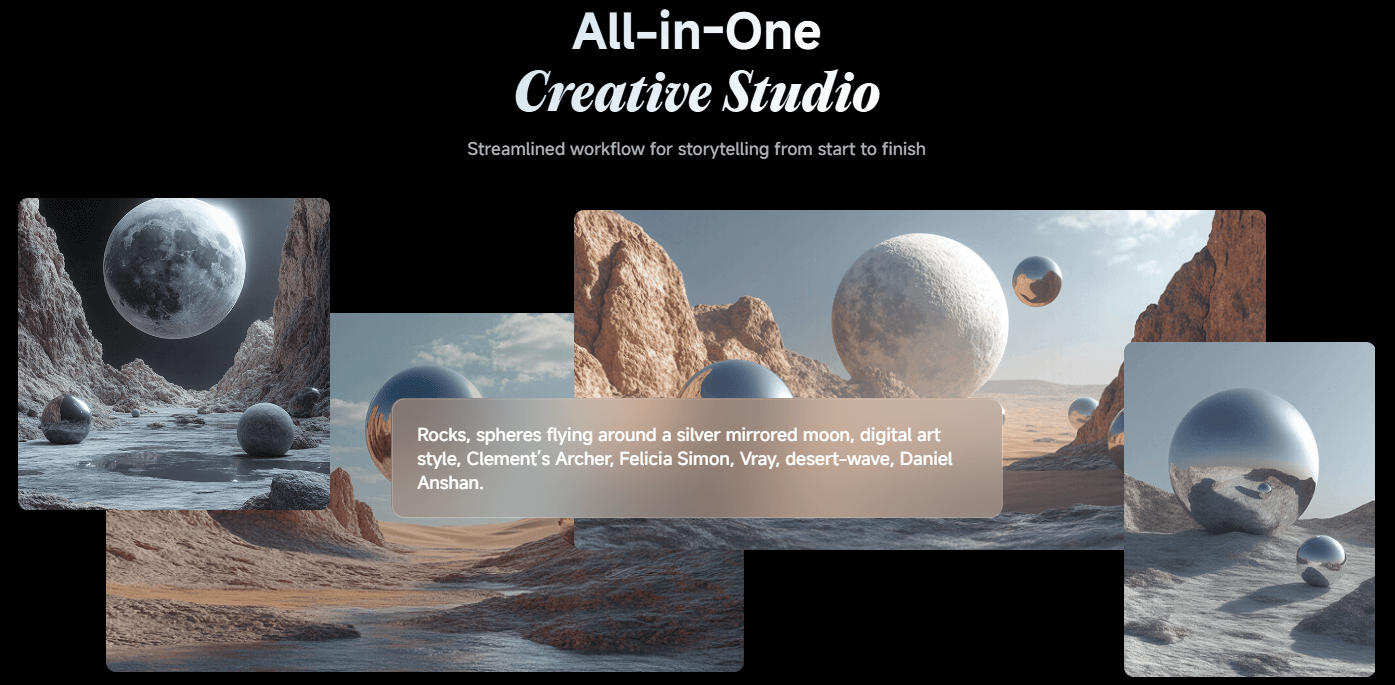
Stop switching apps. Create, animate, and edit cinematic 3D stories in one streamlined, professional studio.
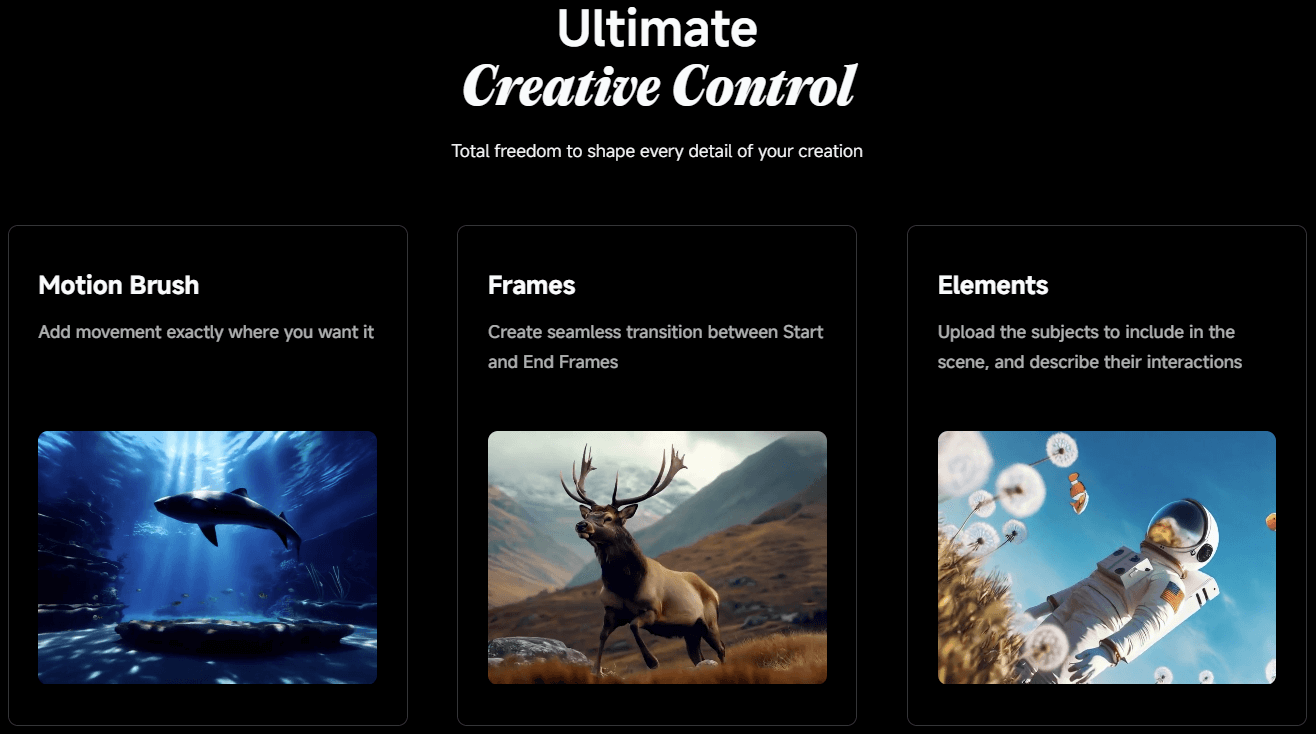
Precise Motion Control

Don't just generate—direct. Use the Motion Brush to define exact movement paths for total creative freedom.
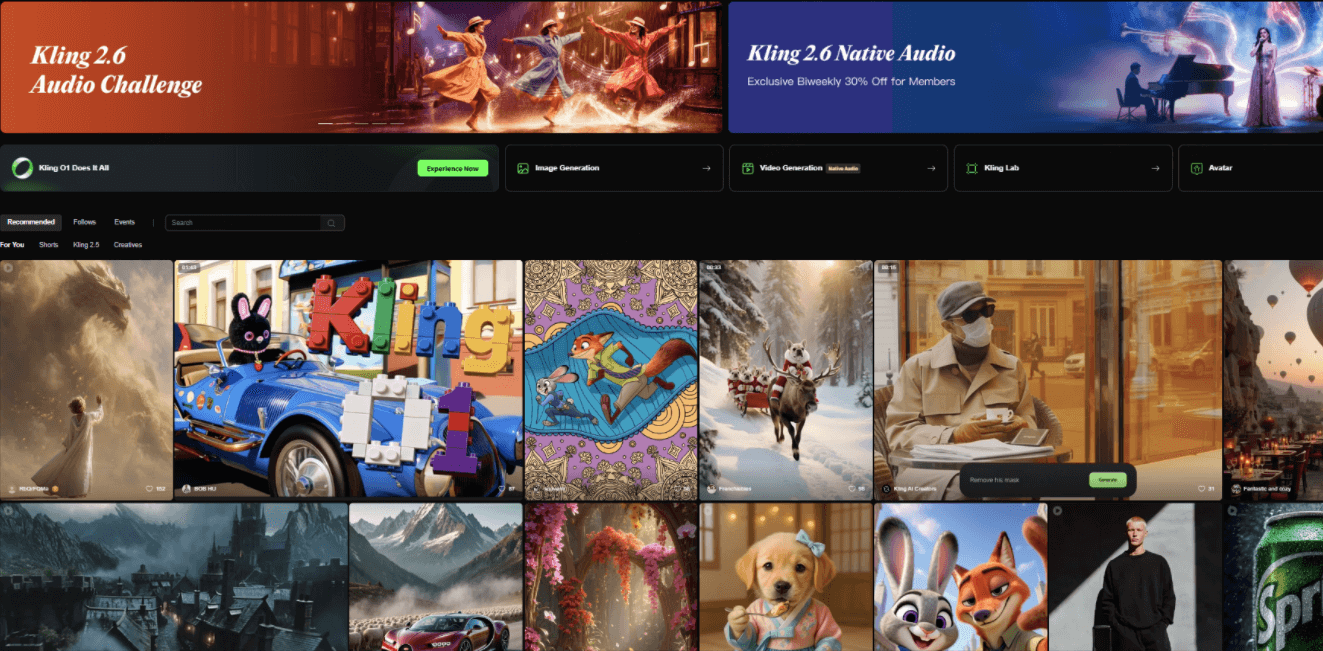
Spark Your Imagination

Discover infinite creations with trending global gallery. inspire to launch your next viral video instantly.

About Our Kling AI

Kling AI Video Generator in Novi AI
Kling AI is developed by Kuaishou company. It is a Chinese AI video tool that lets you turn simple text, photos, or short clips into stunning, cinema-quality videos in just minutes. Whether you need to make a product demo, a marketing ad, or just bring a cool story to life, it handles the hard work—like realistic movement and lip-syncing—so you don't have to. Novi AI has integrated Kling AI to help you skip expensive production costs and technical headaches, giving you studio-level results right from your computer.
Create Online Create Online
Tool Status & Statistics
Real-time performance data for our AI Video Generator.
0
Videos generated today
SYSTEM ONLINE
icon1
49.2s
Average generation time
icon2
99.8%
Success Rate (24h)
icon3
80 Free Coins
For new sign ups
icon4
20+ Styles
Anime, Realistic & 3D

Kling AI Useful Guide

Deep Dive: Kling AI Insights
Kling AI Alternatives in Different Uses
While trying Kling AI, you may also want to explore useful tips. Here's a handy guide to help you out with some key comparisons and tips to make the most of Kling AI and its alternatives.
Here's a quick summary of some top choices based on specific purposes:

Use Case

First Choice

Why?

Cinematic Realism
Hailuo AI or Kling
Hailuo is currently top-tier for realism.
Social Media / Shorts
JiMeng AI
Since it's by the TikTok team, it understands "viral" aesthetics perfectly.
Chinese Aesthetics
Kling AI
Kling is the industry standard here.
Physics/Audio
Google Veo 3
As noted, Veo 3 is the heavy lifter for complex physics and sound.
Kling 1.6 vs 2.0 vs 2.5 Turbo: Which Version Should You Choose?
If you're looking for affordability and cutting-edge features, Kling 2.5 Turbo is the way to go. But if you're just starting out or need something basic, Kling 1.6 can still get the job done.

Feature

Kling 1.6 (Standard Mode)

Kling 2.0 (Master Mode)

Kling 2.5 Turbo (Standard Mode)

Max Resolution
720p
720p (approx.)
1080p
Max Duration
5-10 seconds
5-10 seconds (approx.)
5-10 seconds
Quality/Realism
Basic, sometimes jerky motion
Improved realism, smoother motion, better camera control
Significant upgrade in stability, creativity, and cinematic quality
Generation Speed
Standard
Slower than 2.5 Turbo
Faster (60% faster than 2.1)
Cost per 5s clip
~2 credits ($0.28)
~10 credits ($1.40)
~1.5 credits ($0.21)
Key Features
Basic text/image-to-video, first frame control
Better prompt adherence, dynamic action sequences
Lower price point, enhanced prompt understanding, supports node-based workspace (Kling Lab)
Kling AI Camera Prompts Tips
Before making an AI video, we recommend you test your prompts with an image generator. Nano Banana, Seedream, and similar tools are all good options. Once you are satisfied with your photos, the video generation process is already halfway to success.
Here are some useful camera prompt terms you can add to your video prompt for Kling AI:

Shot Type

Prompts

Close-up Shot
Focus on a small detail of the subject, such as a face, hands, or the texture of an object. Used to highlight expression, texture, or emotion.
Medium Shot
Shows a person from the waist up or a partial view of an object. Balances the subject's movement and the surrounding environment, often used for dialogue scenes.
Full Shot / Panoramic Shot
Shows the full body of a person or the entire scene. Emphasizes the layout of the environment and where the subject is positioned in the space.
Long Shot
Taken from a long distance to show a wide area, such as mountains, a city, or a crowd. Used to create atmosphere and a strong sense of depth and space.
Over-the-Shoulder Shot
Filmed from behind a character's shoulder, usually during a conversation. Feels like you are standing next to them, increasing immersion and interaction.
Bird's-Eye View Shot
Straight-down view from high above, showing the full structure of a scene, such as buildings or landscapes. Often used for opening shots or transitions.
Low-Angle Shot
Filmed from a low position looking up at the subject. Makes the subject look taller, stronger, or more powerful, often used for people or buildings.
High-Angle Shot
Filmed from above looking down at the subject. Makes the subject look smaller or surrounded by the environment, creating a feeling of pressure, weakness, or loneliness.
Subjective Shot
Simulates what a character sees, like a first-person view. Helps the audience see through the character's eyes, such as looking at a phone or walking down a street.
Objective Shot
Uses a neutral, outside viewpoint. Shows the scene as it is, without strongly reflecting any one character's personal feelings or perspective.

FAQs About Kling AI

How to Use Kling AI for Free to Use?

Kling AI provides free credits, often a substantial initial amount (like 166). For more free trials, Sign up at Novi AI, you will get 80 coins.

Does Kling AI Allow Uncensored Content?

No, Kling AI has strict safety filters. It blocks the generation of explicit, violent, or uncensored content to ensure a safe environment for all users.

Is Kiling AI Worth The Price?

Yes. Compared to Veo 3, it is a strong alternative, it offers superior motion consistency, prompt adherence and much less cost, making it a high-value tool for creators.

Is Kling AI Safe on Novi AI?

Yes. Novi AI does not store or log user inputs or outputs, and does not use them for model training, profiling, or analytics.

More Styles, More AI

Take Your Creativity Further with Our Other AI Video Generators
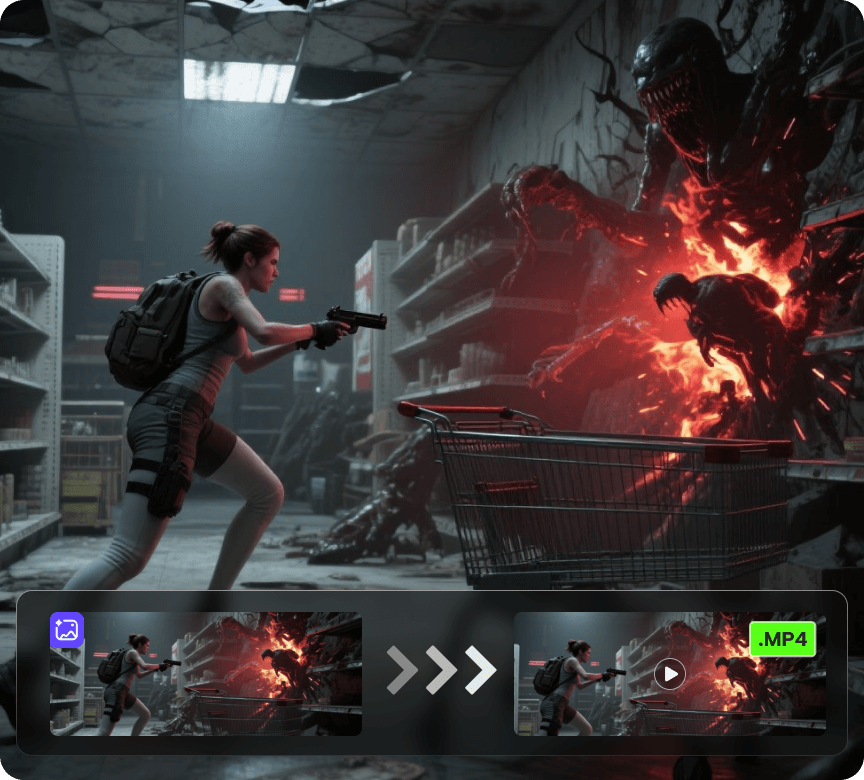
Video 1

AI Video Generator

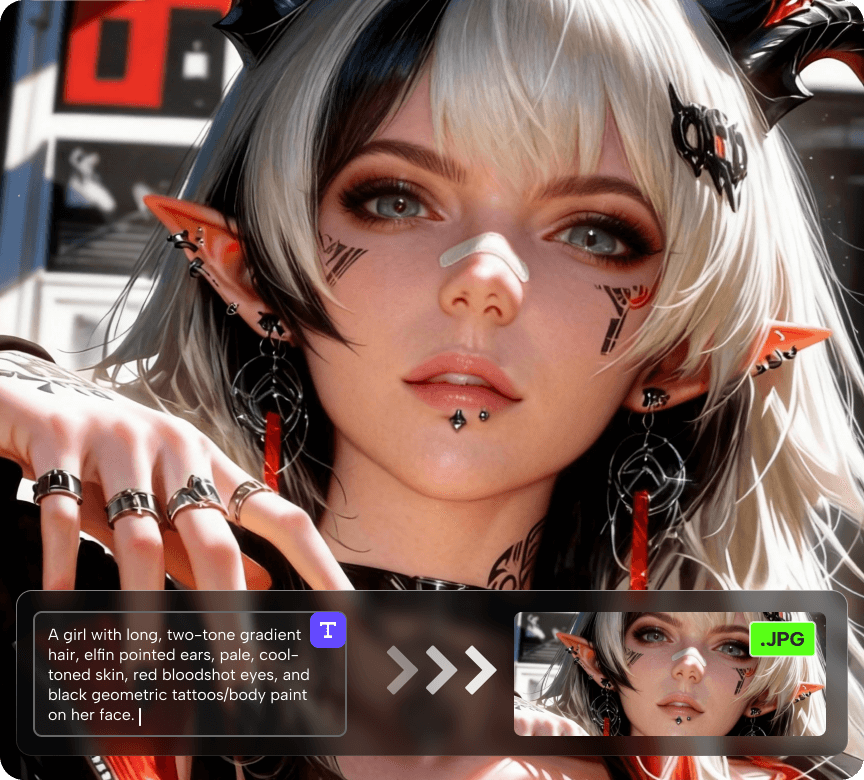
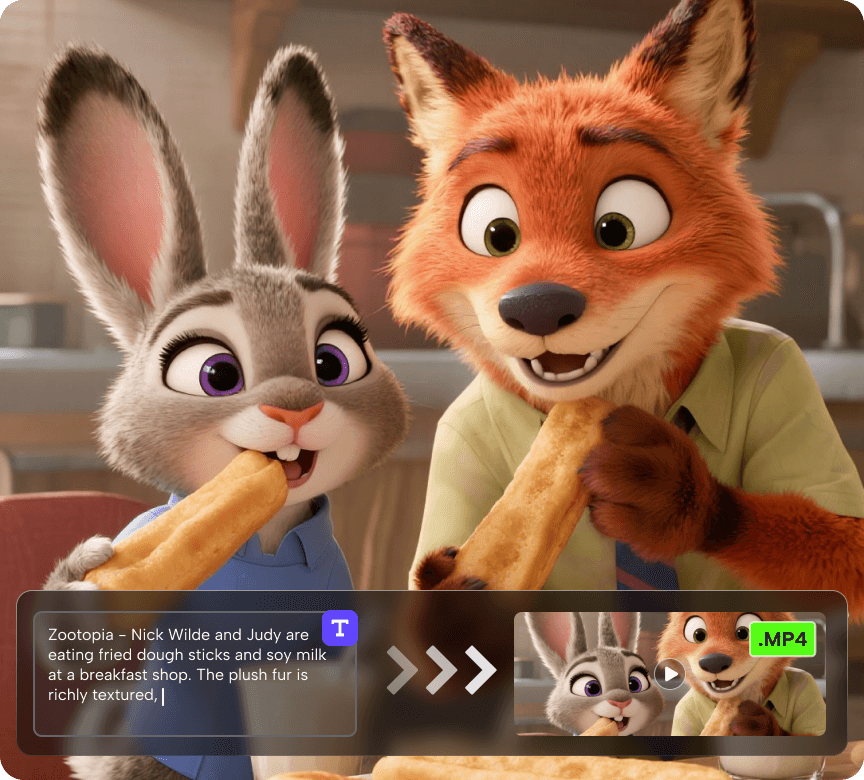
Create videos from a photo or a prompt. Add smooth motion, camera moves, and cinematic effects for social clips, product shots, and story scenes.
Try Now Try Now
Video 1

AI Image Generator

Generate or restyle images from text or an existing photo. Keep composition, swap styles, enhance detail, adjust lighting, and create on-brand variations.

Try Now Try Now
Video 1

AI Story Video Generator

Turn a prompt into a multi-scene video up to 5 minutes long, with voiceover and subtitles. Perfect for narrated stories, promos, explainers, and series content.

Try Now Try Now